chatter icon

Computing Chatter

18-11-2025
chatter icon

14.11.25 – PSHE – Anti-Bullying week

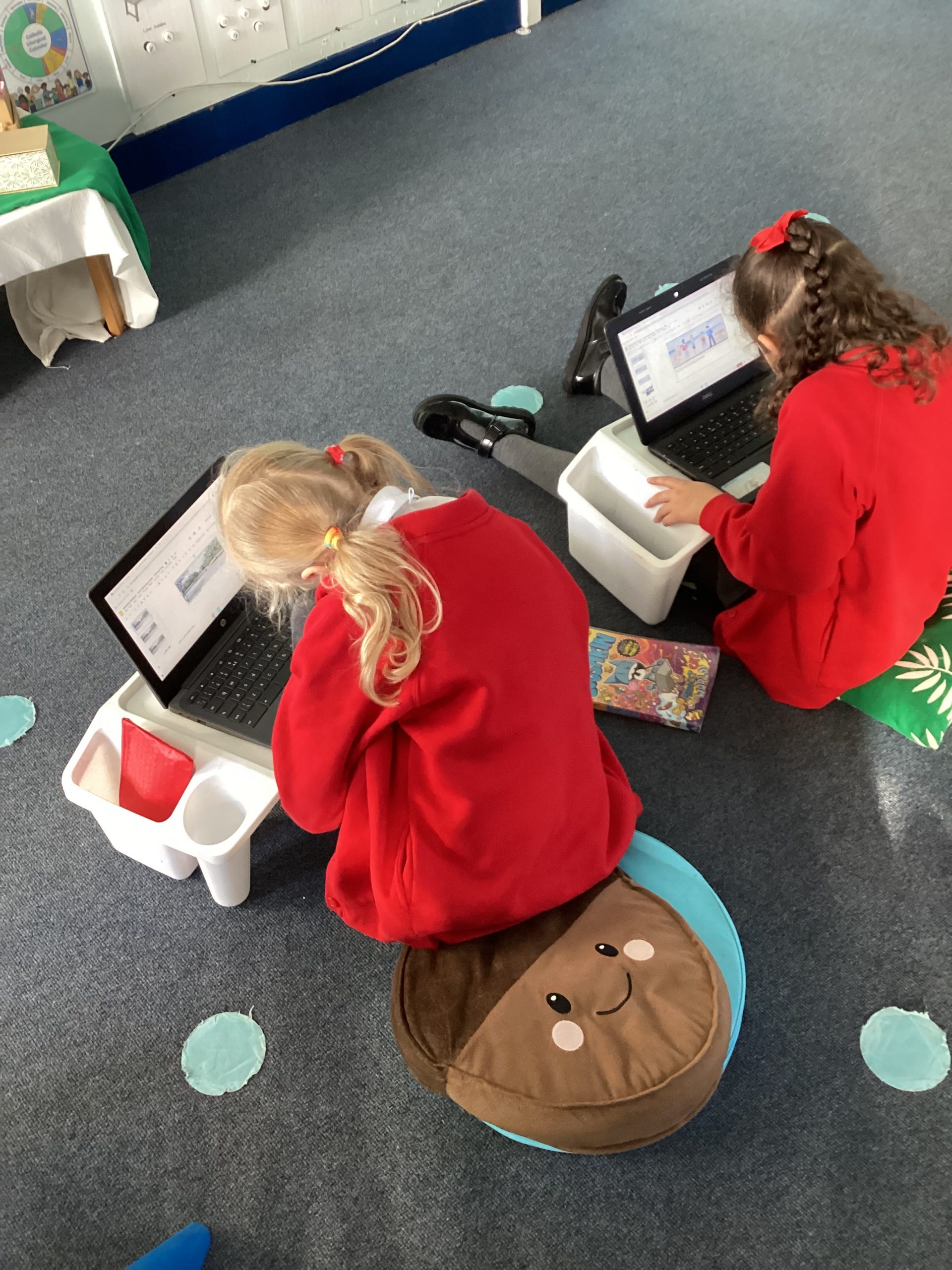
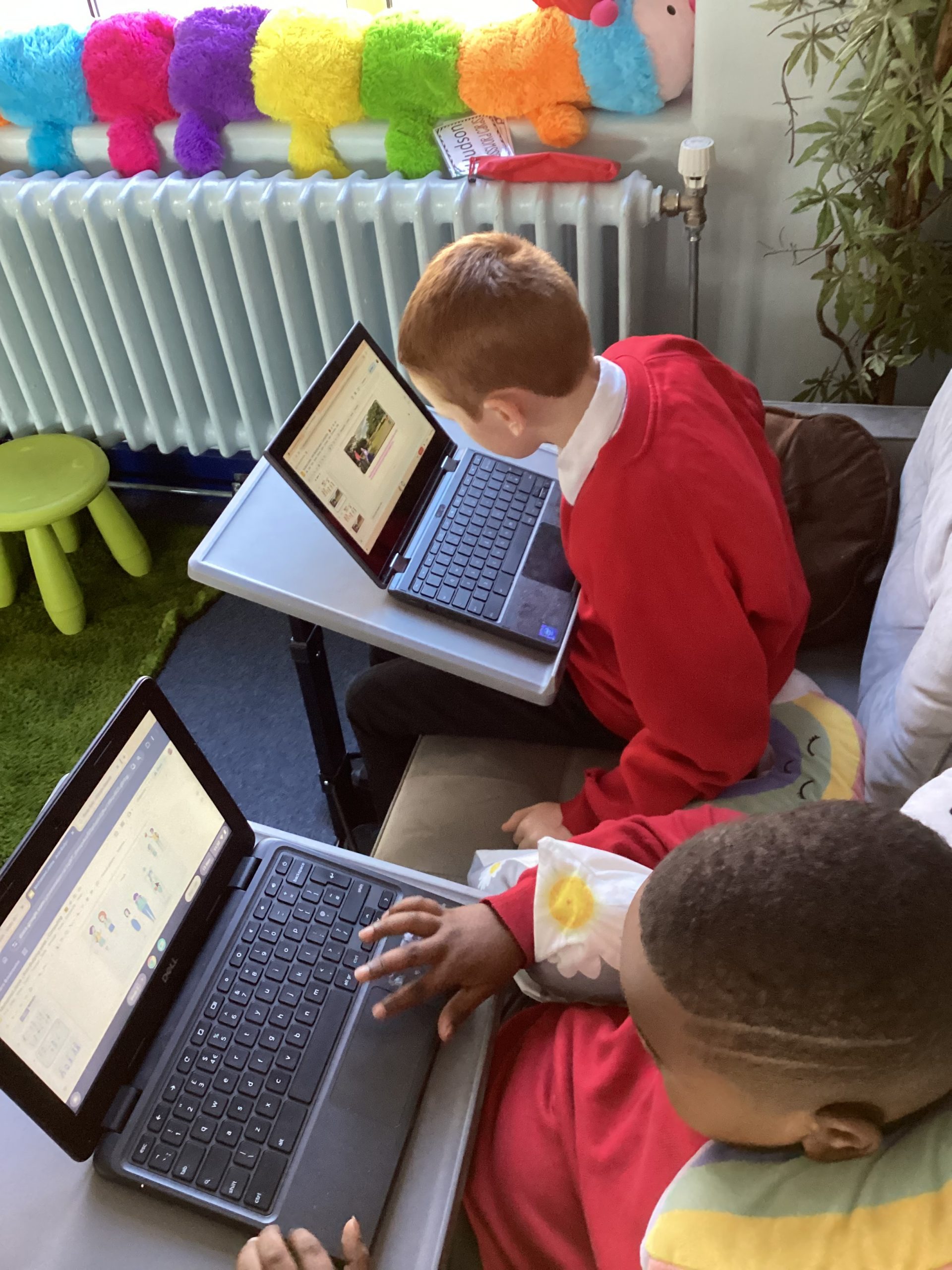
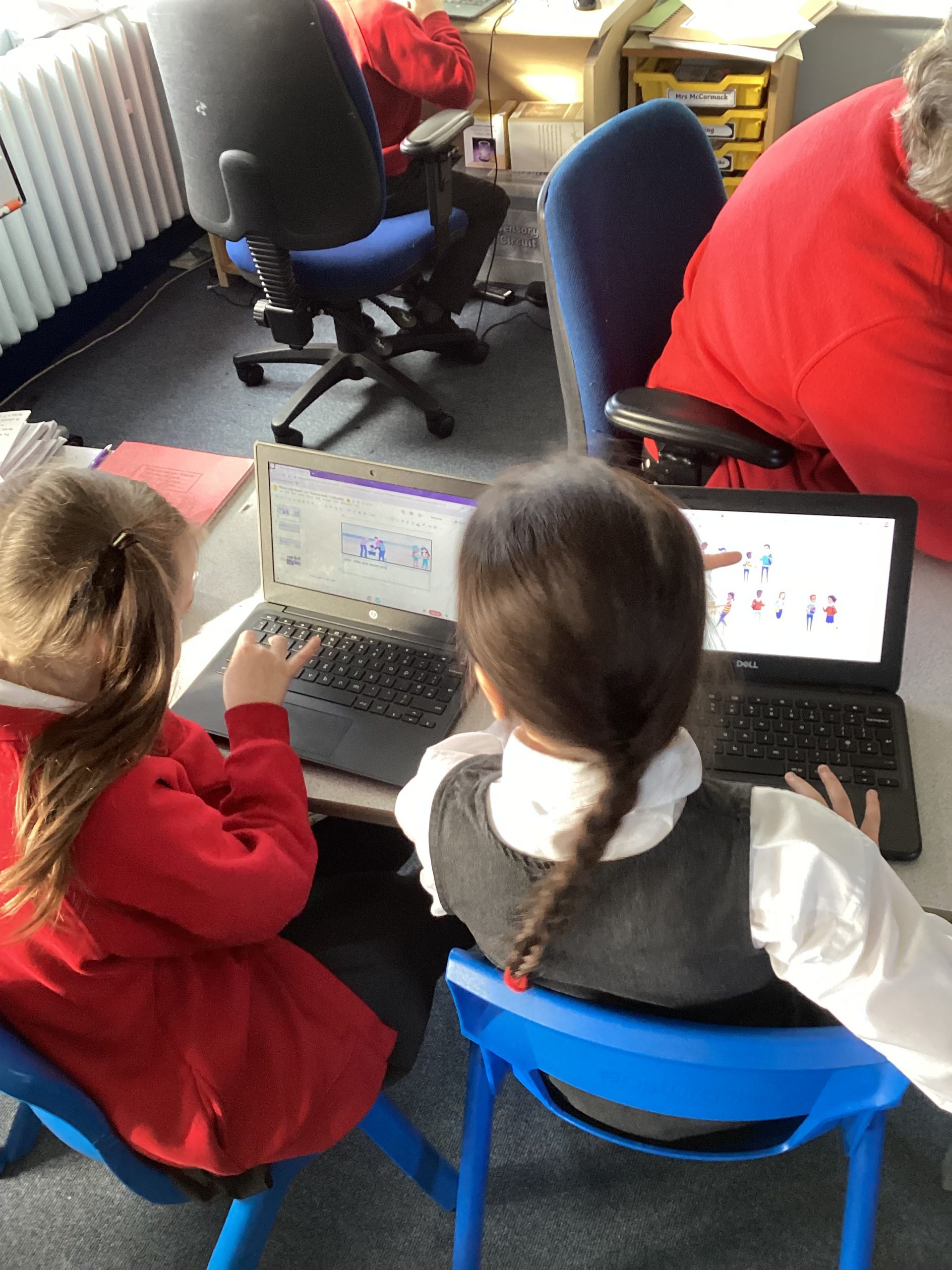
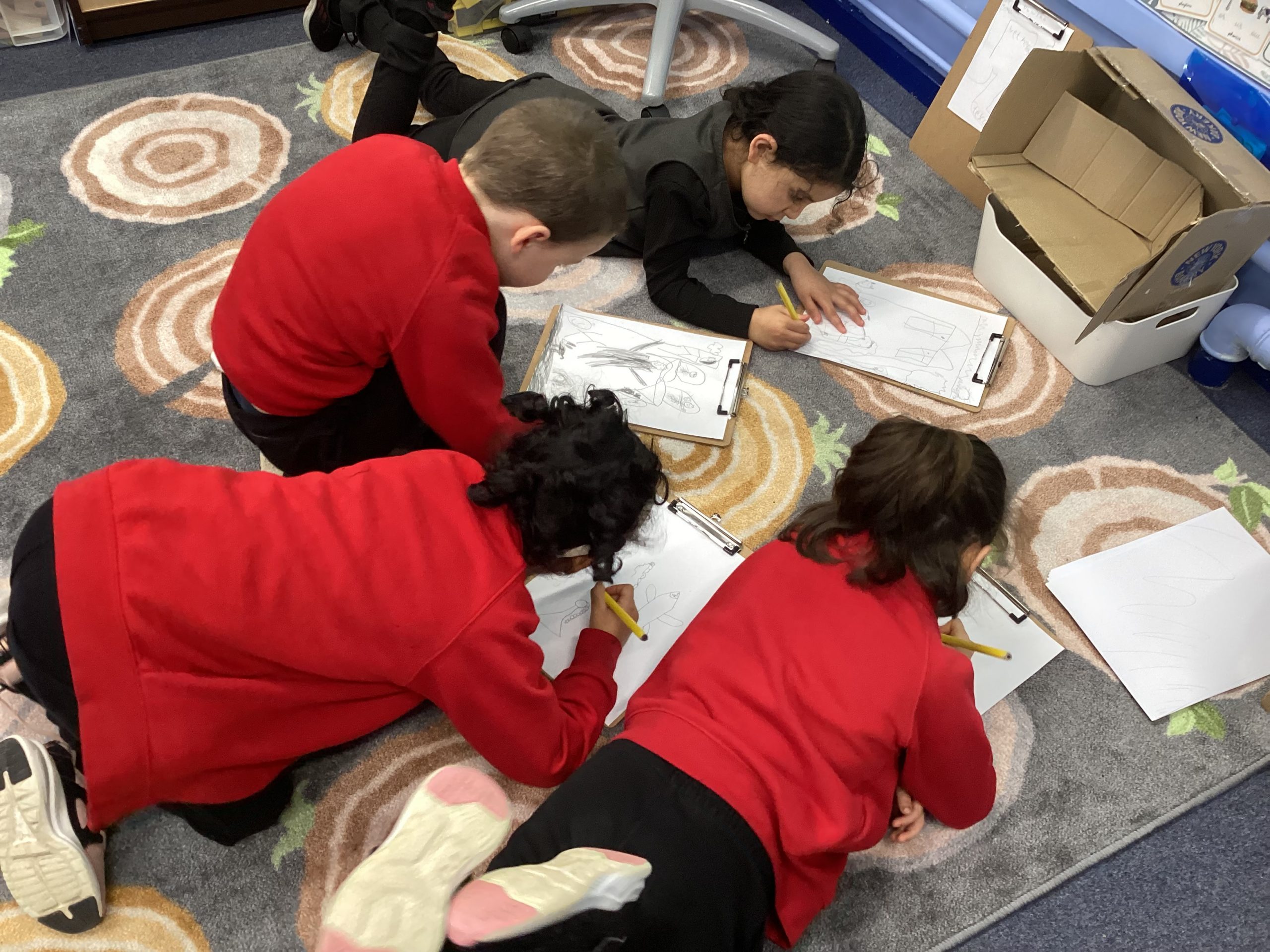
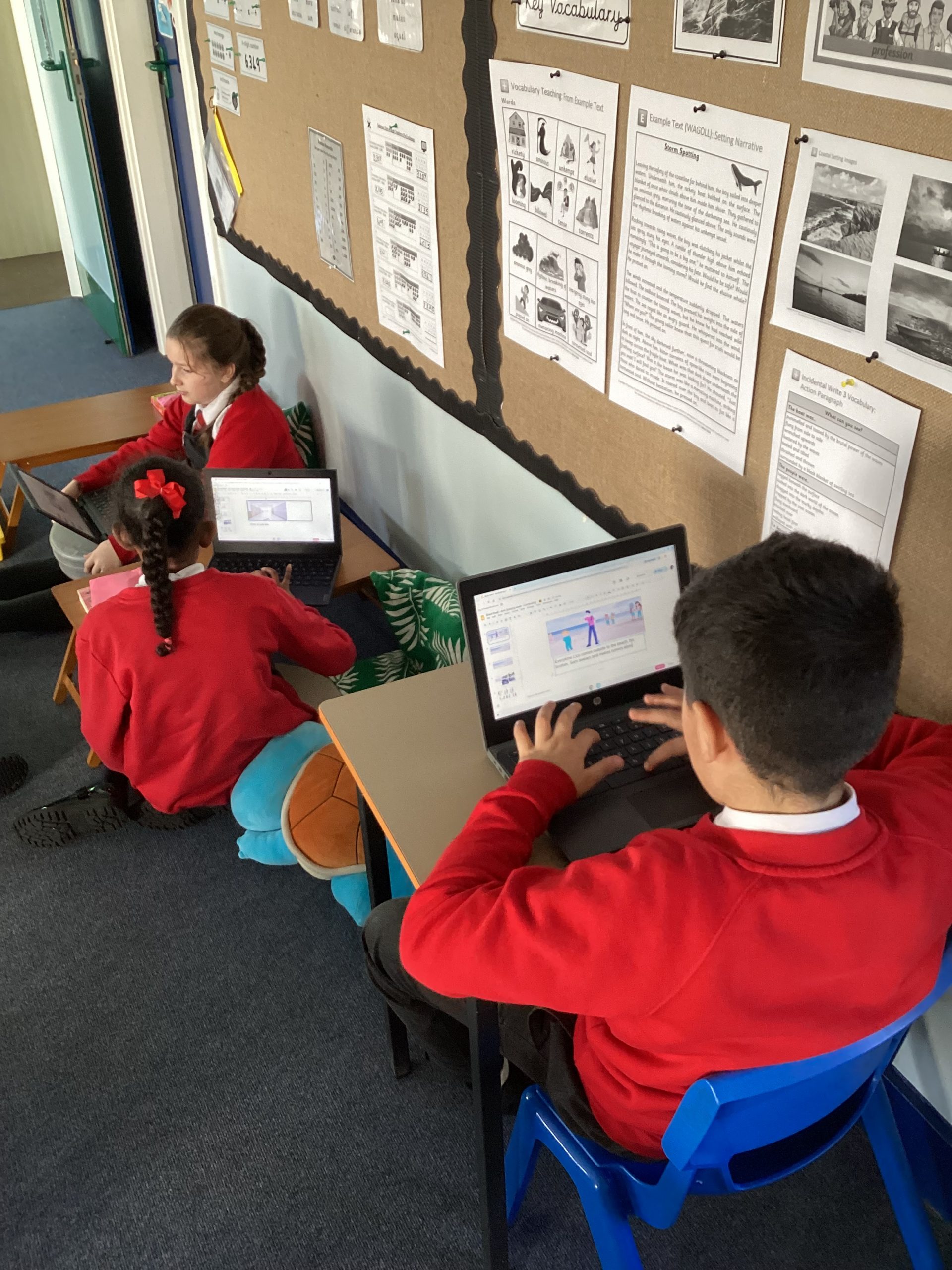
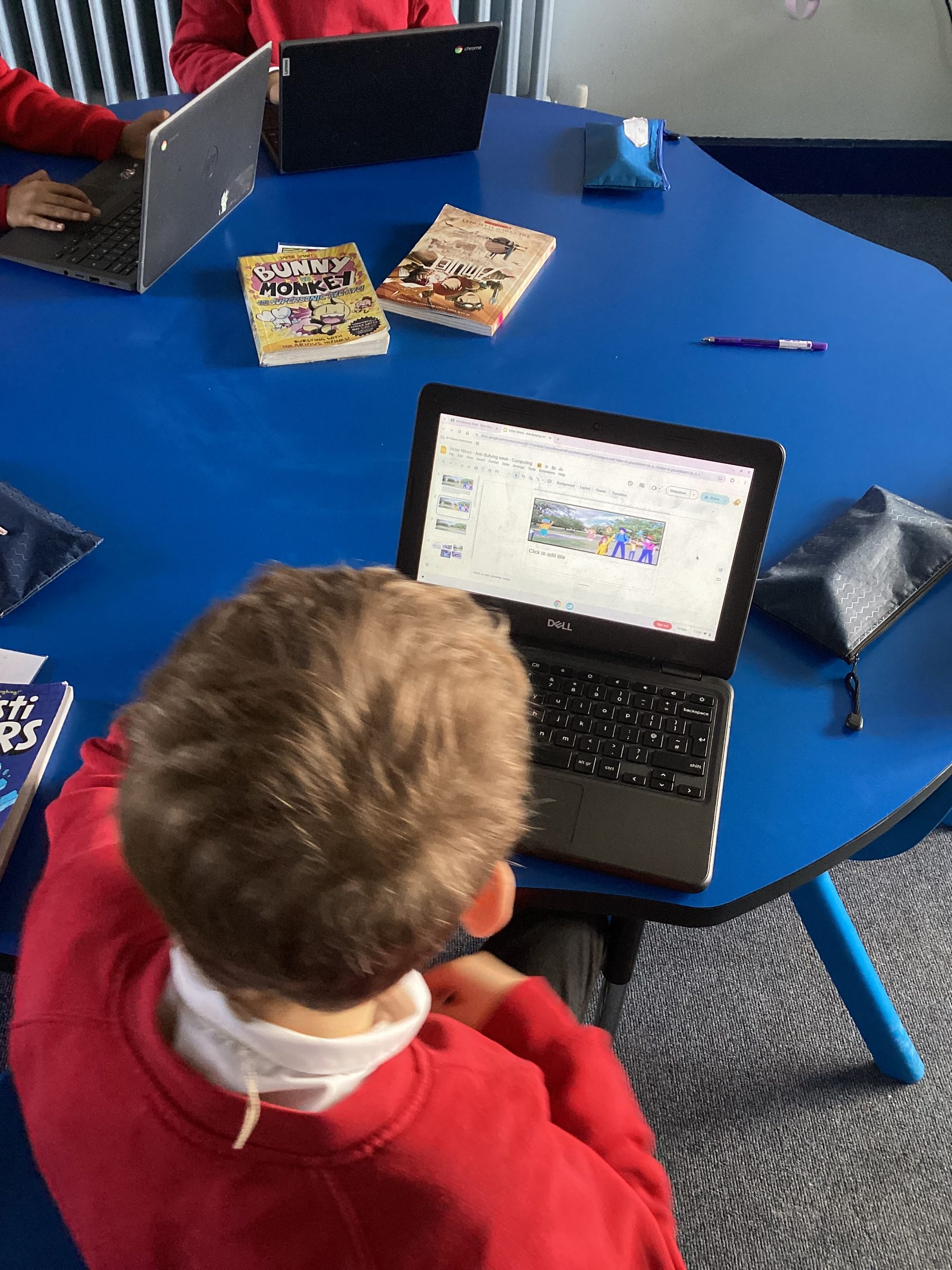
For our second lesson we recapped the roles in bullying and acted out different scenarios. We then discussed as a class how we could solve each situation and take the power away from the ringleader and assistant. To link our work to computing we the designed storyboard creating our own bullying situation and showing how to solve it.
125
18-11-2025
chatter icon

17.11.25 – Computing – After-school club

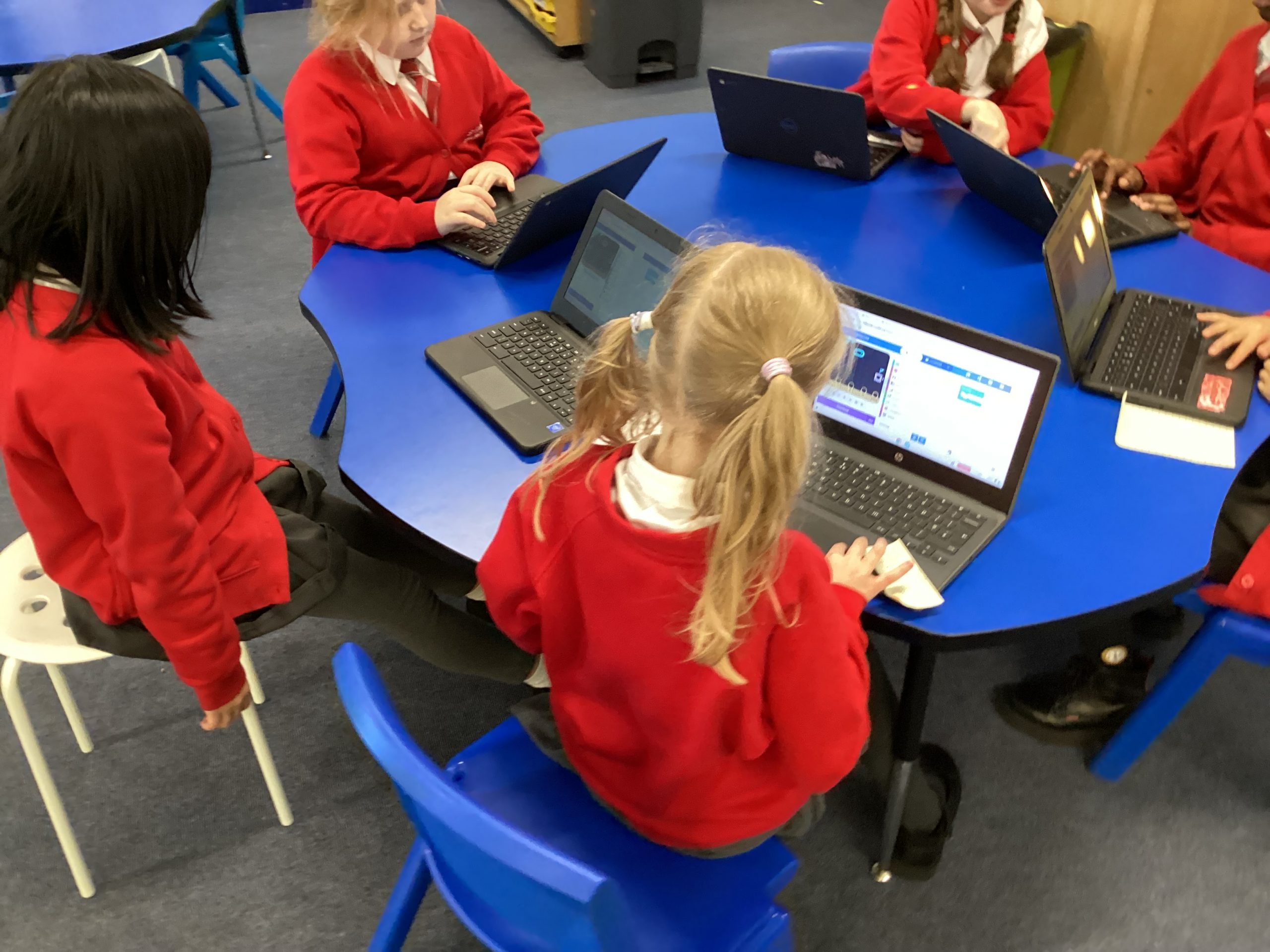
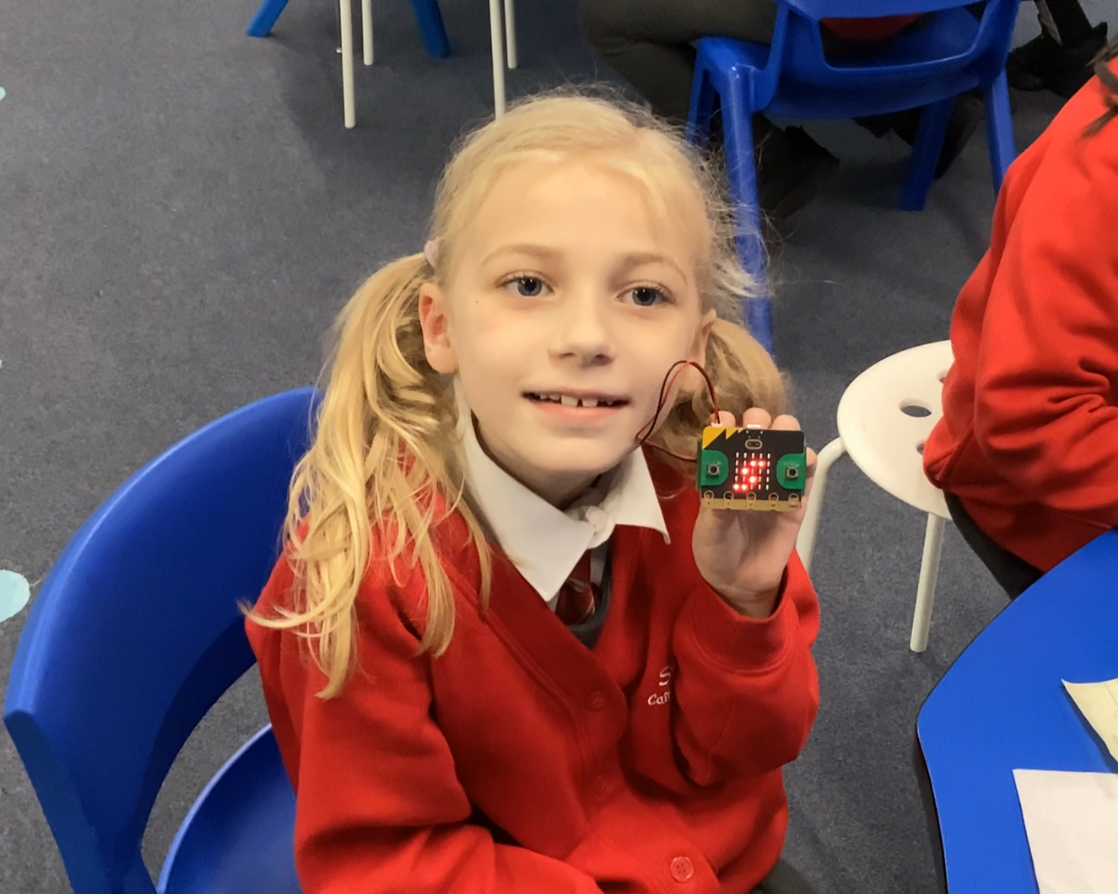
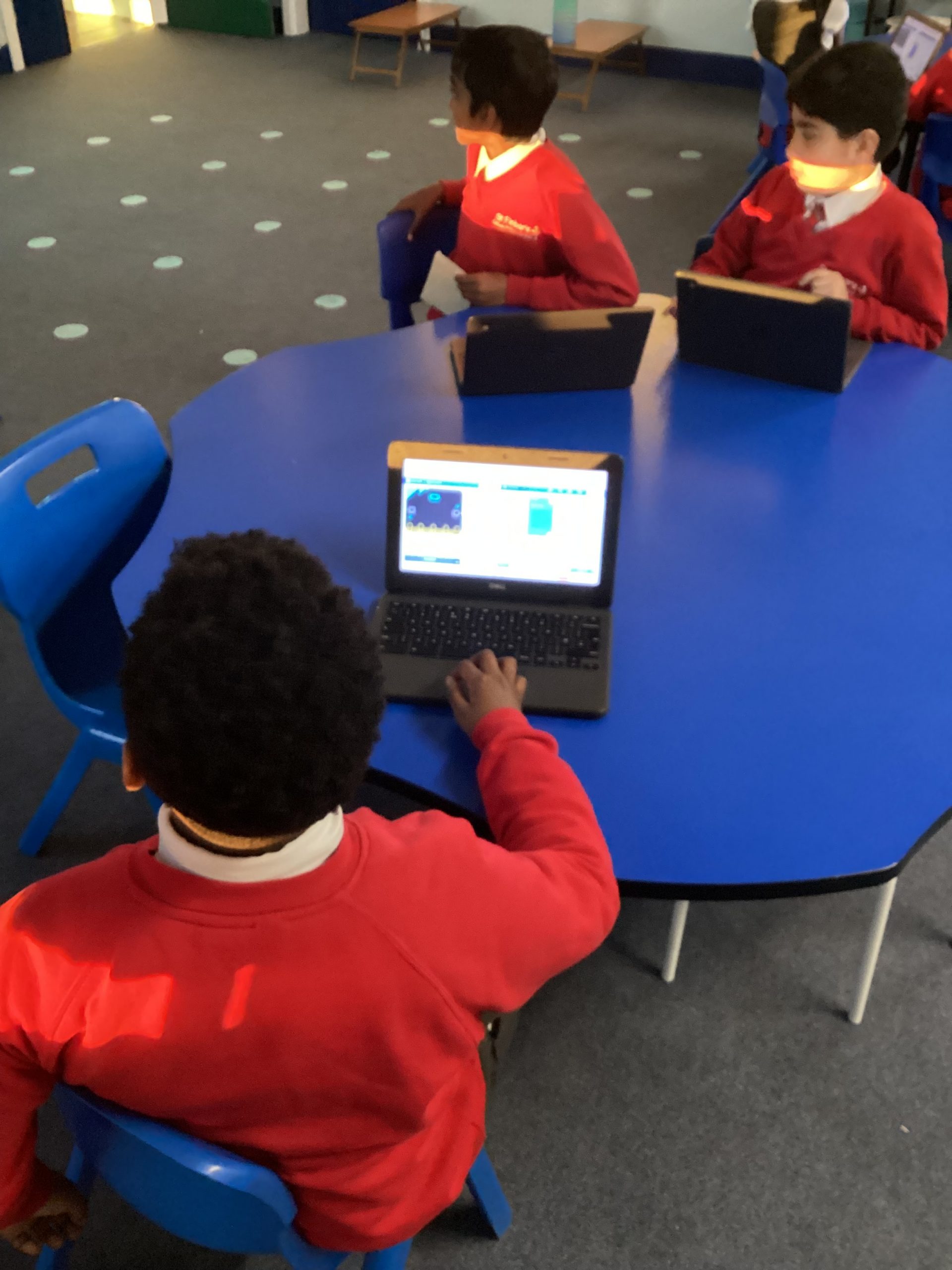
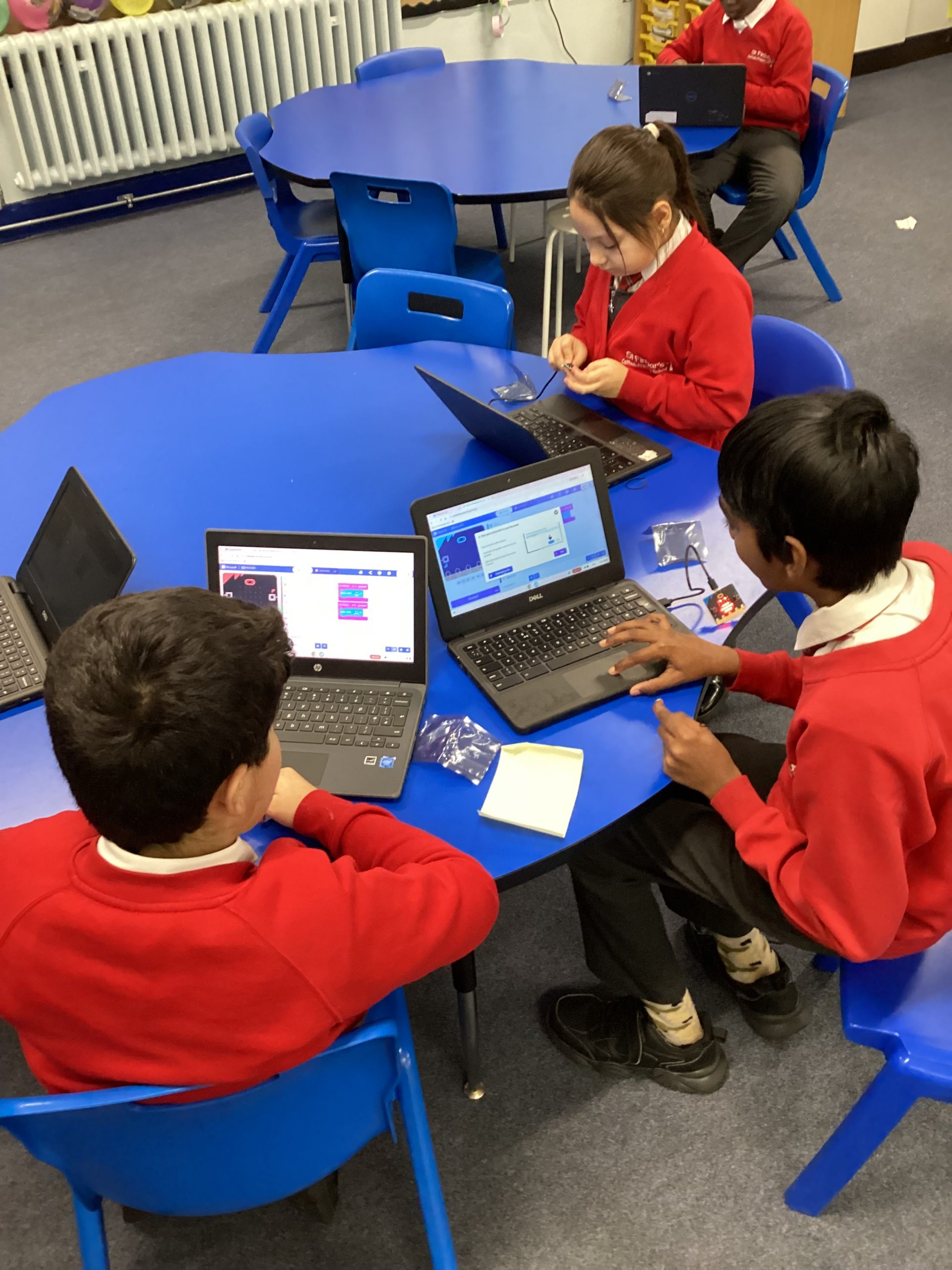
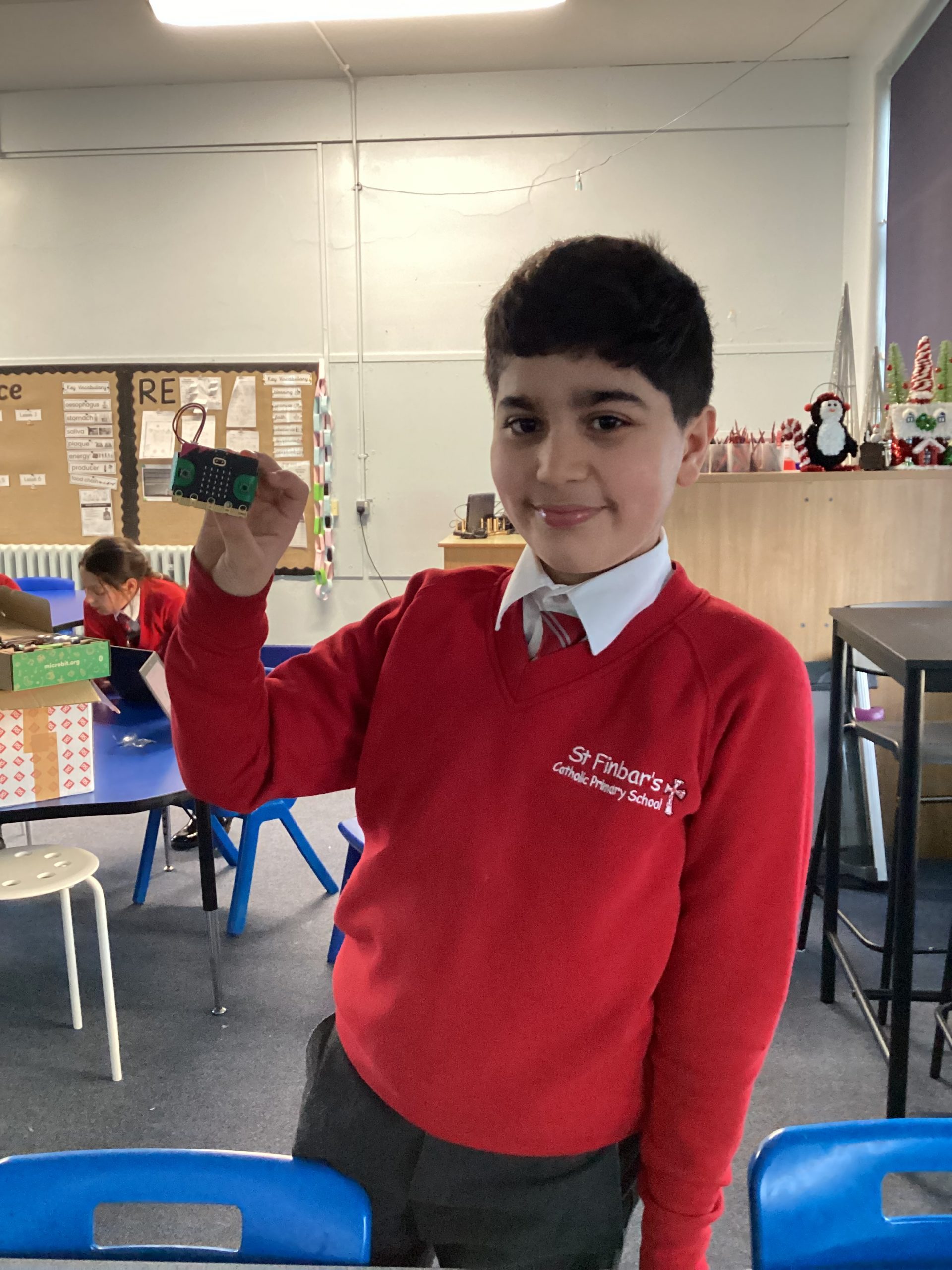
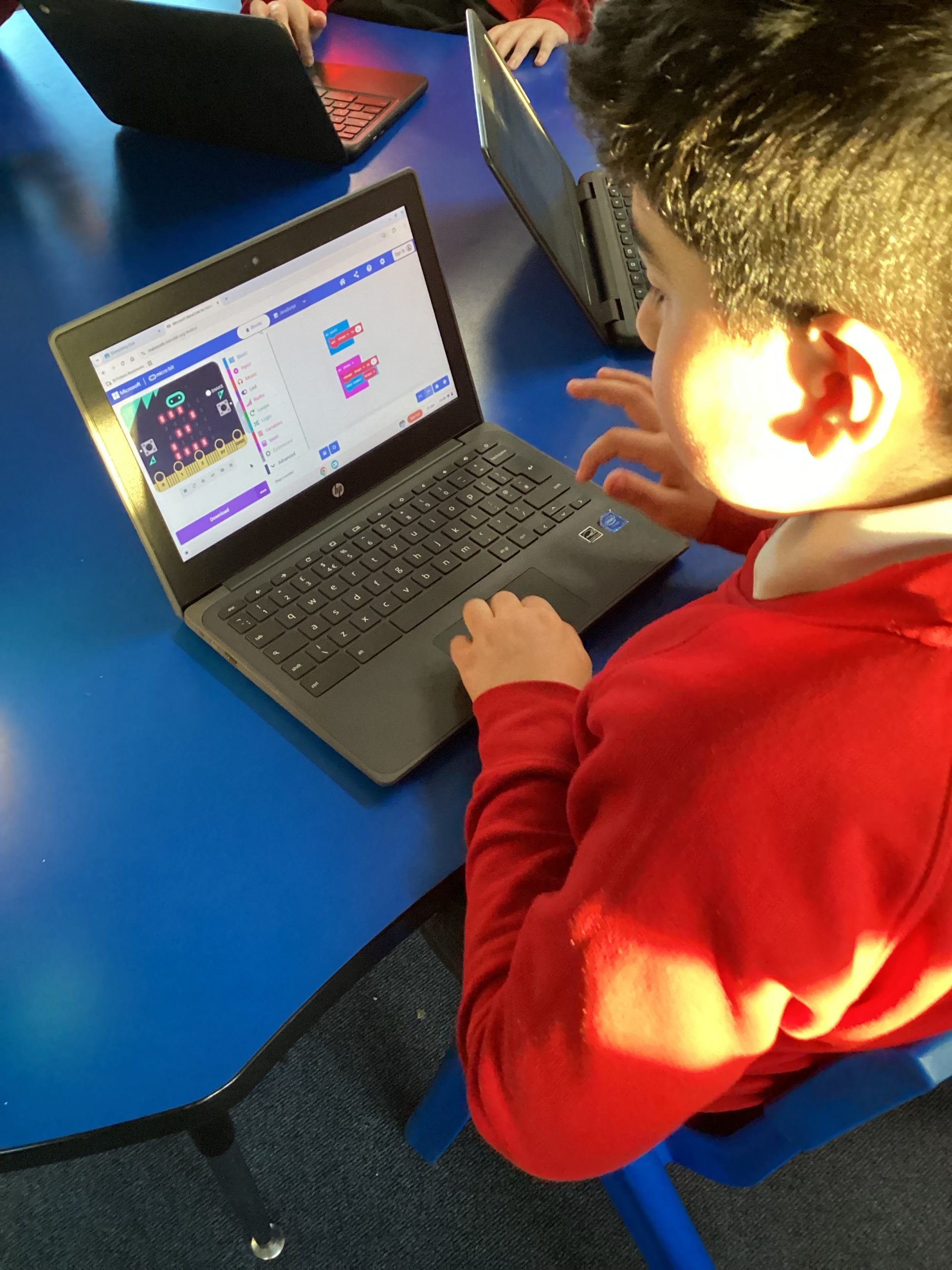
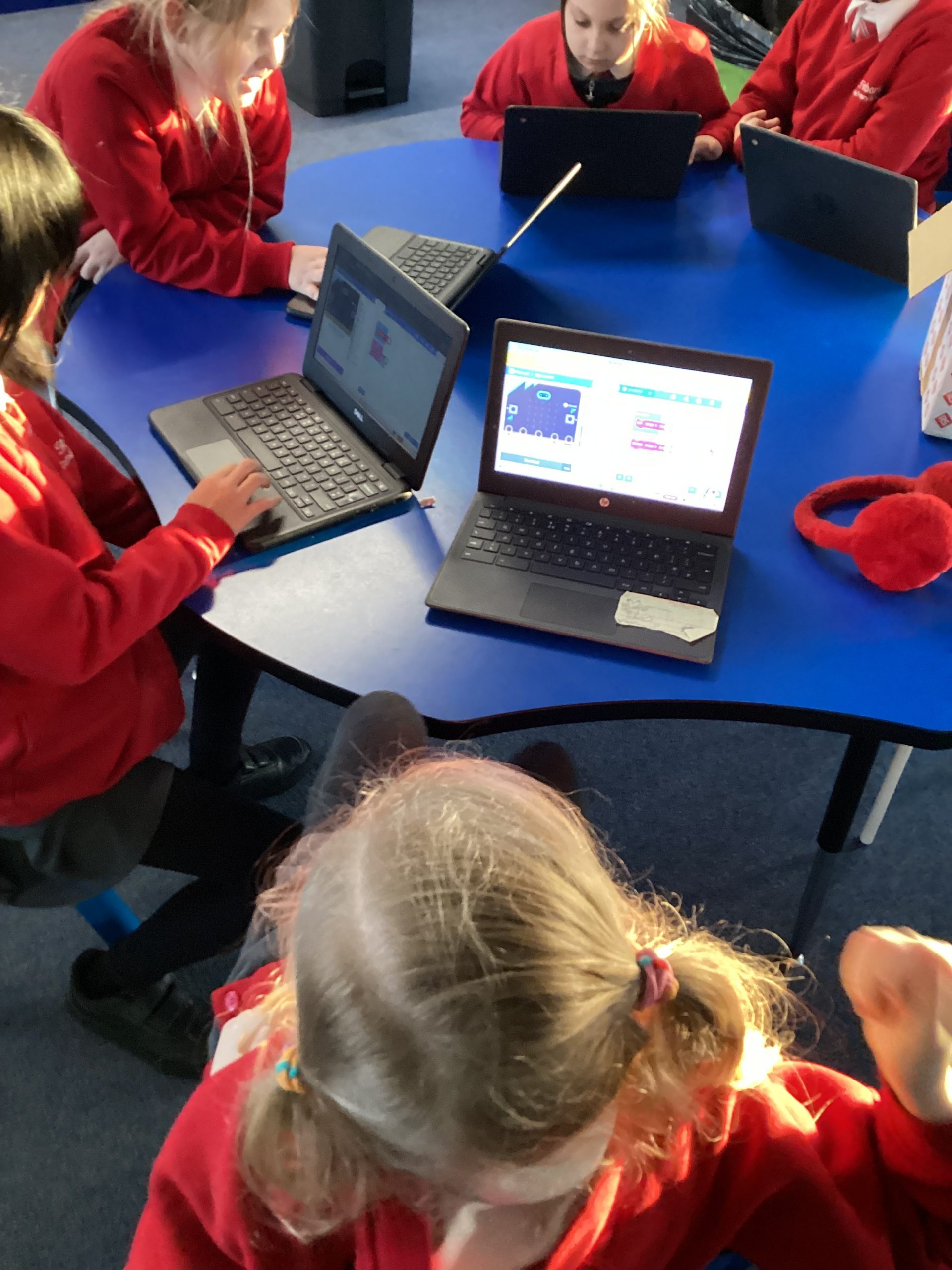
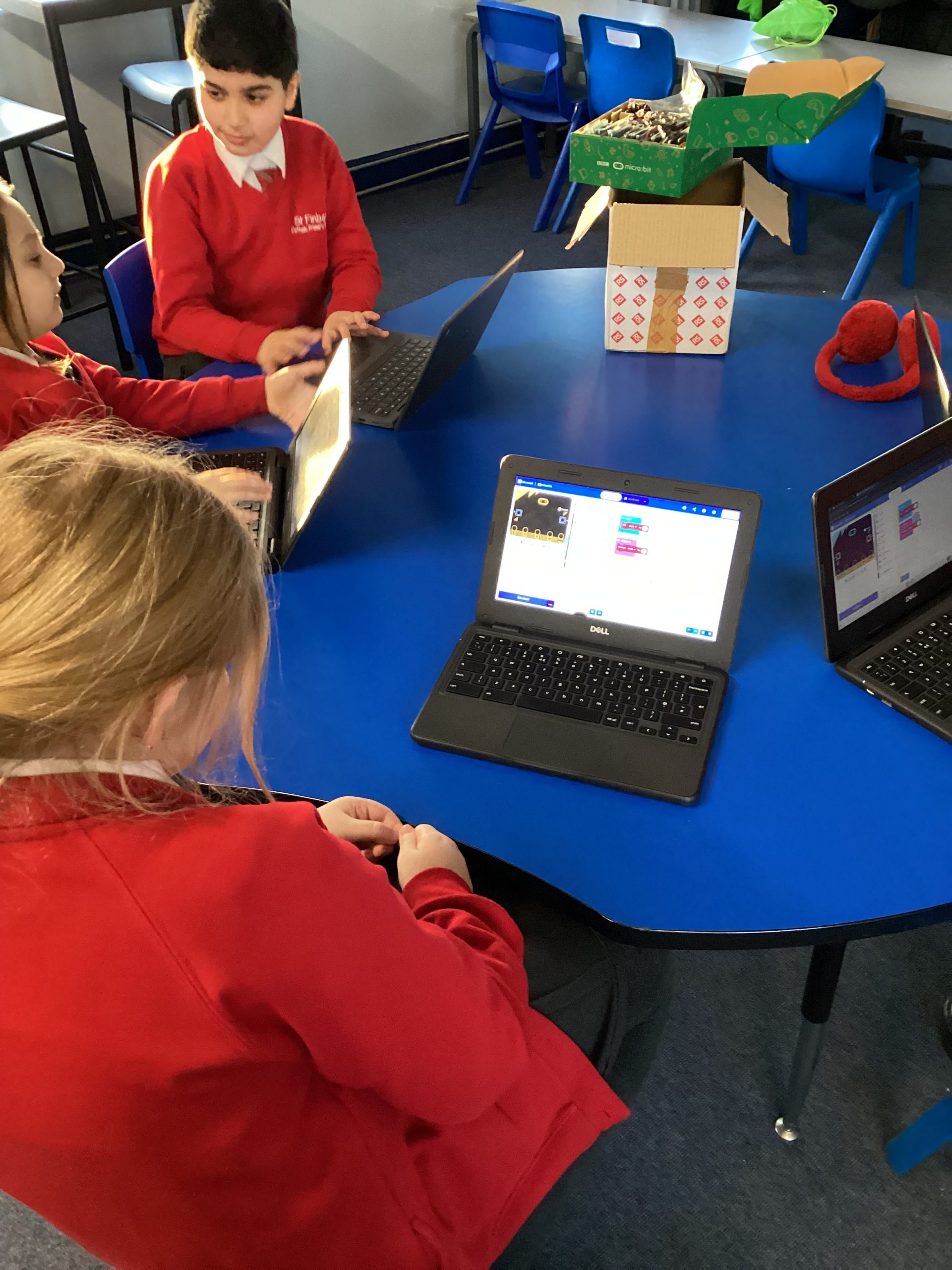
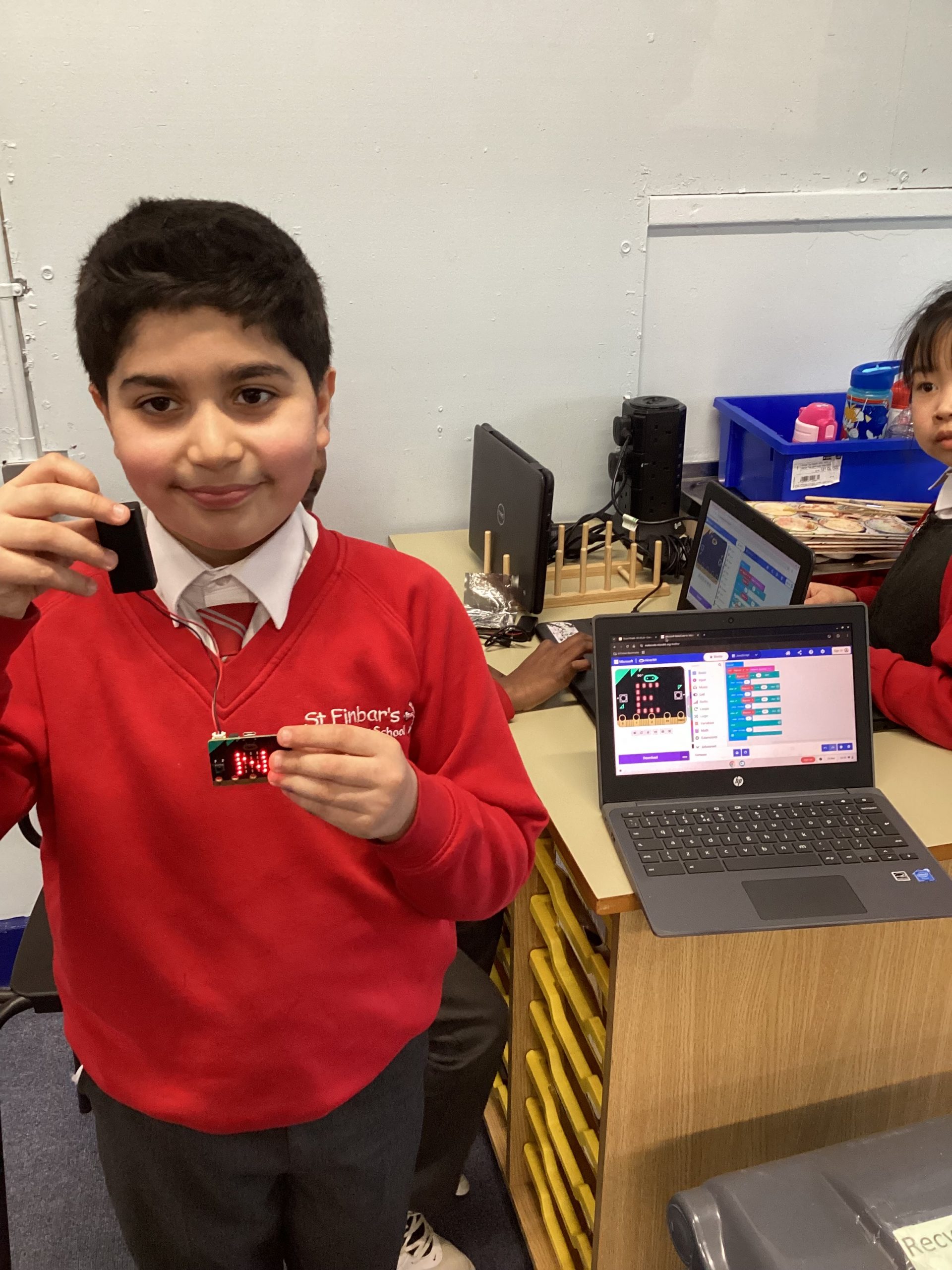
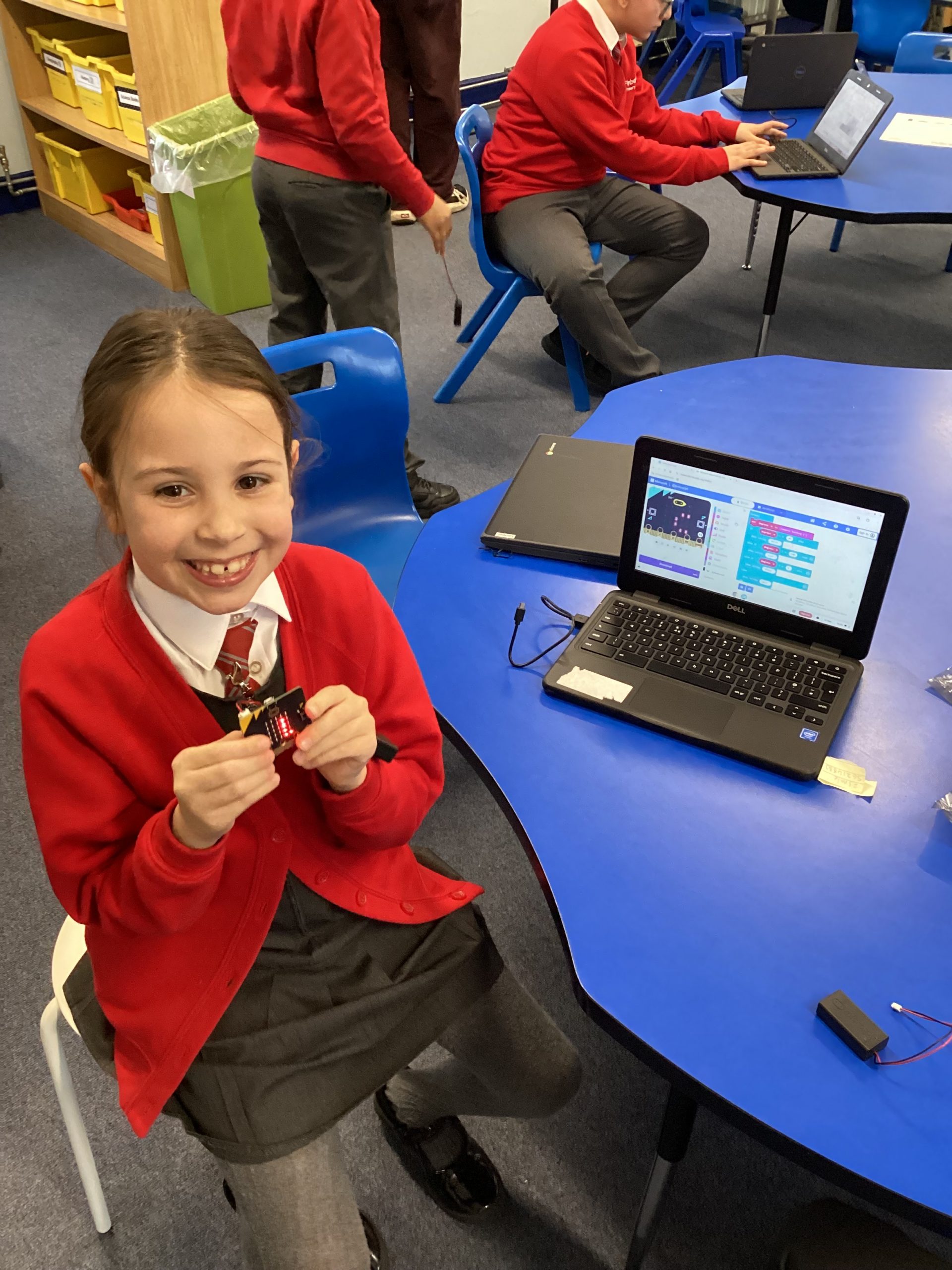
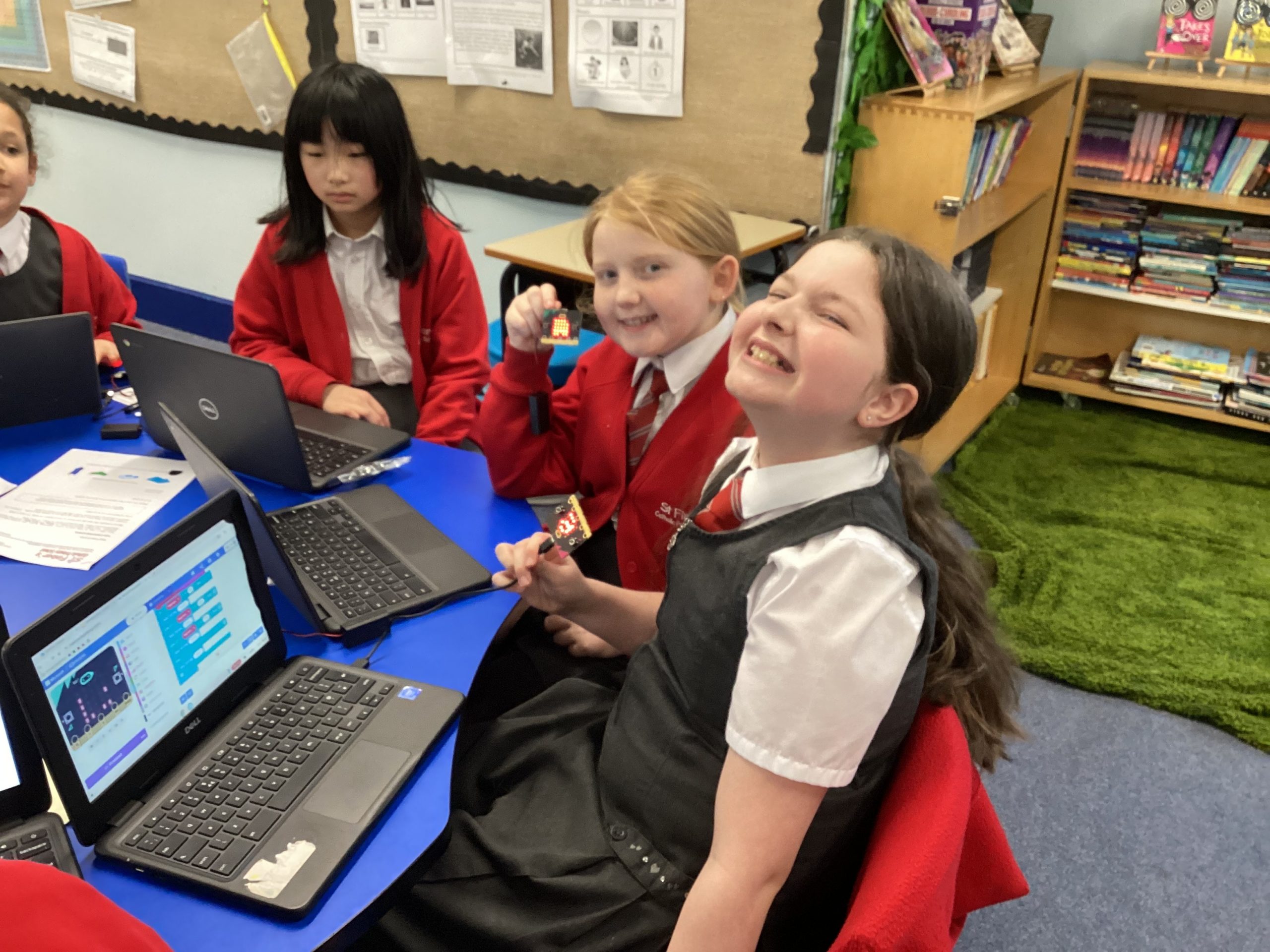
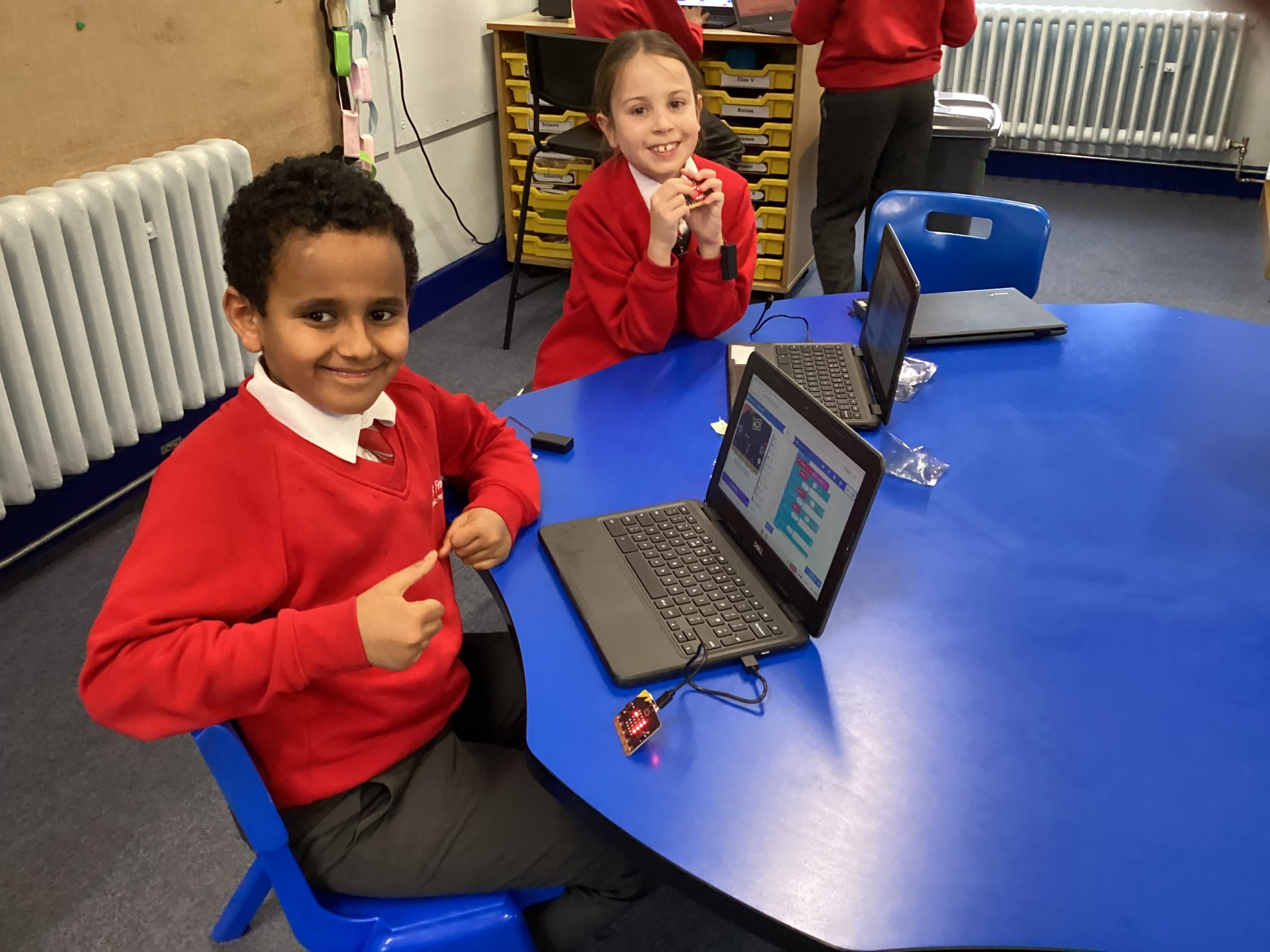
Today was our first computing after-school club and we were very excited to use the Micro:bits for the first time. We began by learning about how coding is needed to program a device as it is a set of instructions for it to follow. Then we programmed the Micro:bit to turn into a name tag by displaying our names repeatedly.

131
24-11-2025
chatter icon

24.11.25 -Computing- After school club

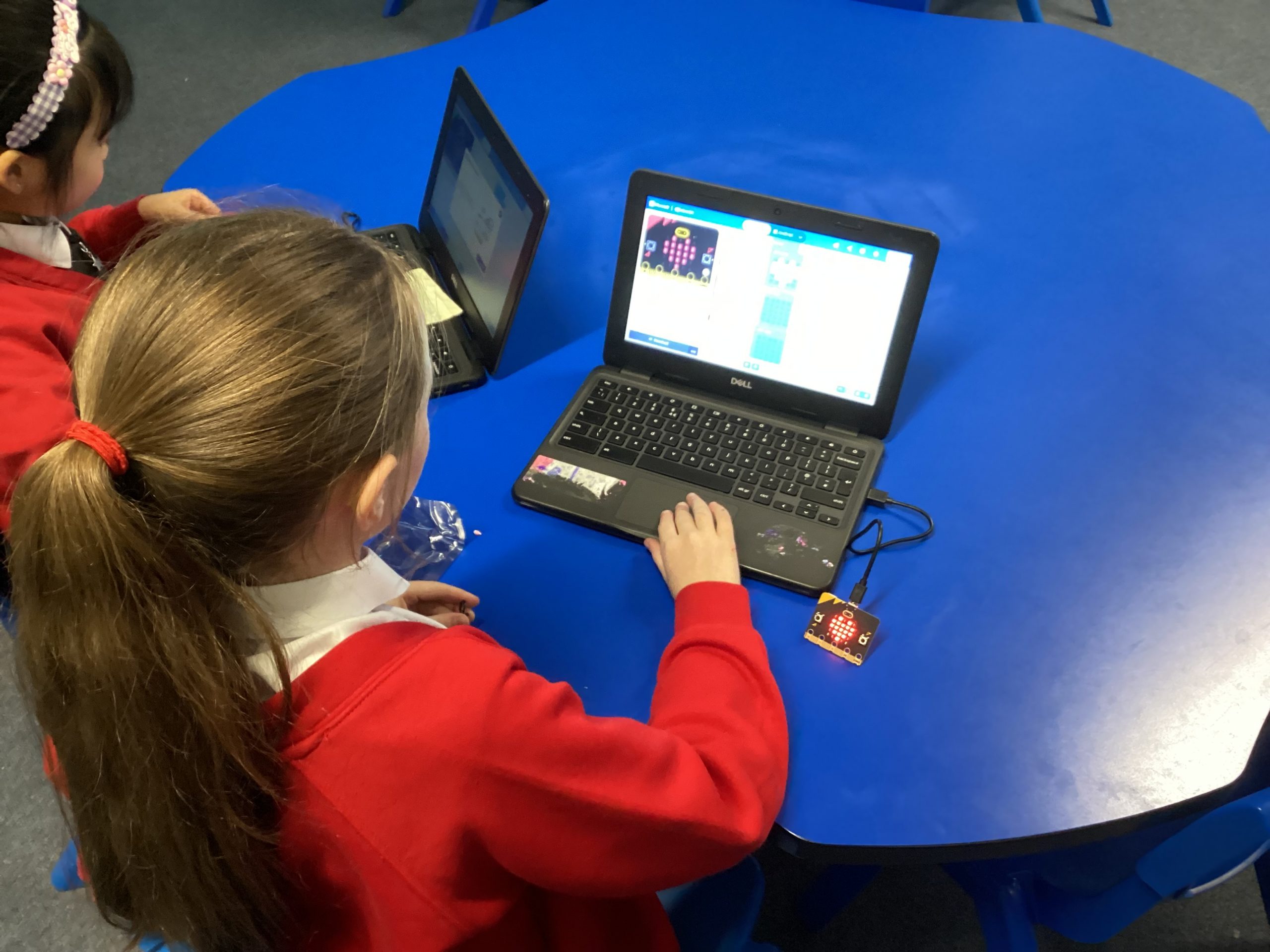
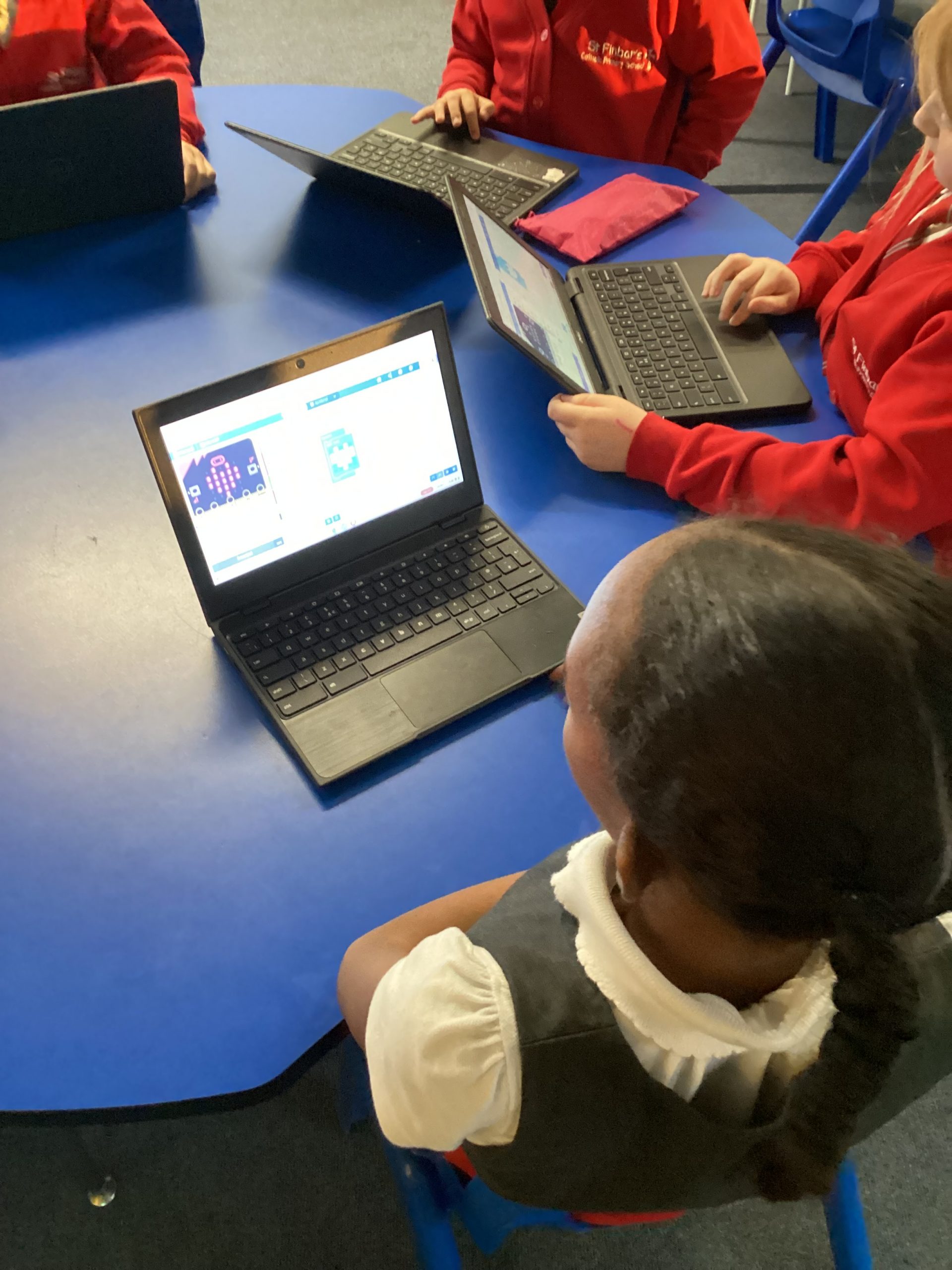
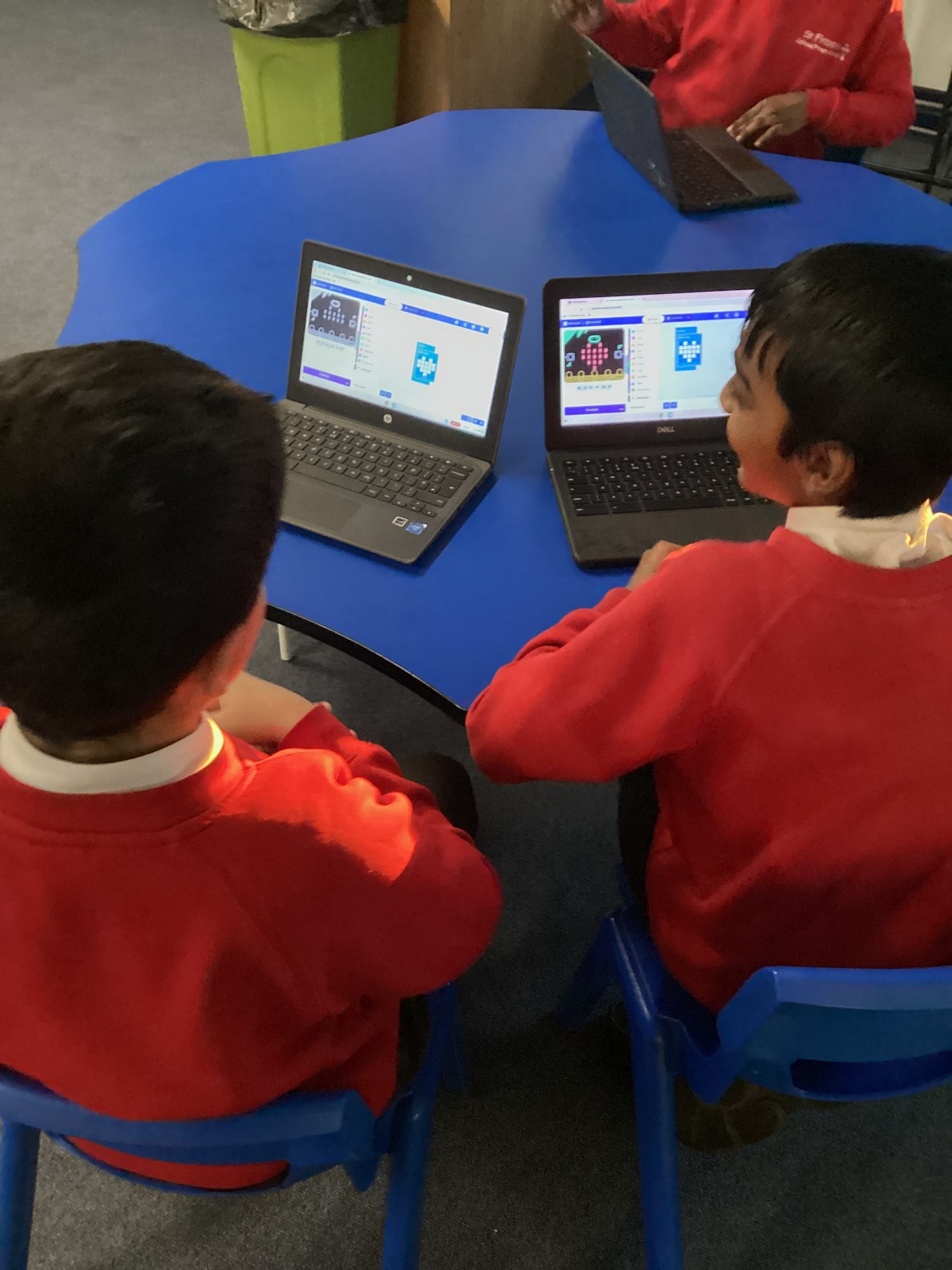
This week we coded the Micro:bits to begin to show flashing hearts. To do it we used the forever loop and added in the led heart and a blank one to make it flash between blank and heart. Once we had downloaded the code onto the device we then had beating hearts!
115
04-12-2025
chatter icon

03.12.25 – Computing – Drawing Shapes

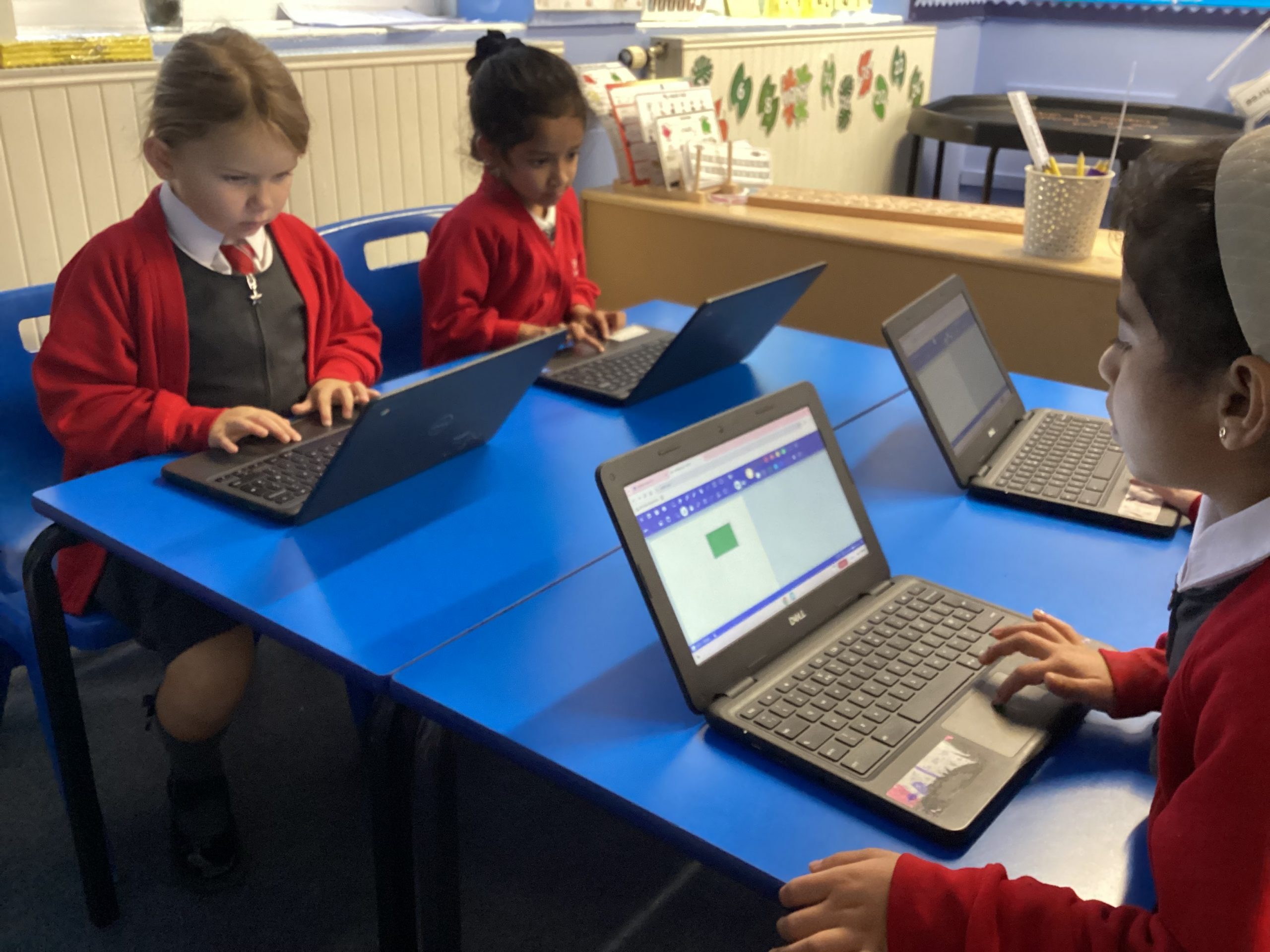
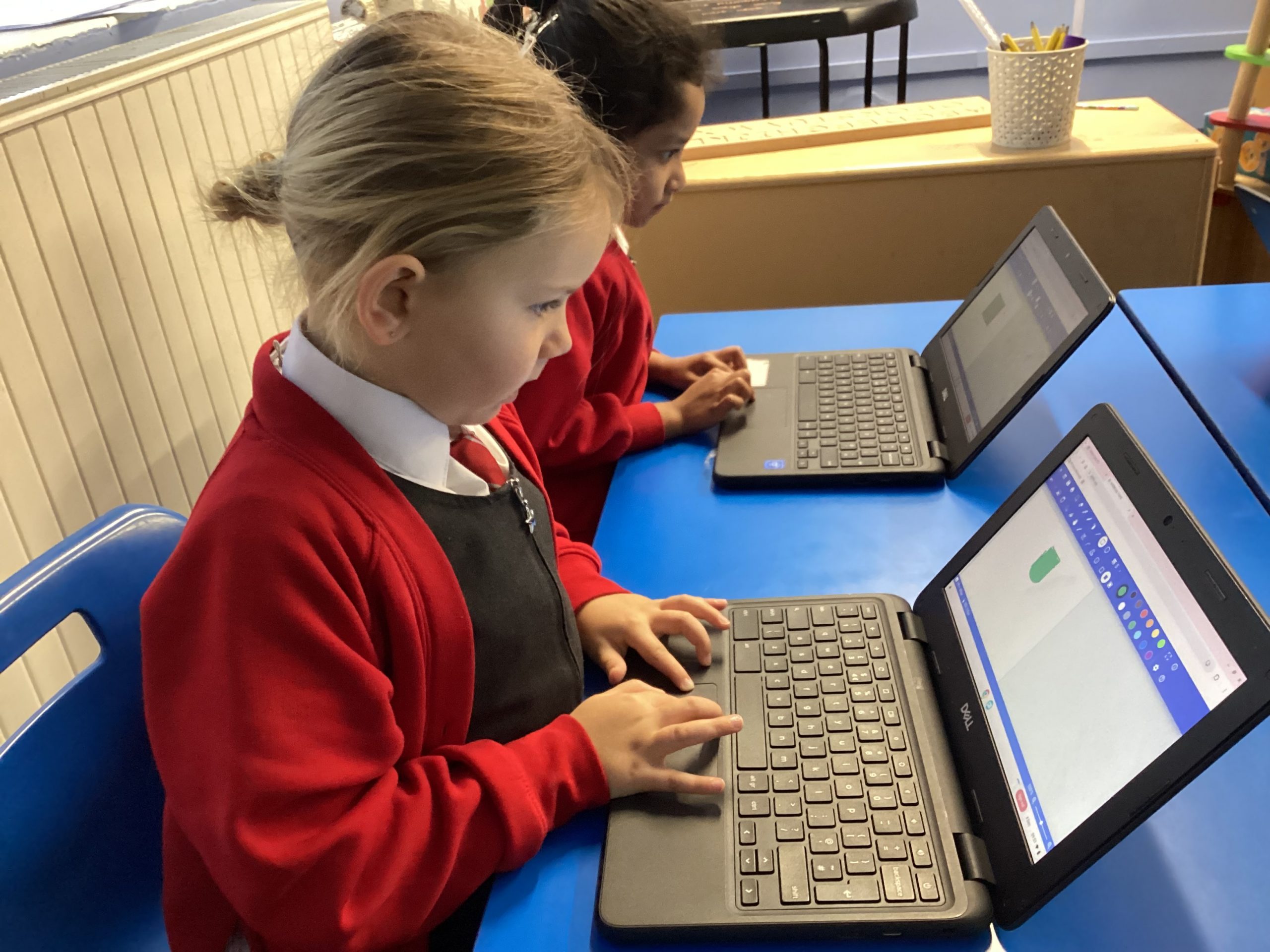
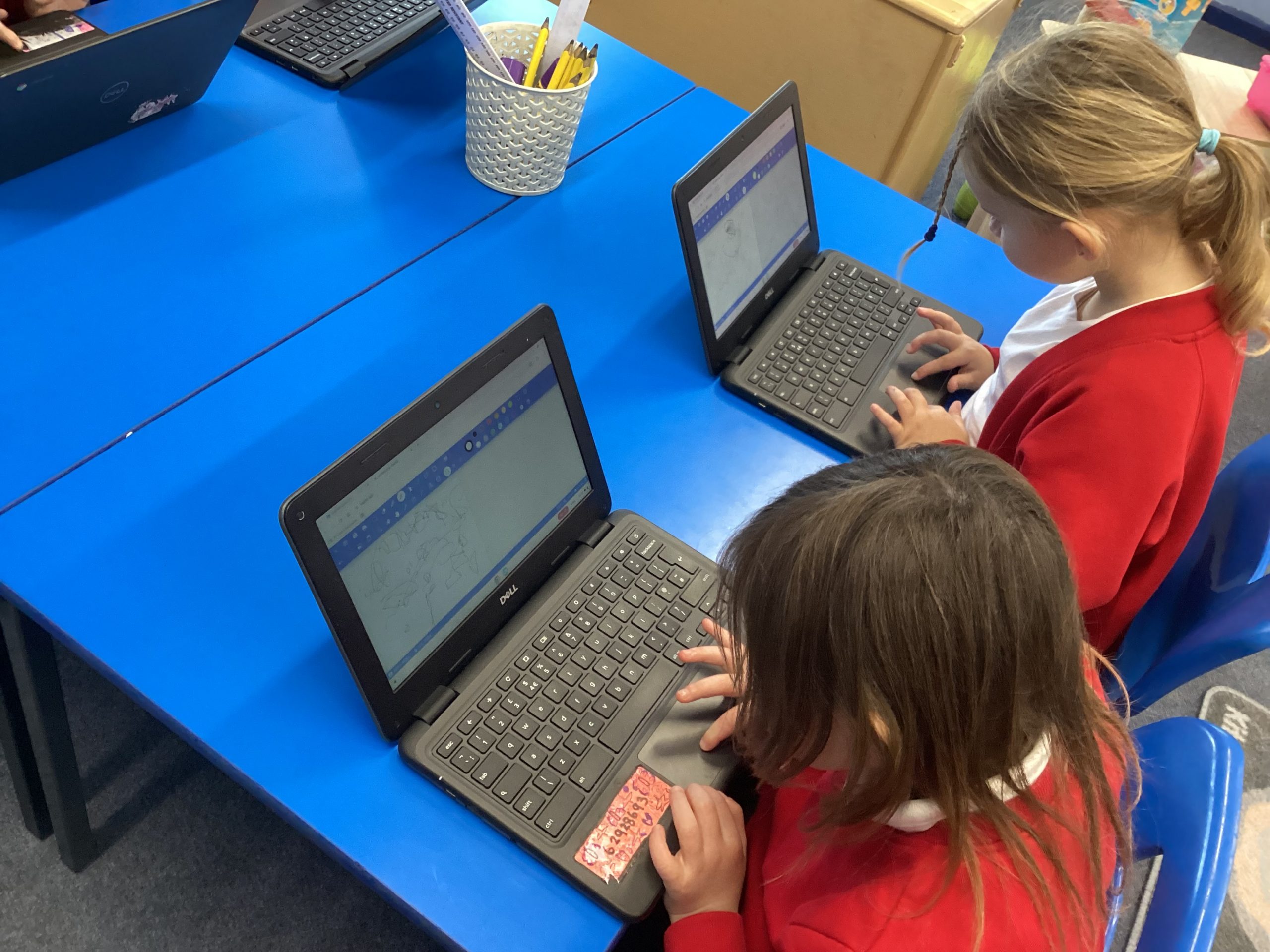
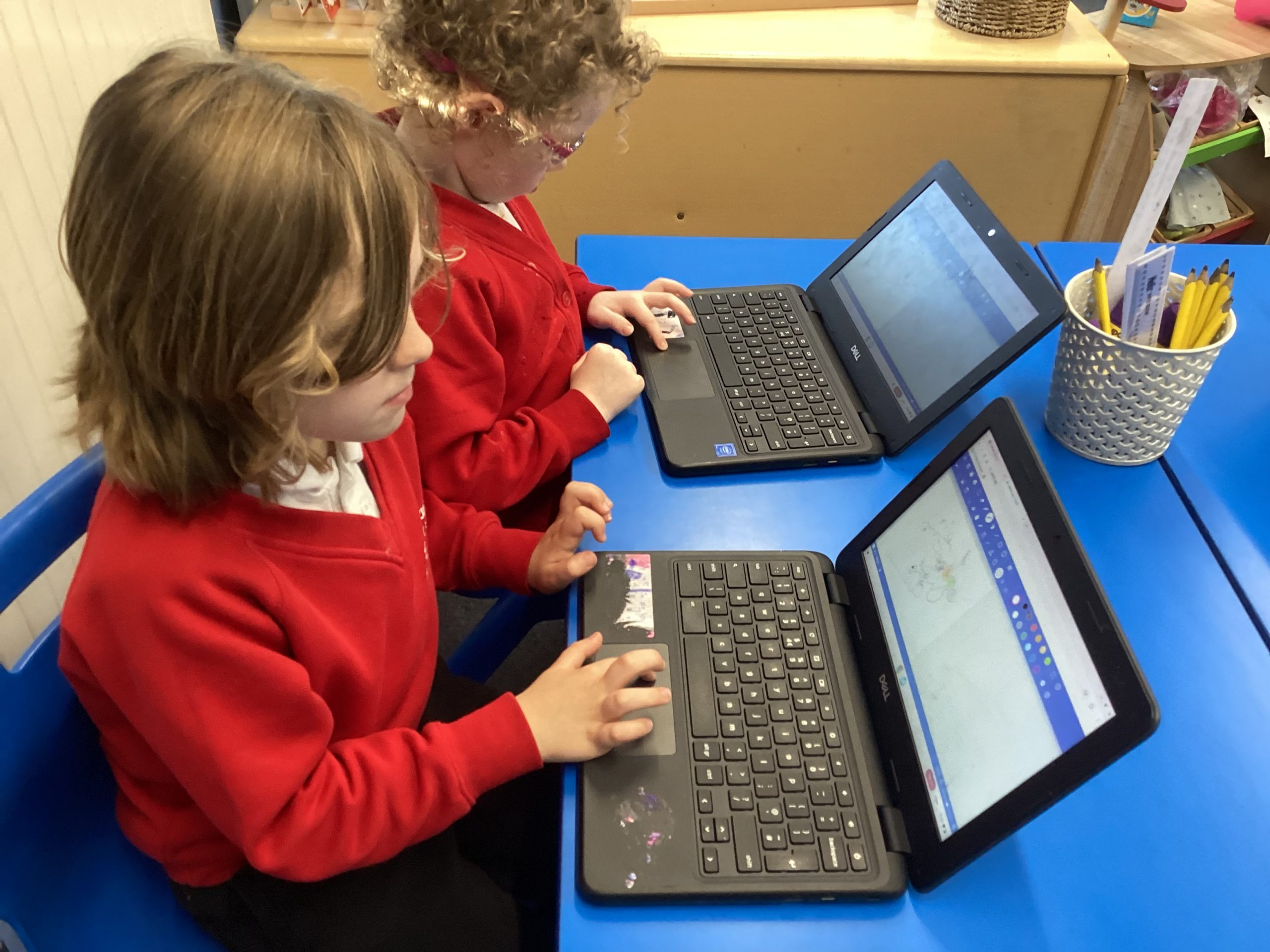
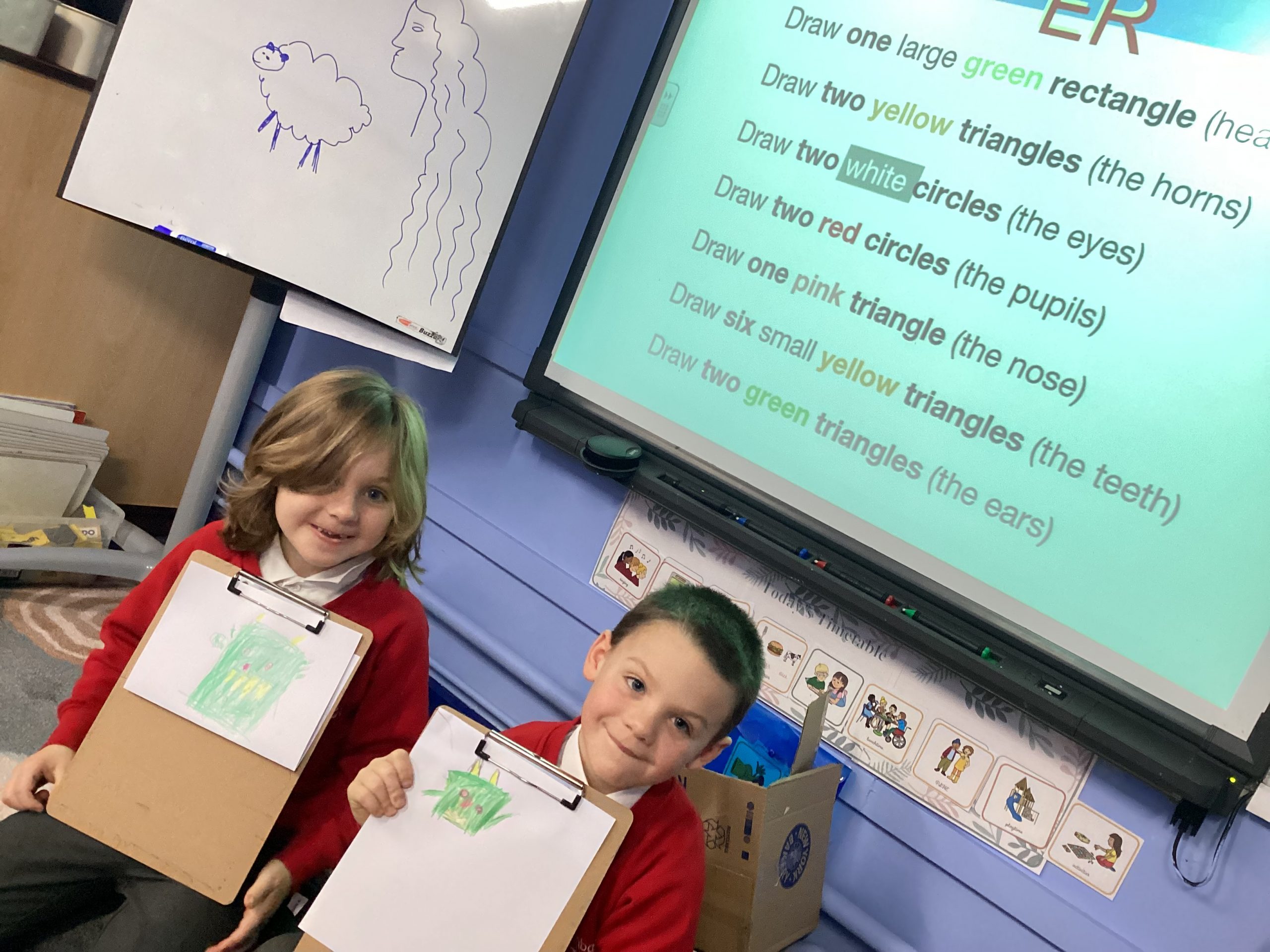
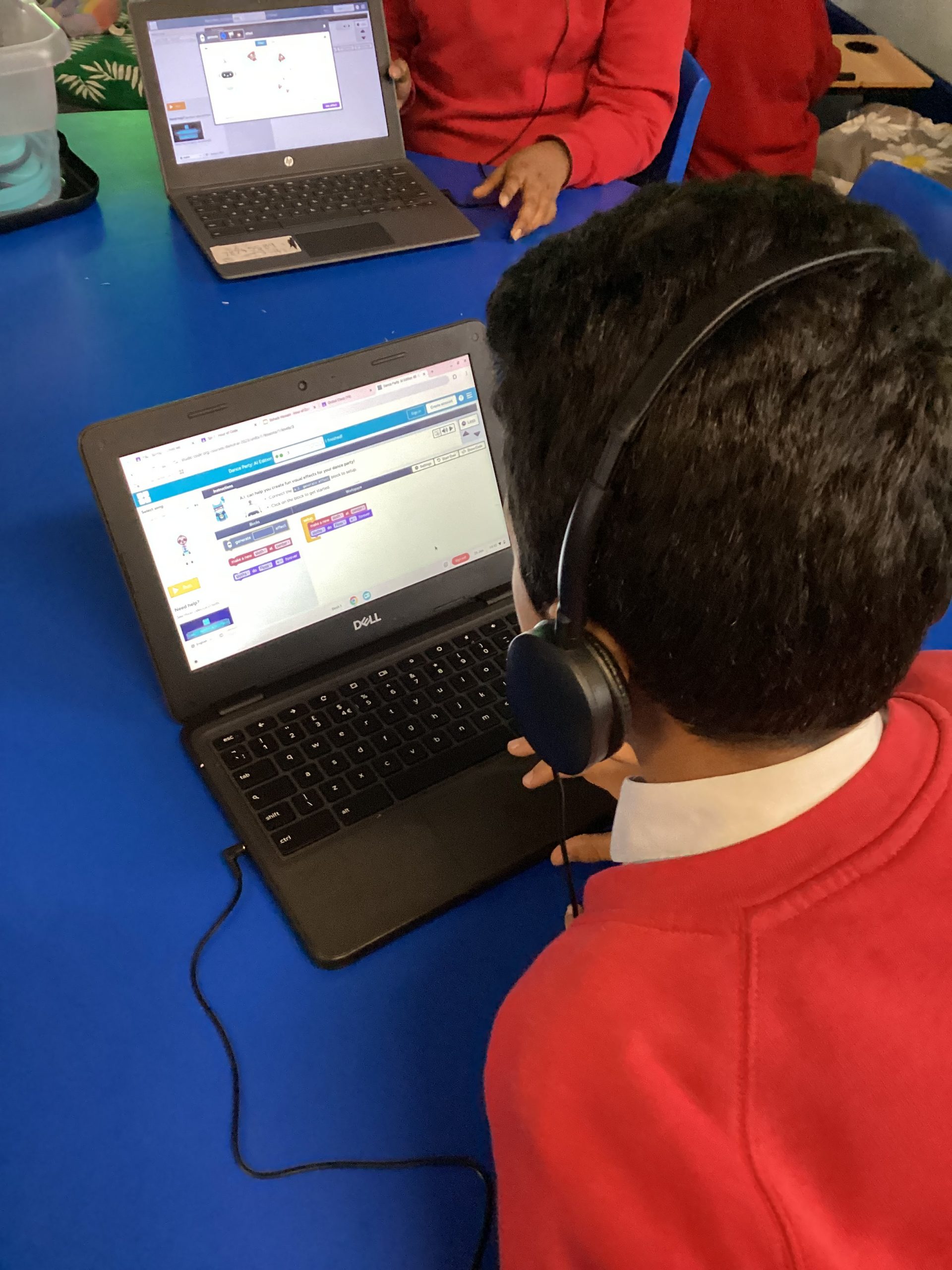
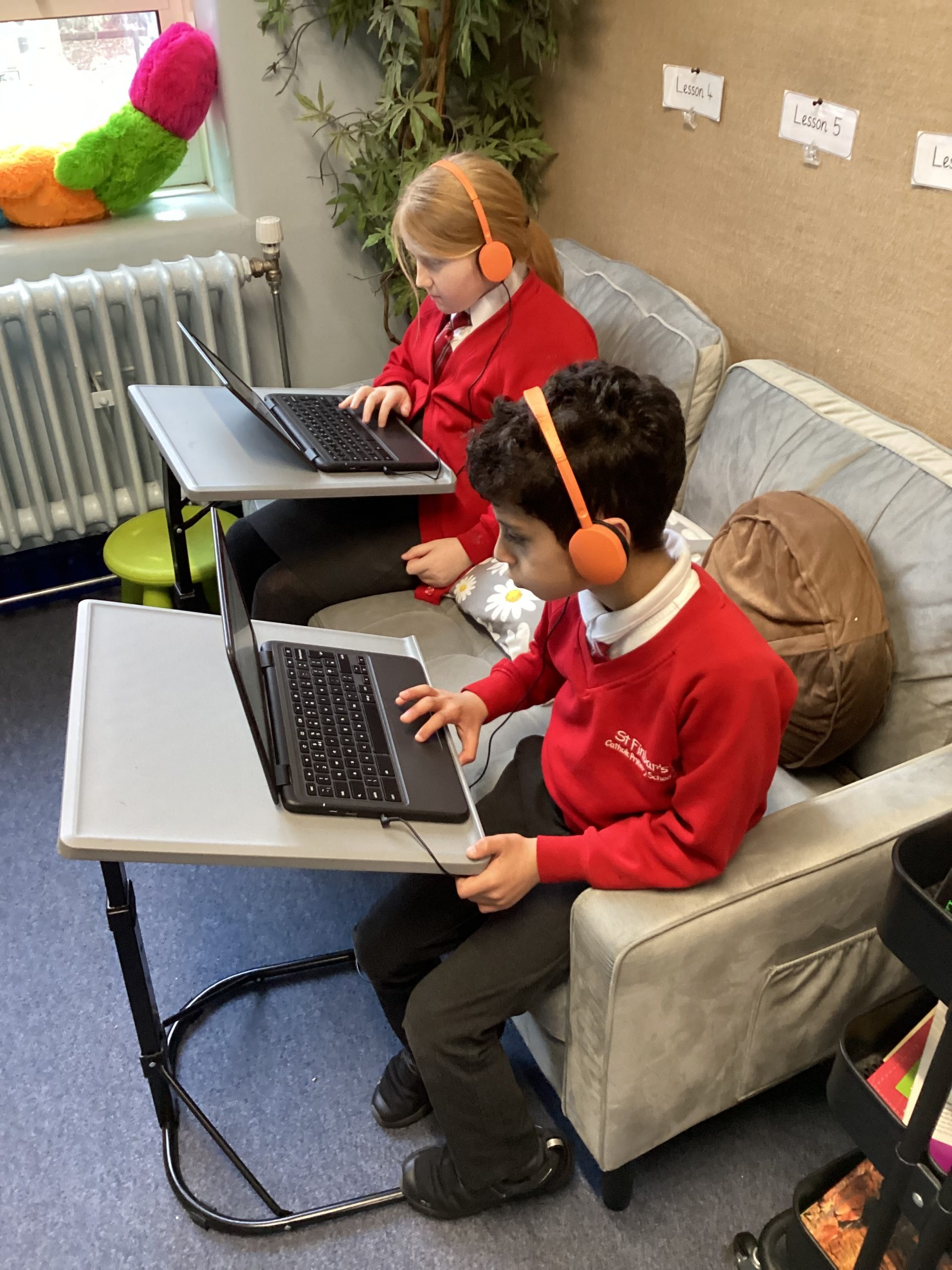
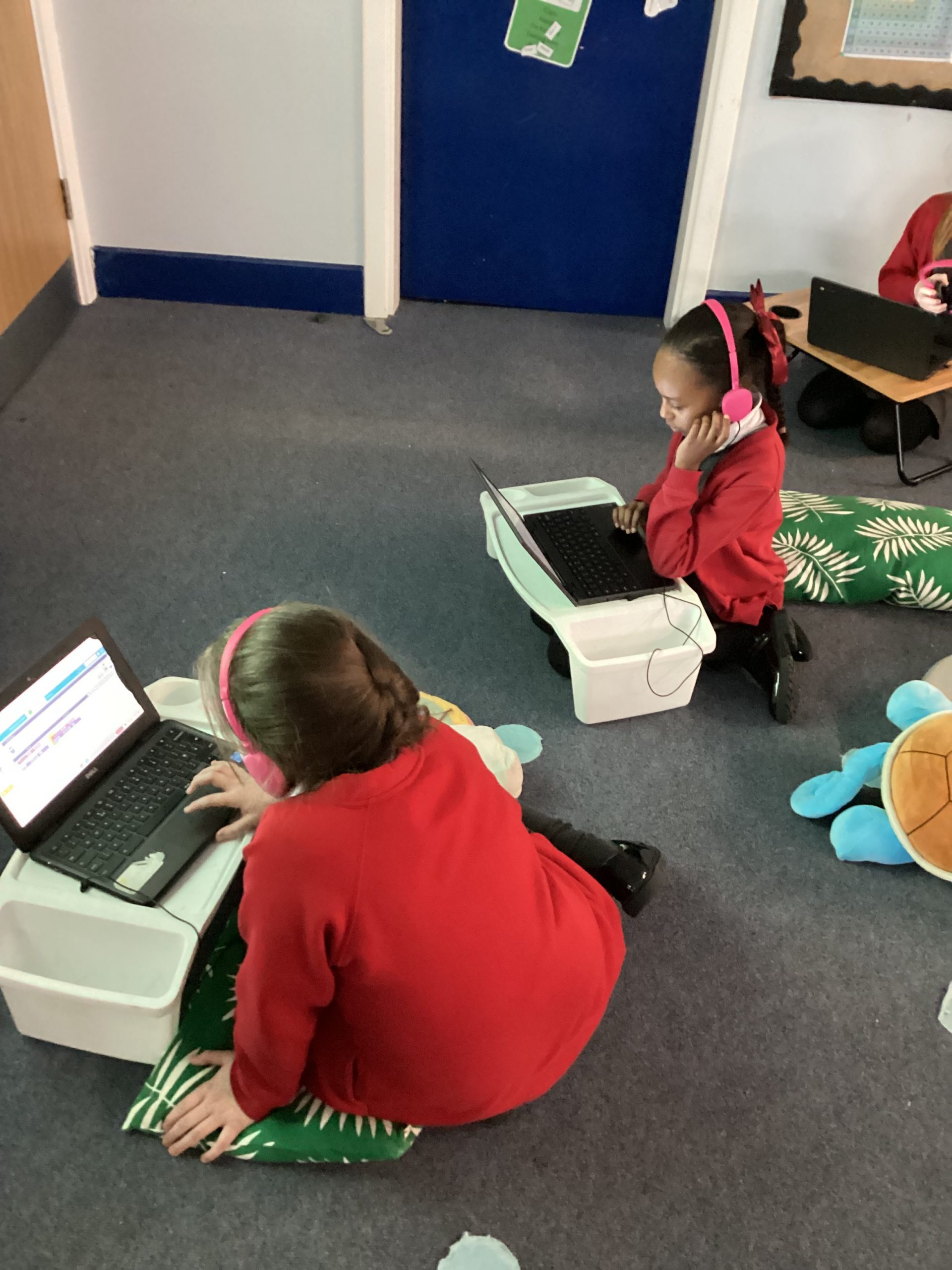
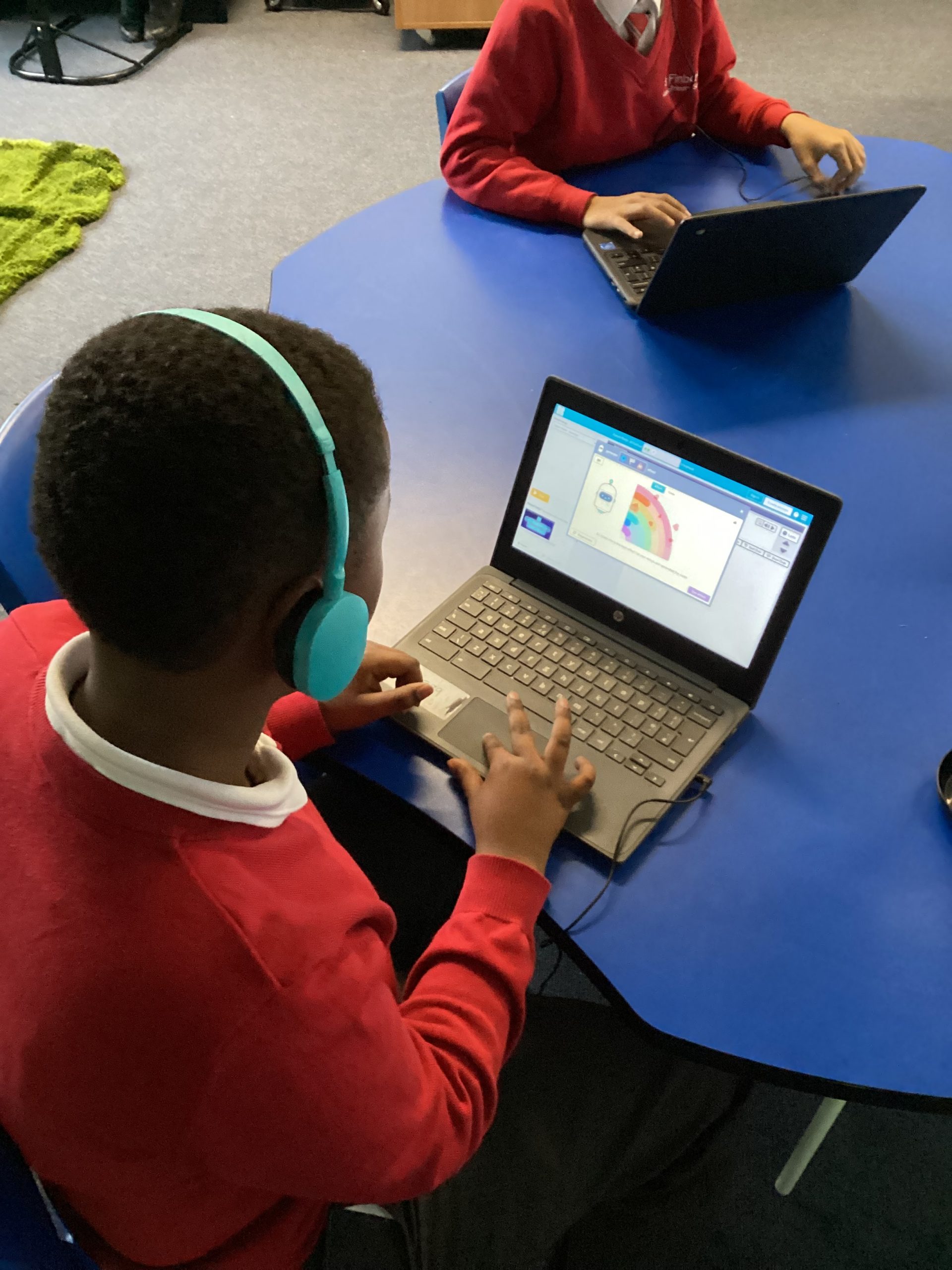
Daffodil class have been practising their shape drawing skills on our Chrome Books. We have been using our imagination to create different images using shapes and colours. Our fabulous learners continued to access the challenge and drew their own shape monsters.
69
04-12-2025
chatter icon

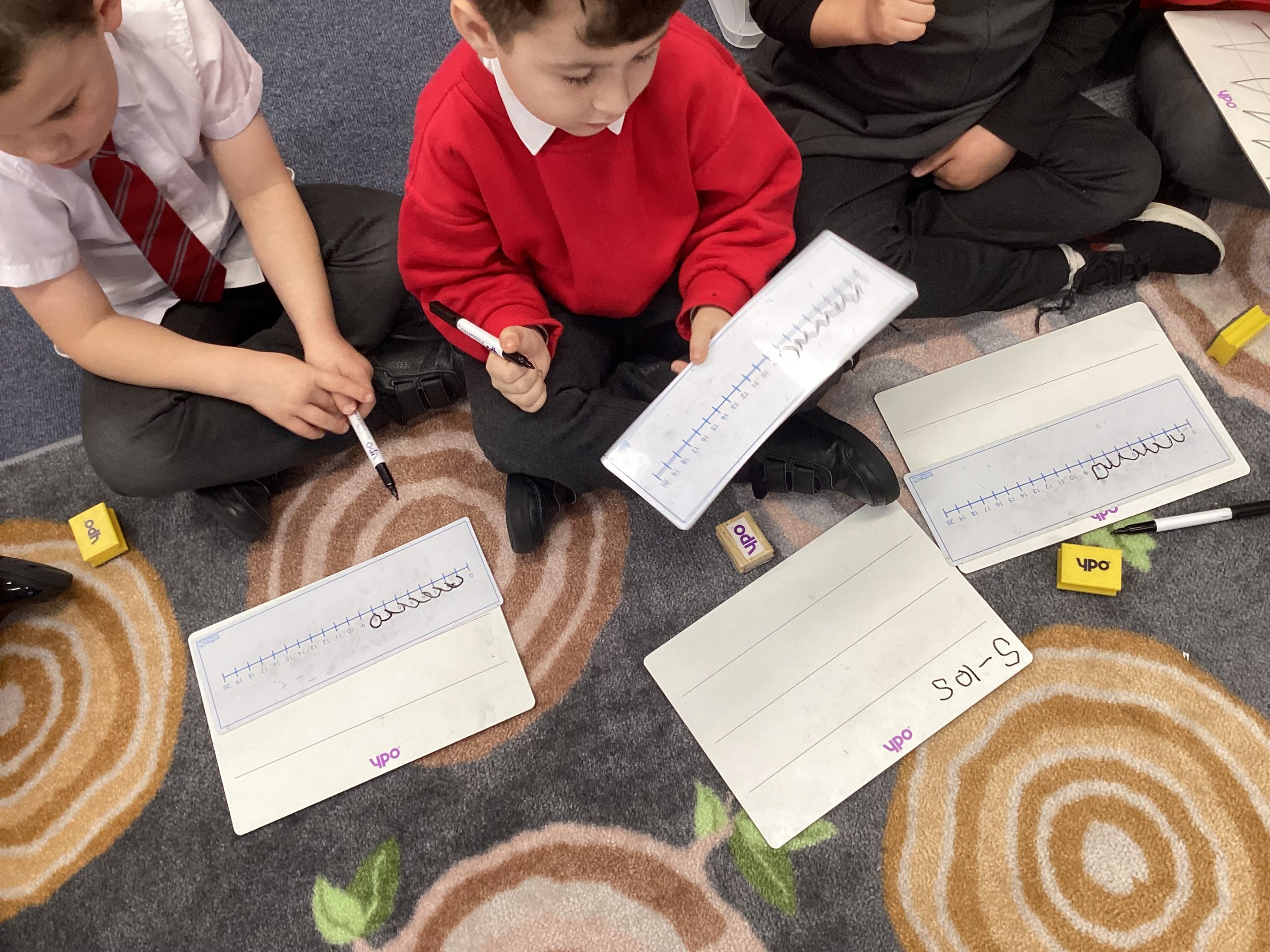
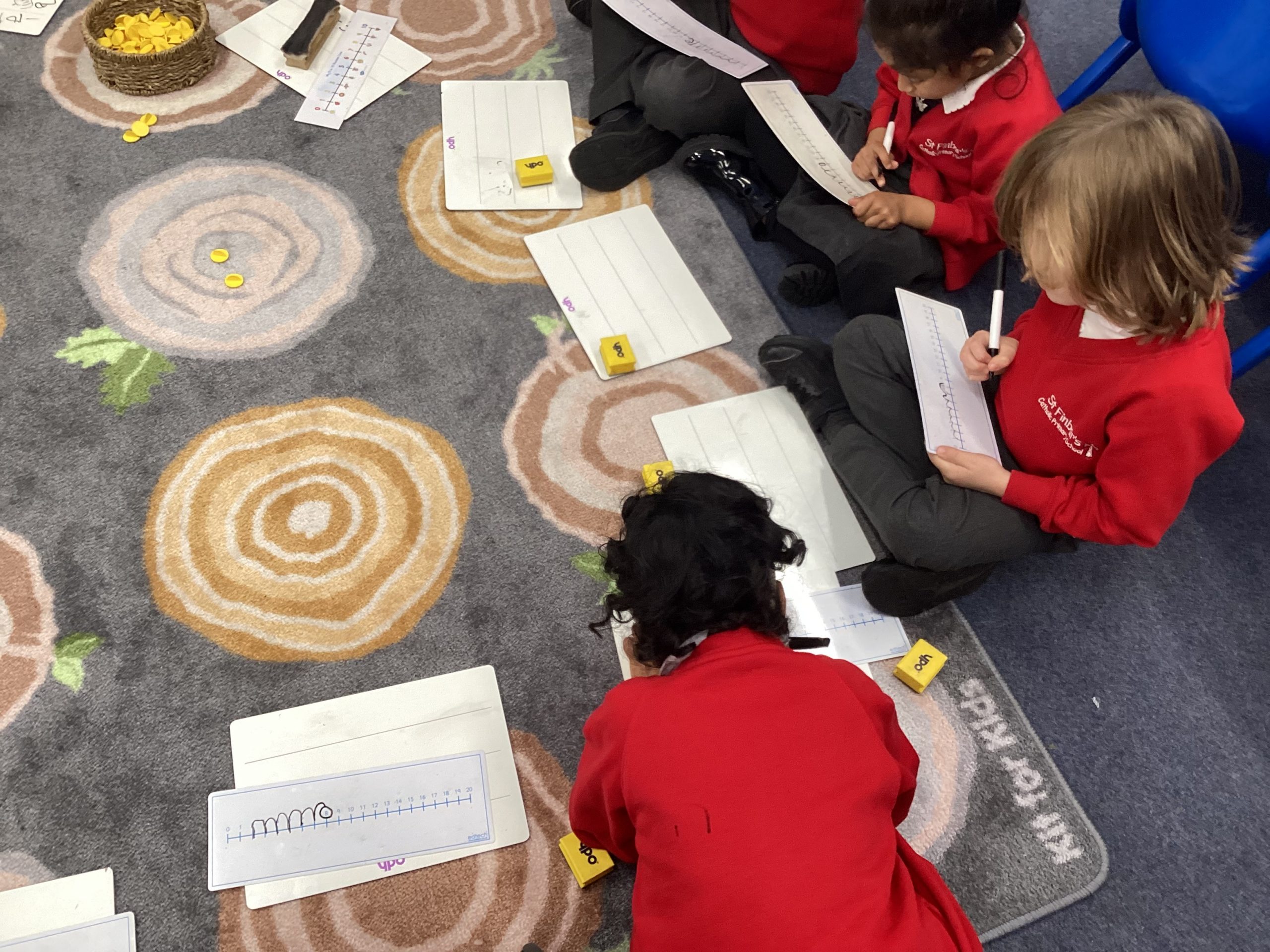
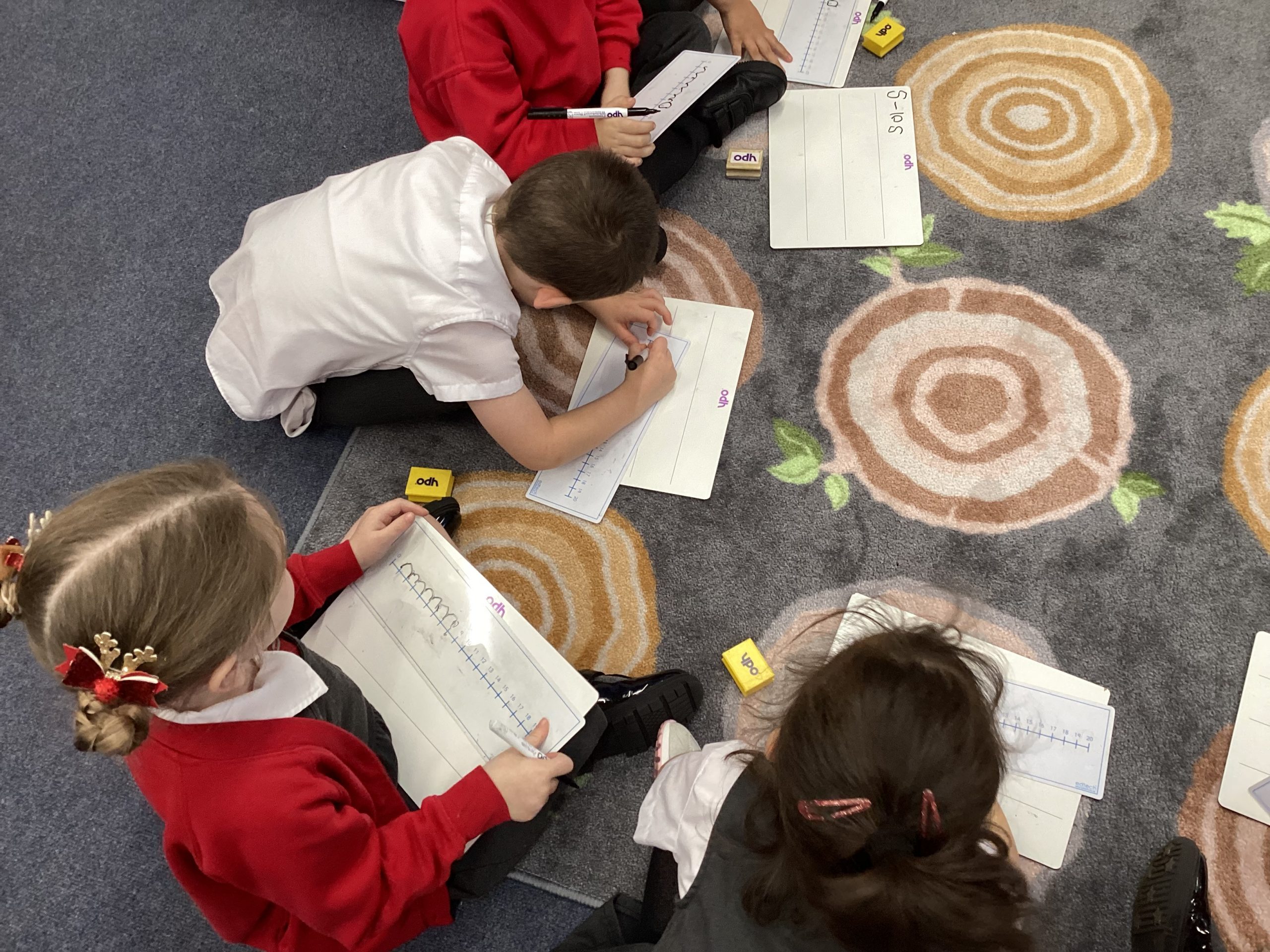
04.12.25 Maths – Number Lines

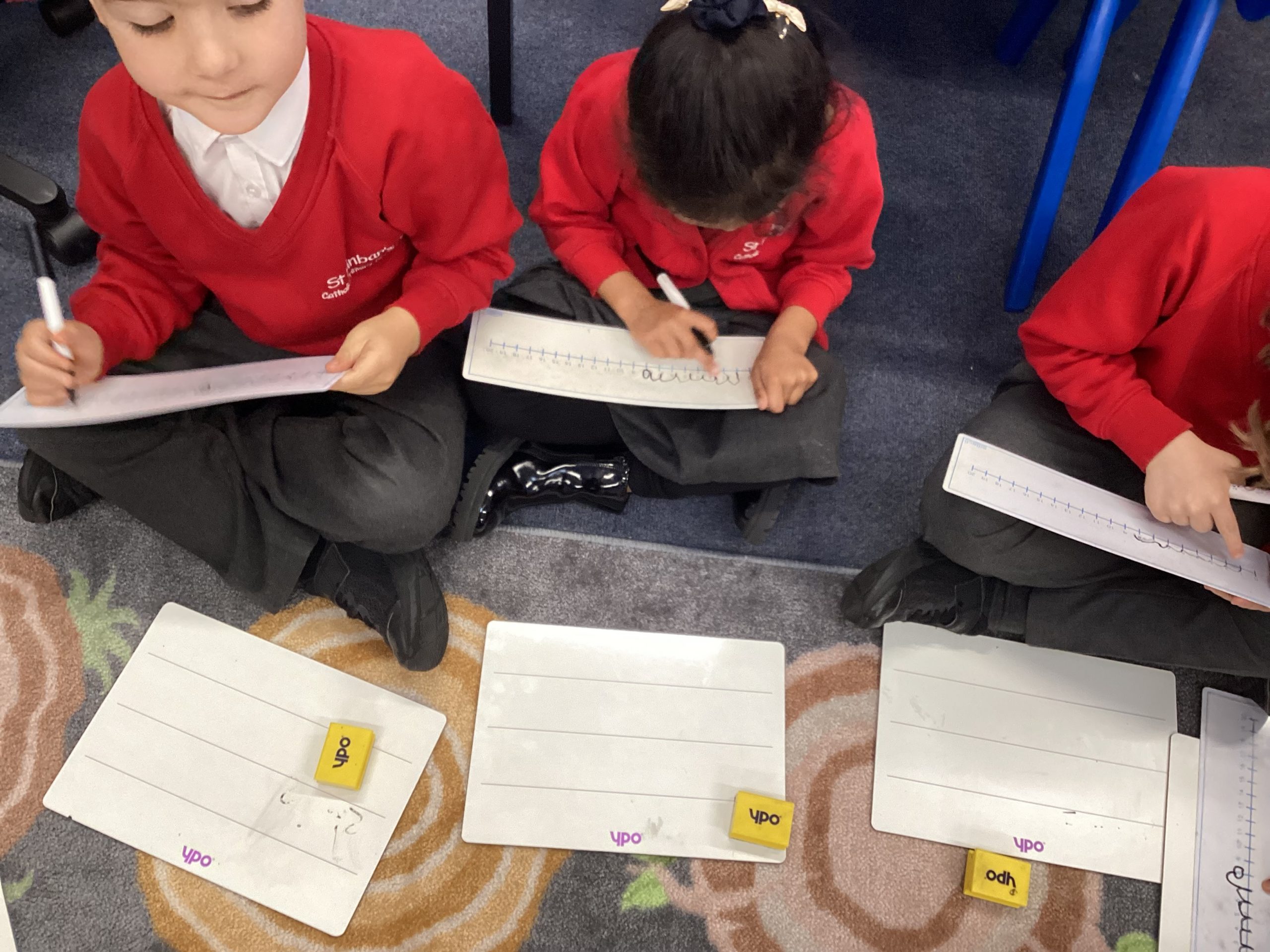
Daffodil class have been busy practising using number lines to help subtract numbers within 10.

57
04-12-2025
chatter icon

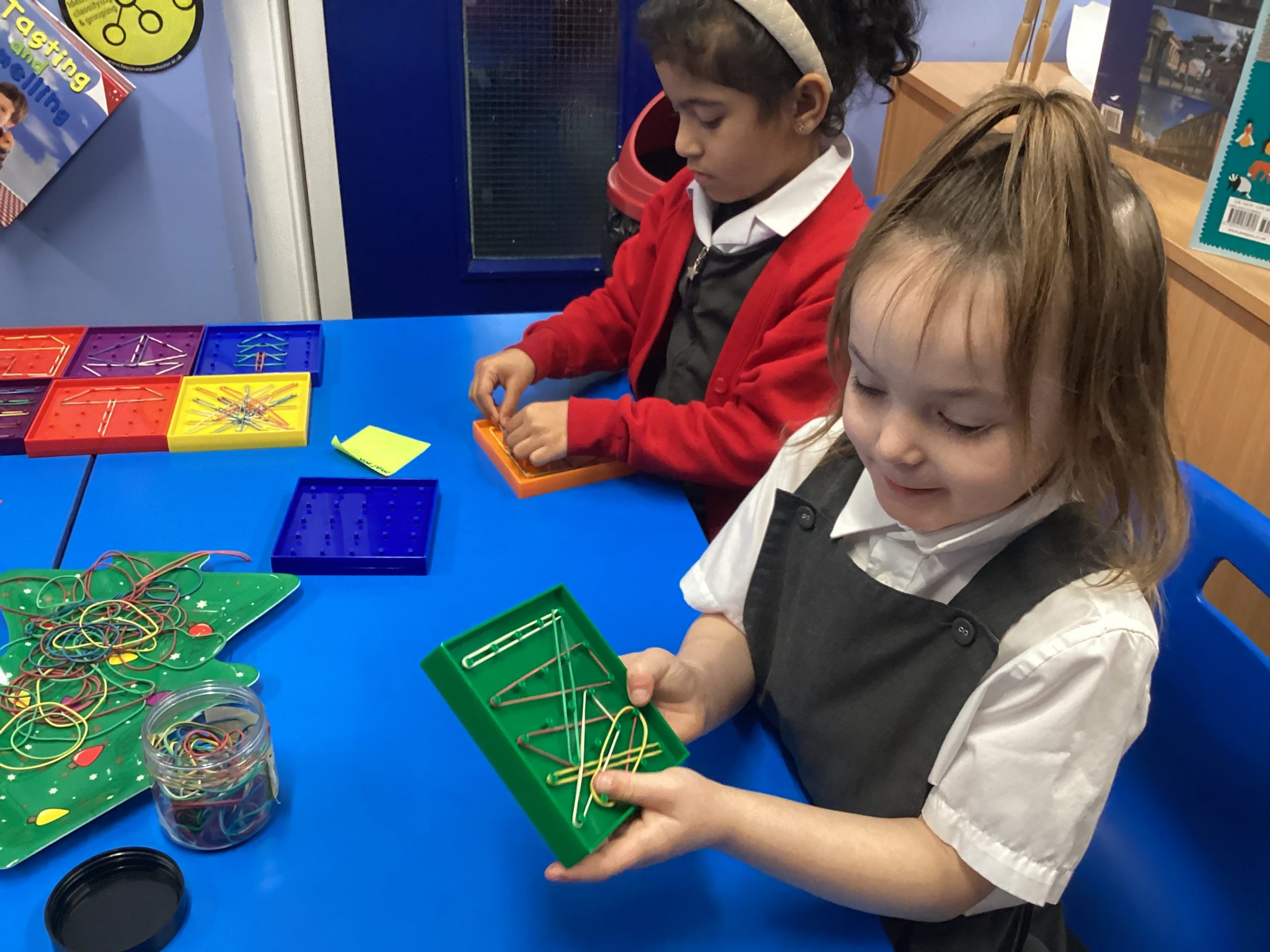
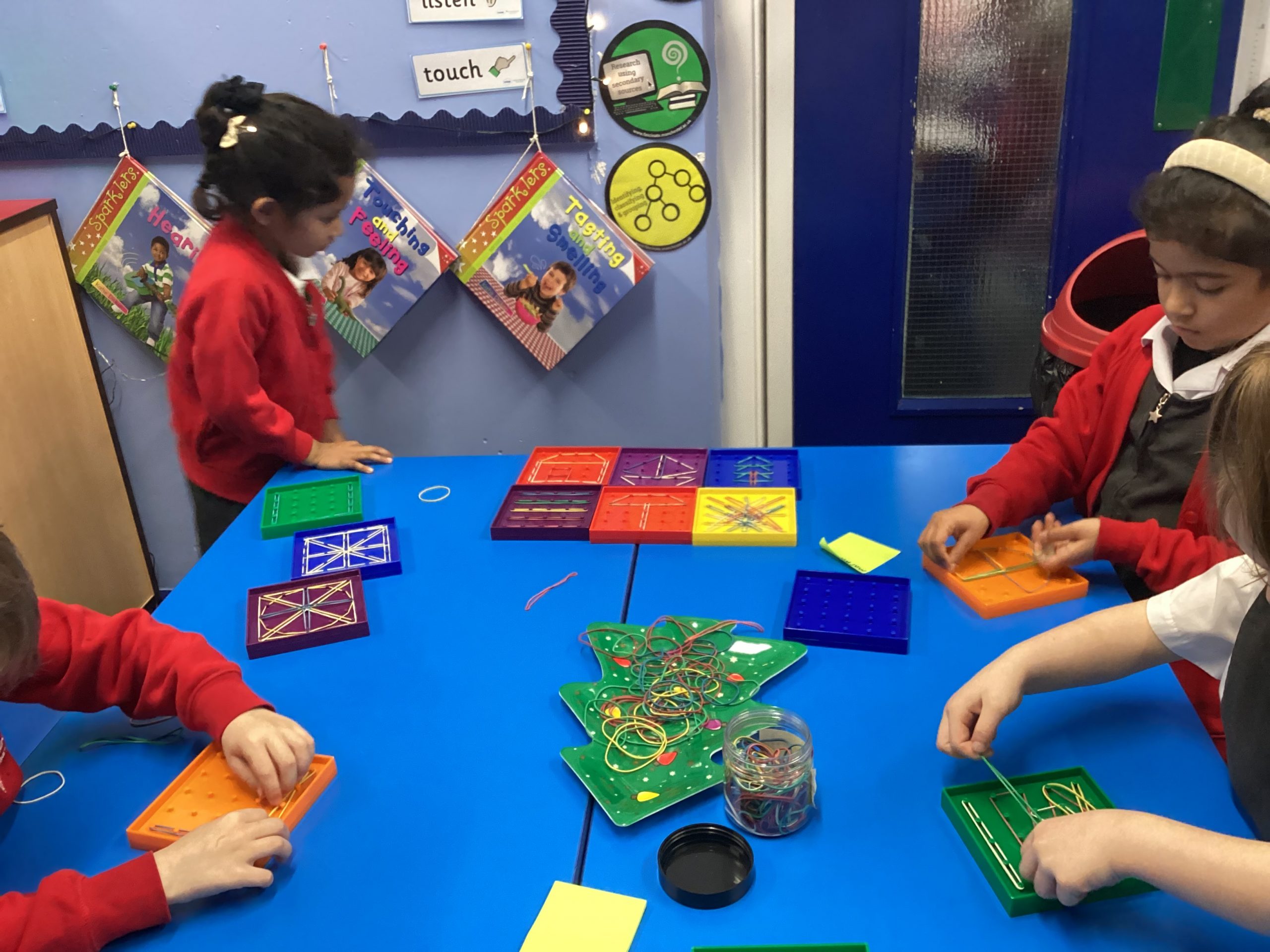
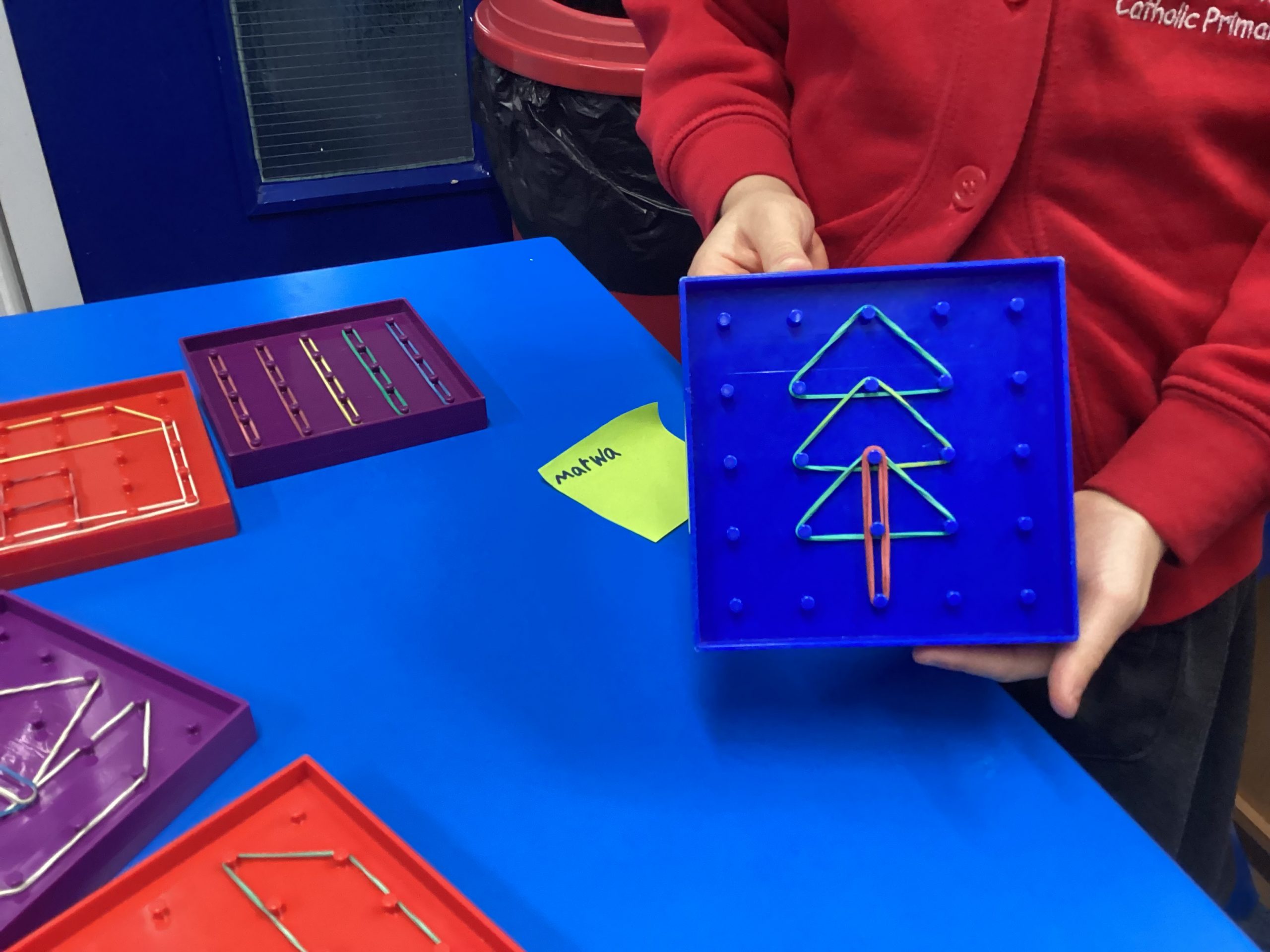
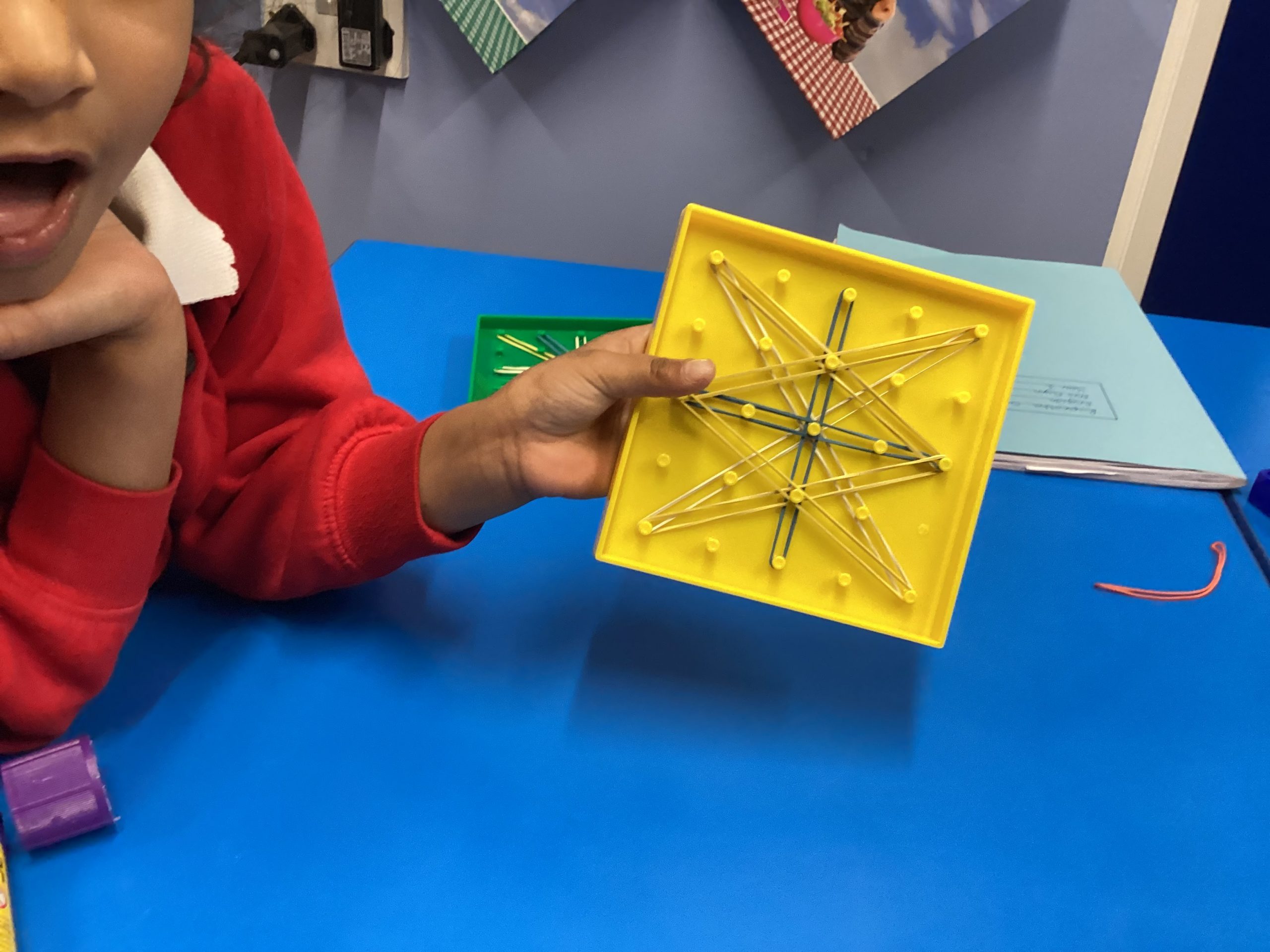
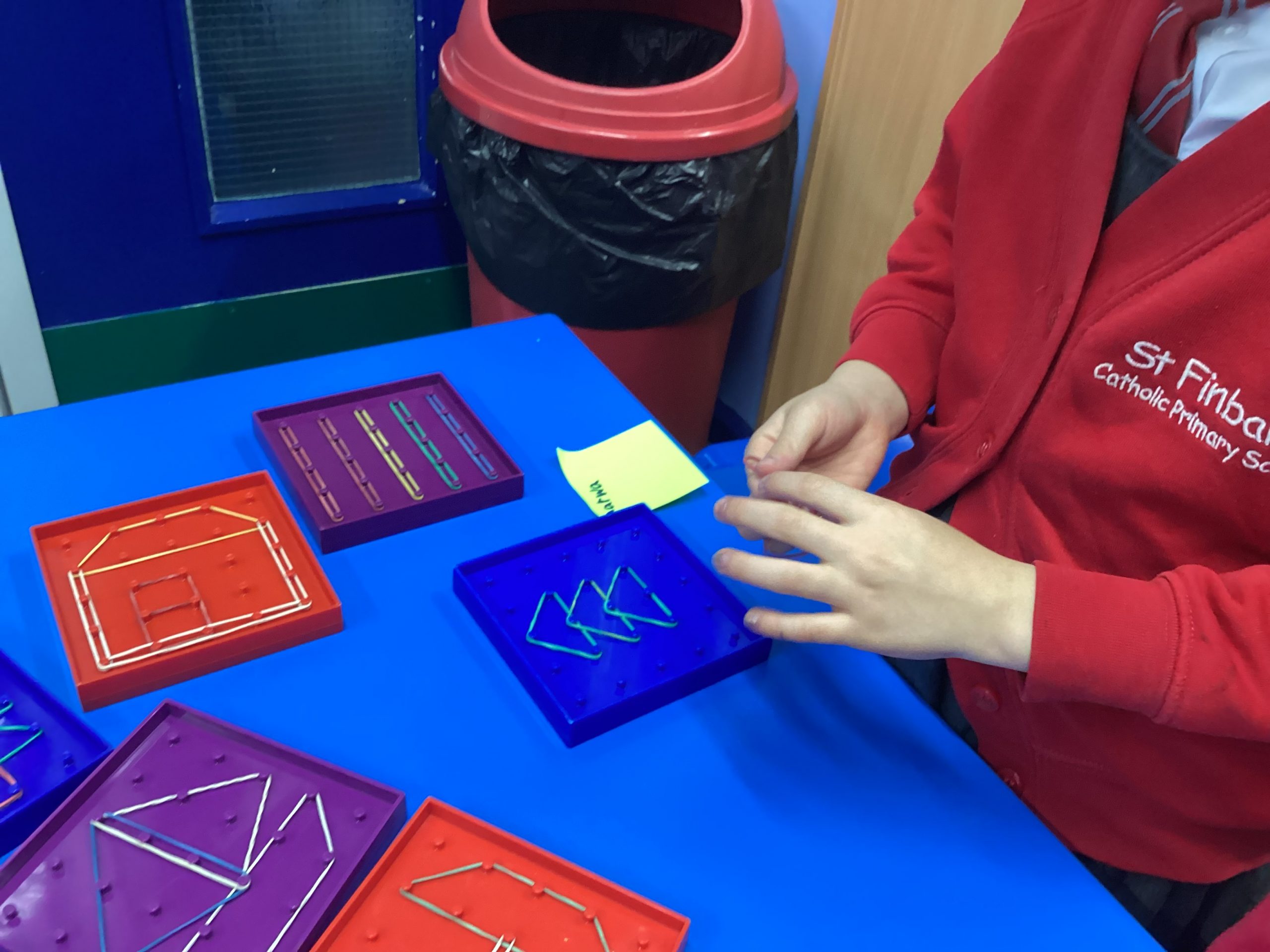
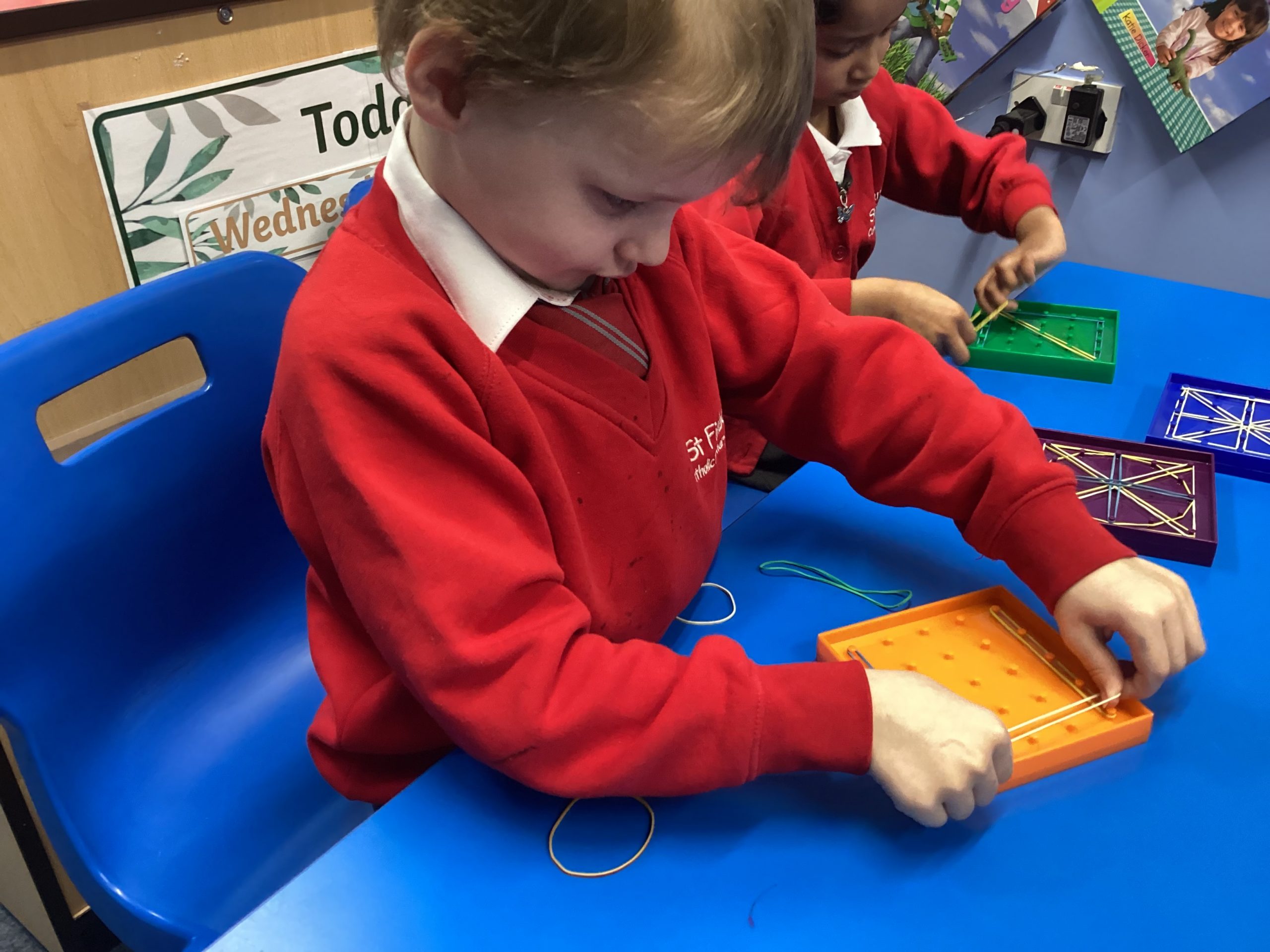
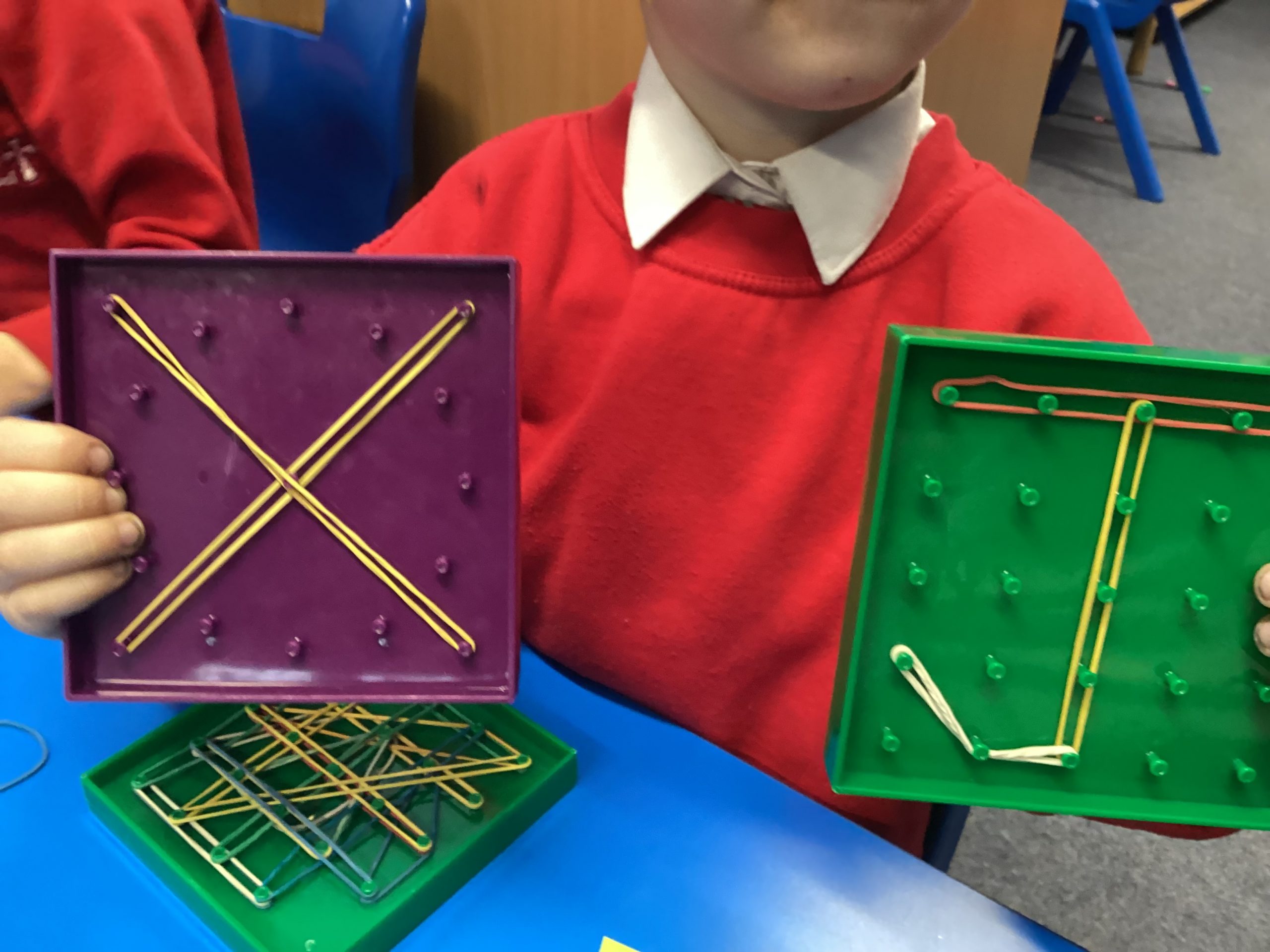
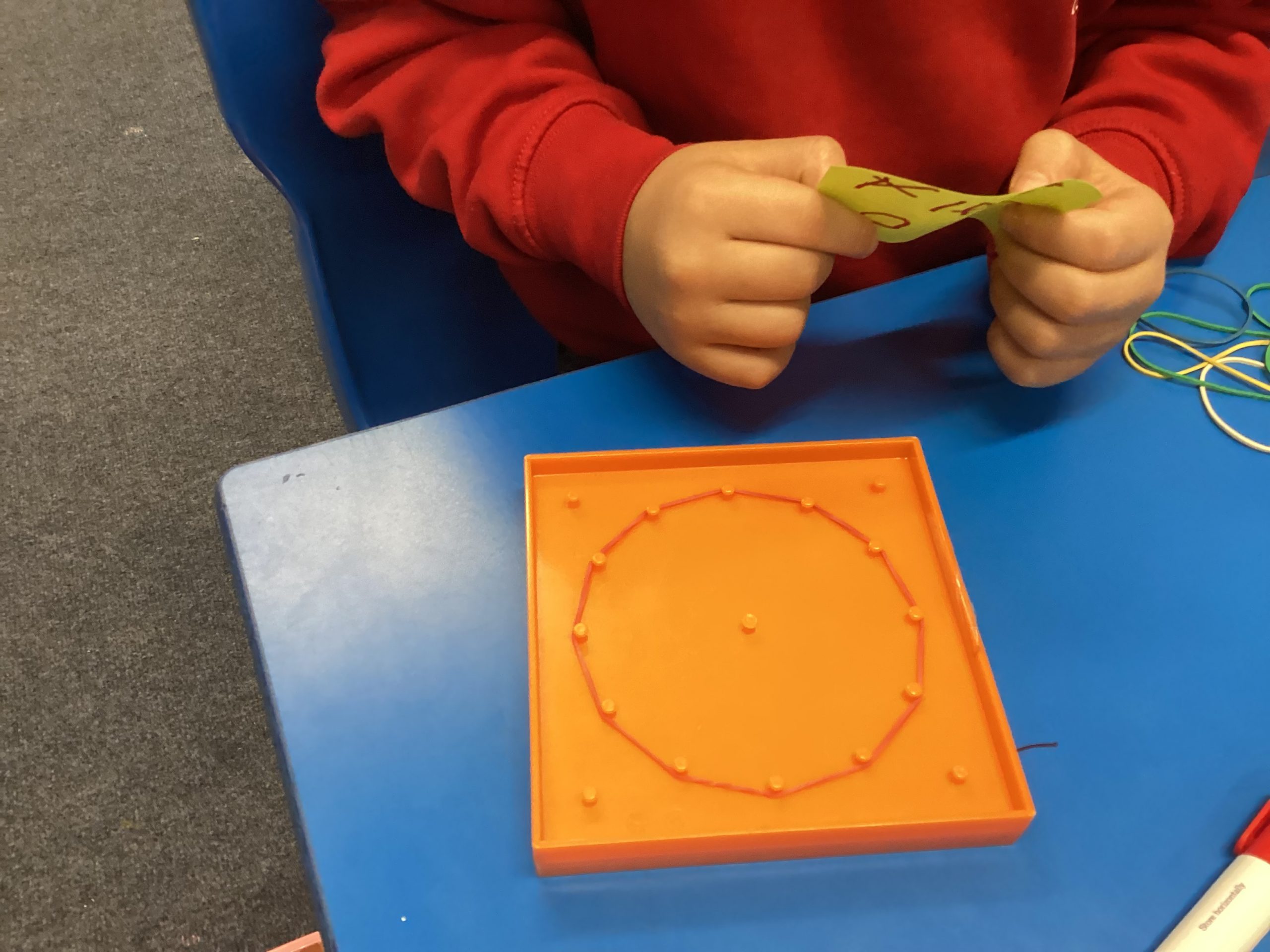
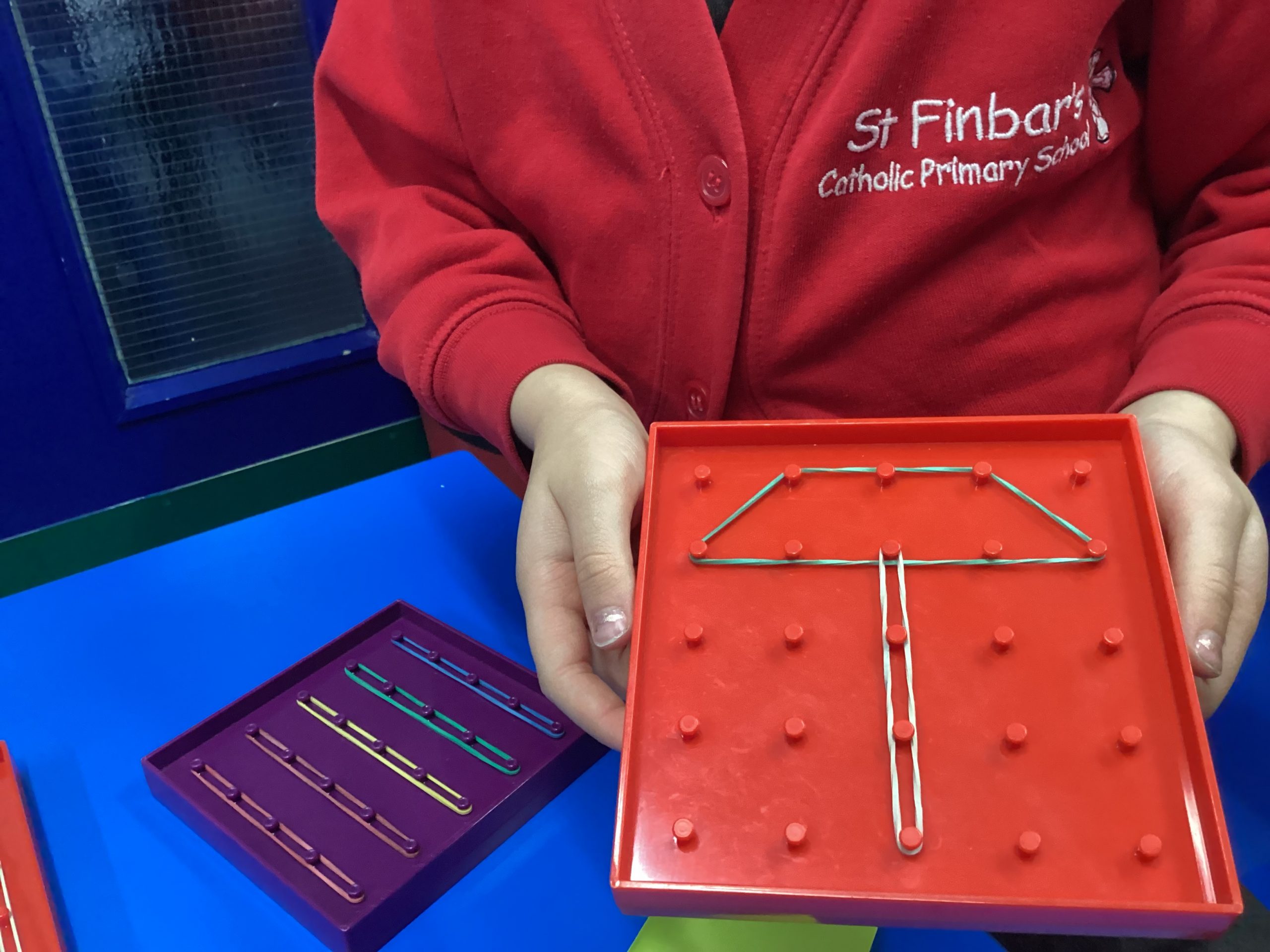
04.12.25 – Computing – What is a geoboard?

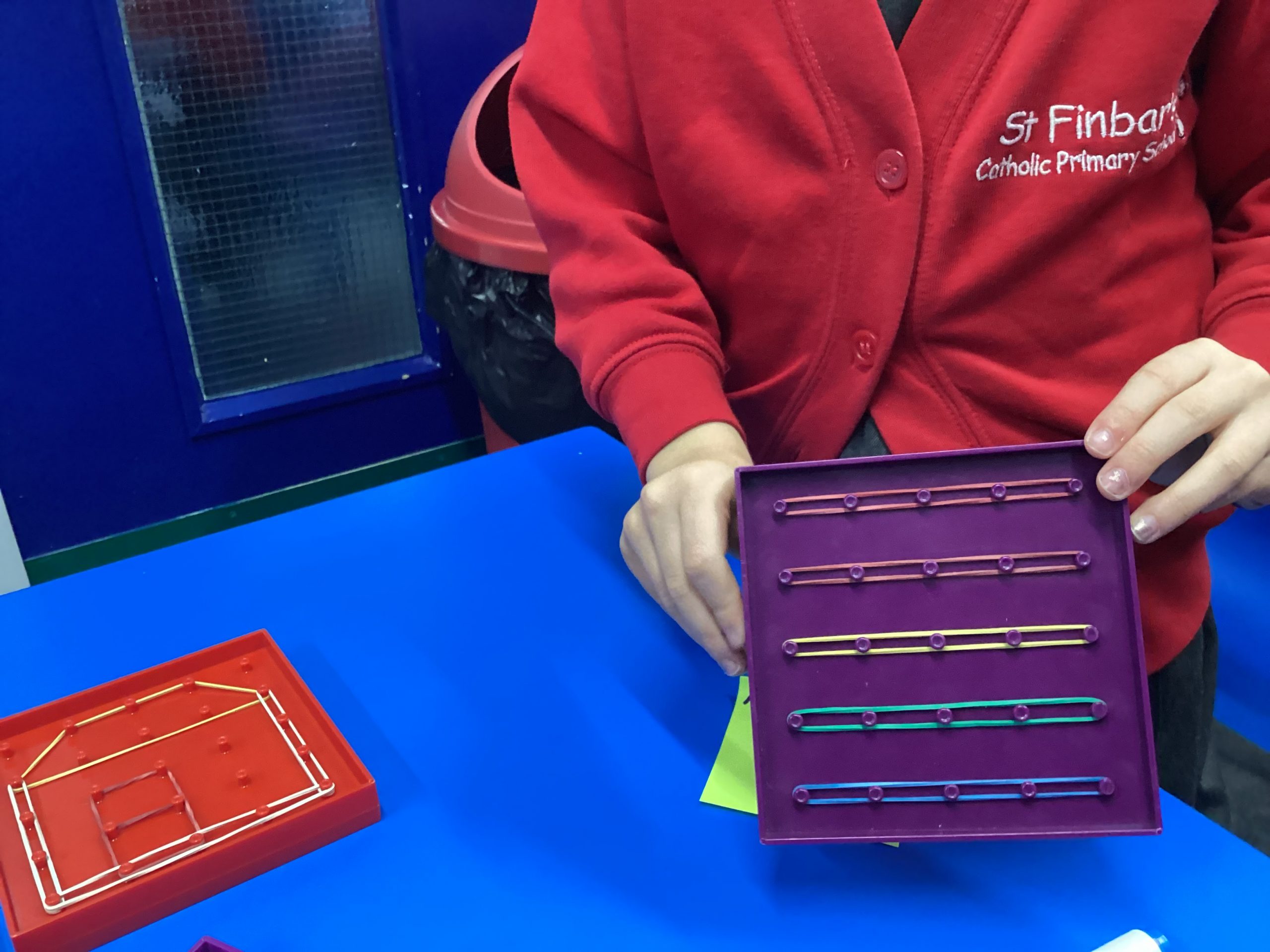
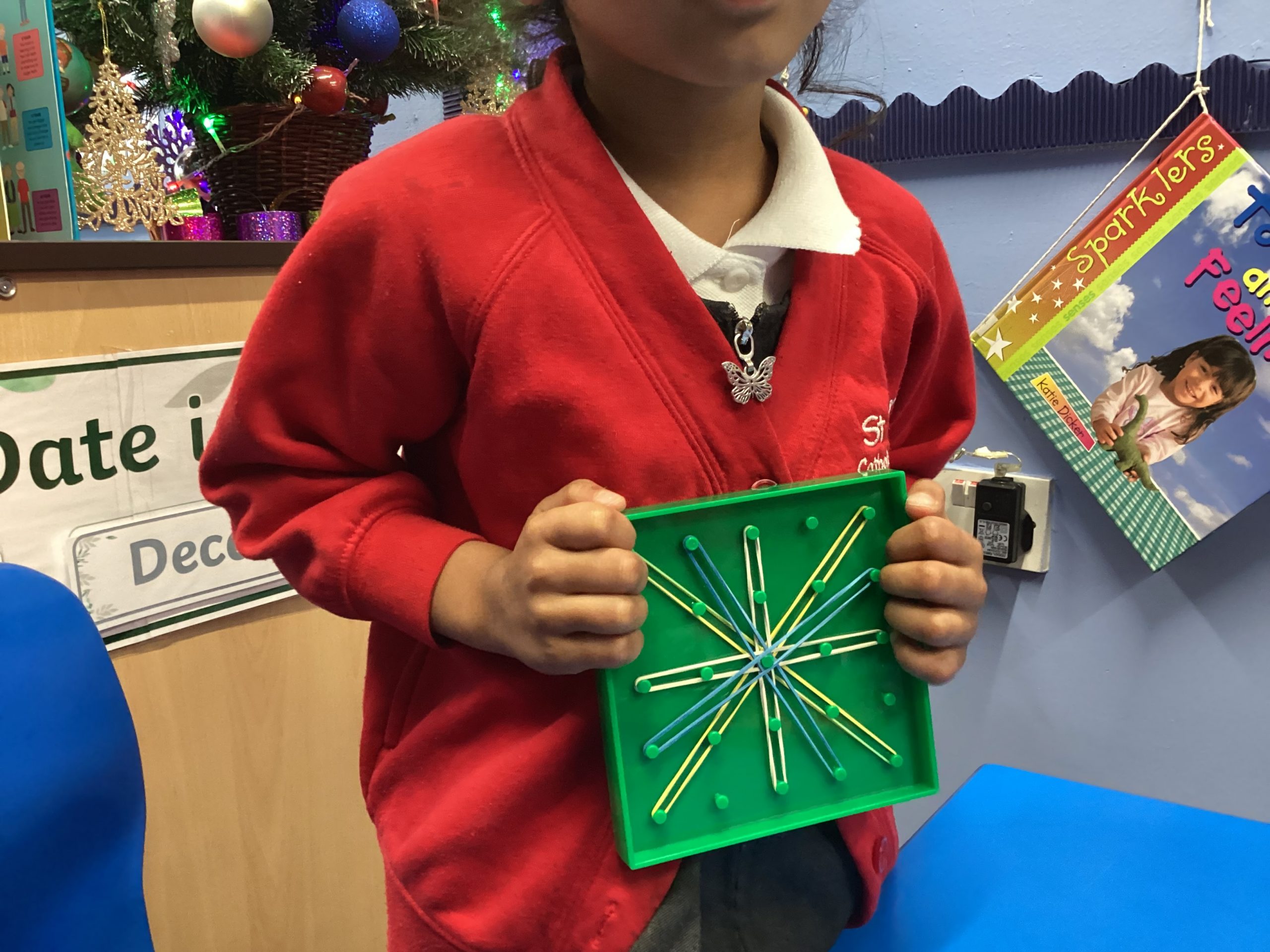
We are learning to use our imagination to create illustrations with shapes. Today we have used geoboards to create different pictures.

58
08-12-2025
chatter icon

08.12.25 – Computing – Smiley buttons

This week we have continued to code our Micro:bits and because we are confident with the basic coding we have moved on to coding the buttons to follow our instructions when pressed. We made them smile when button a was pressed and frown when button b was pressed.

32