23.06.26- Computing- Bee-Bots
23-06-2026
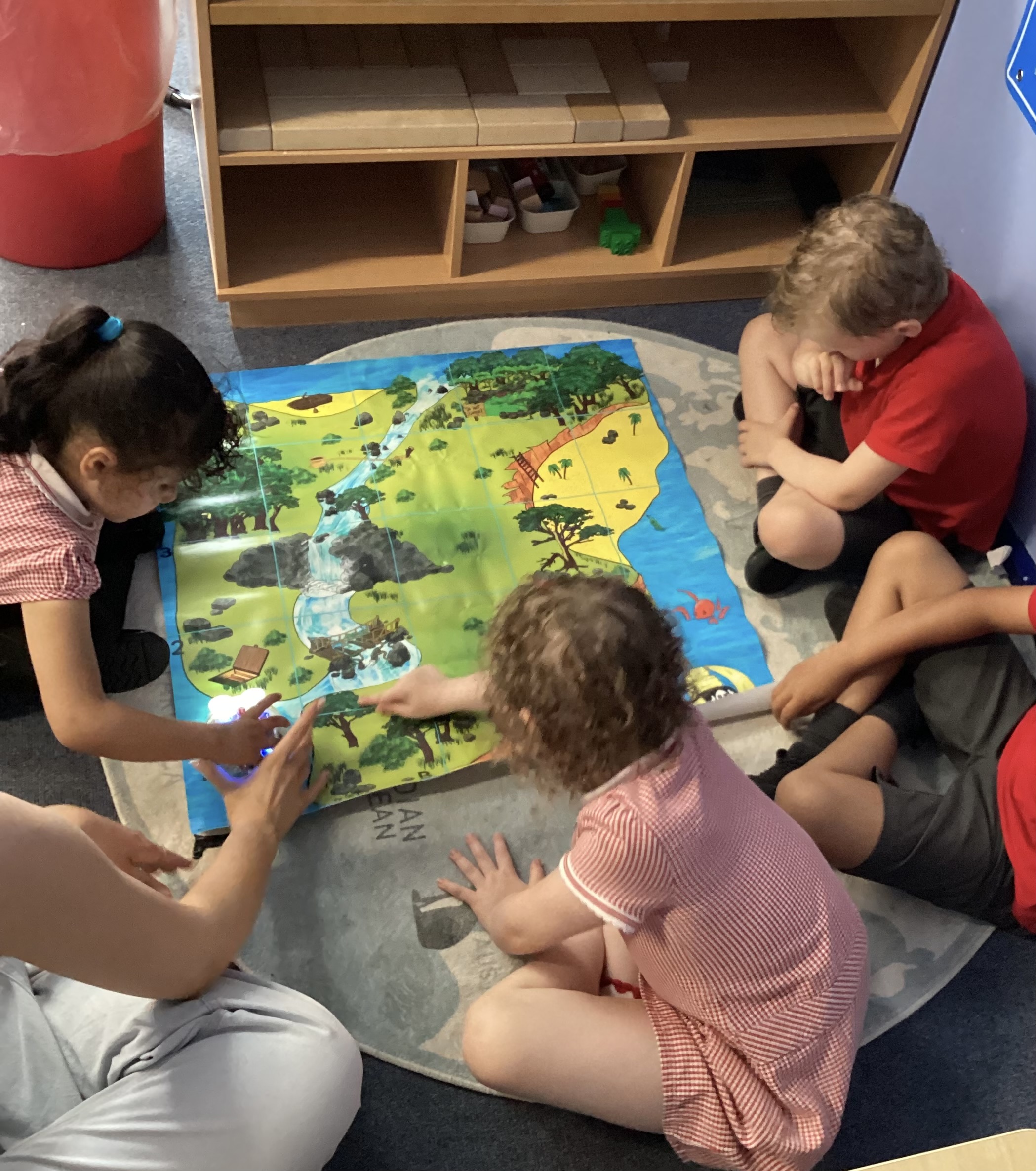
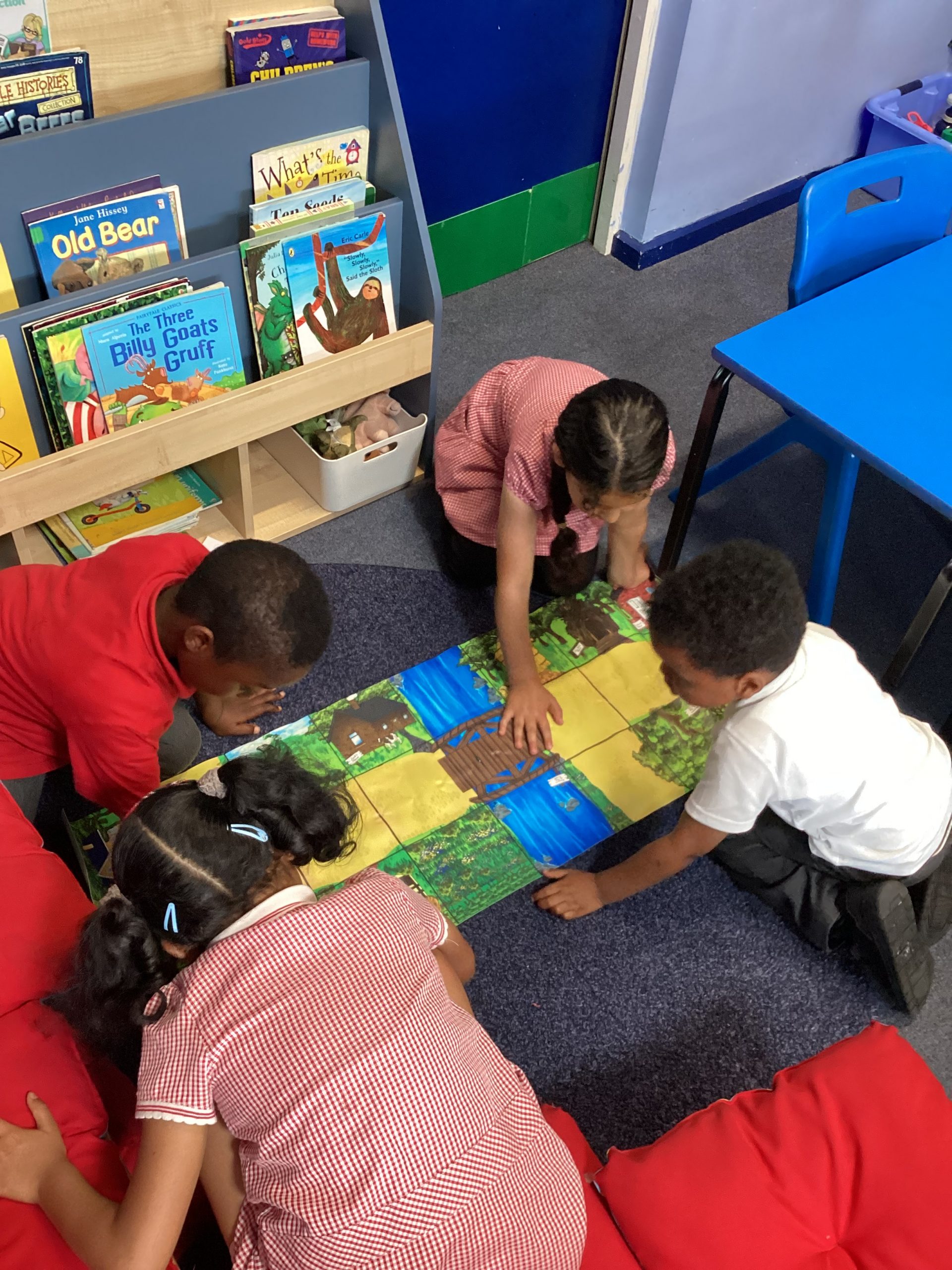
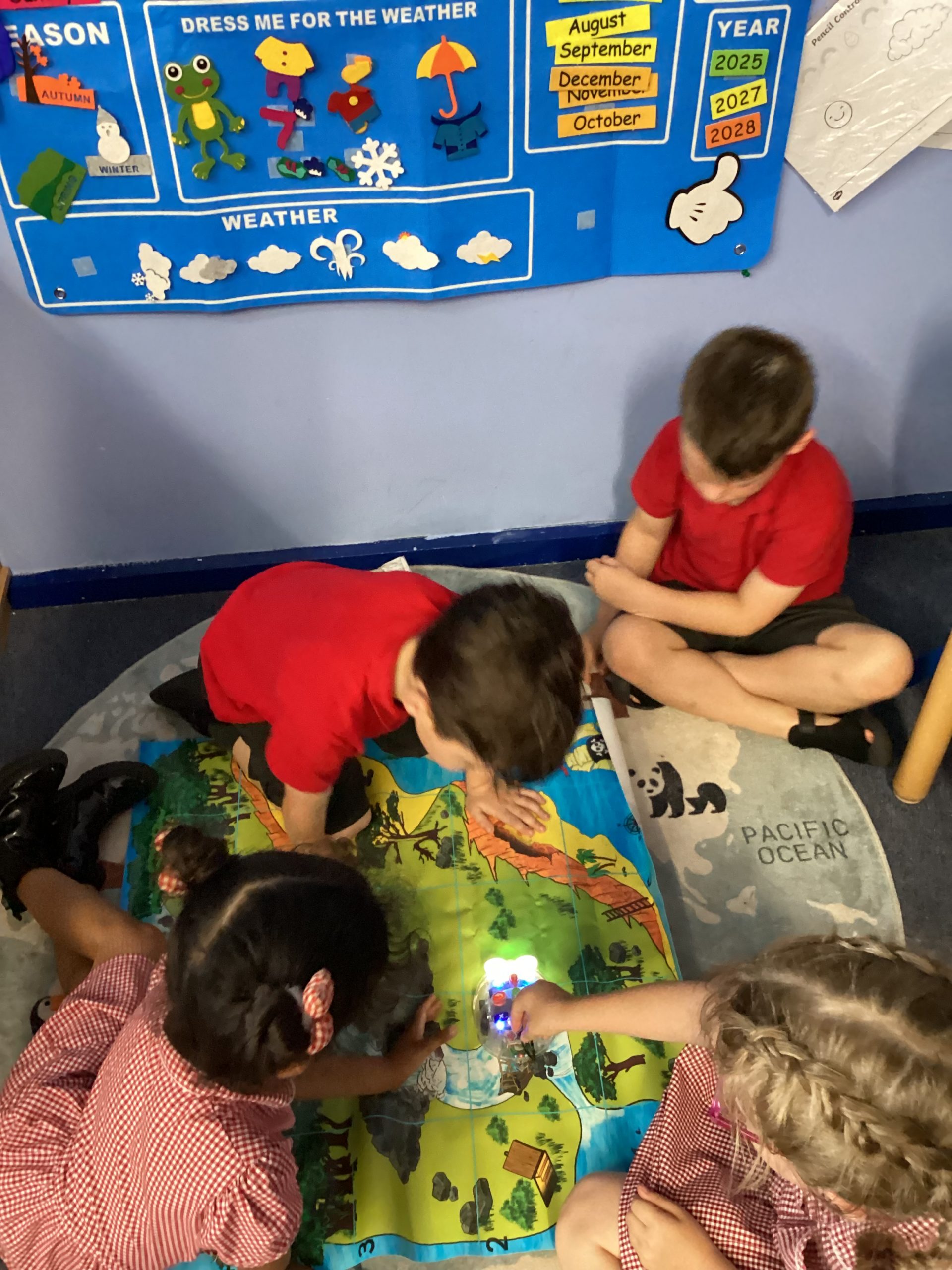
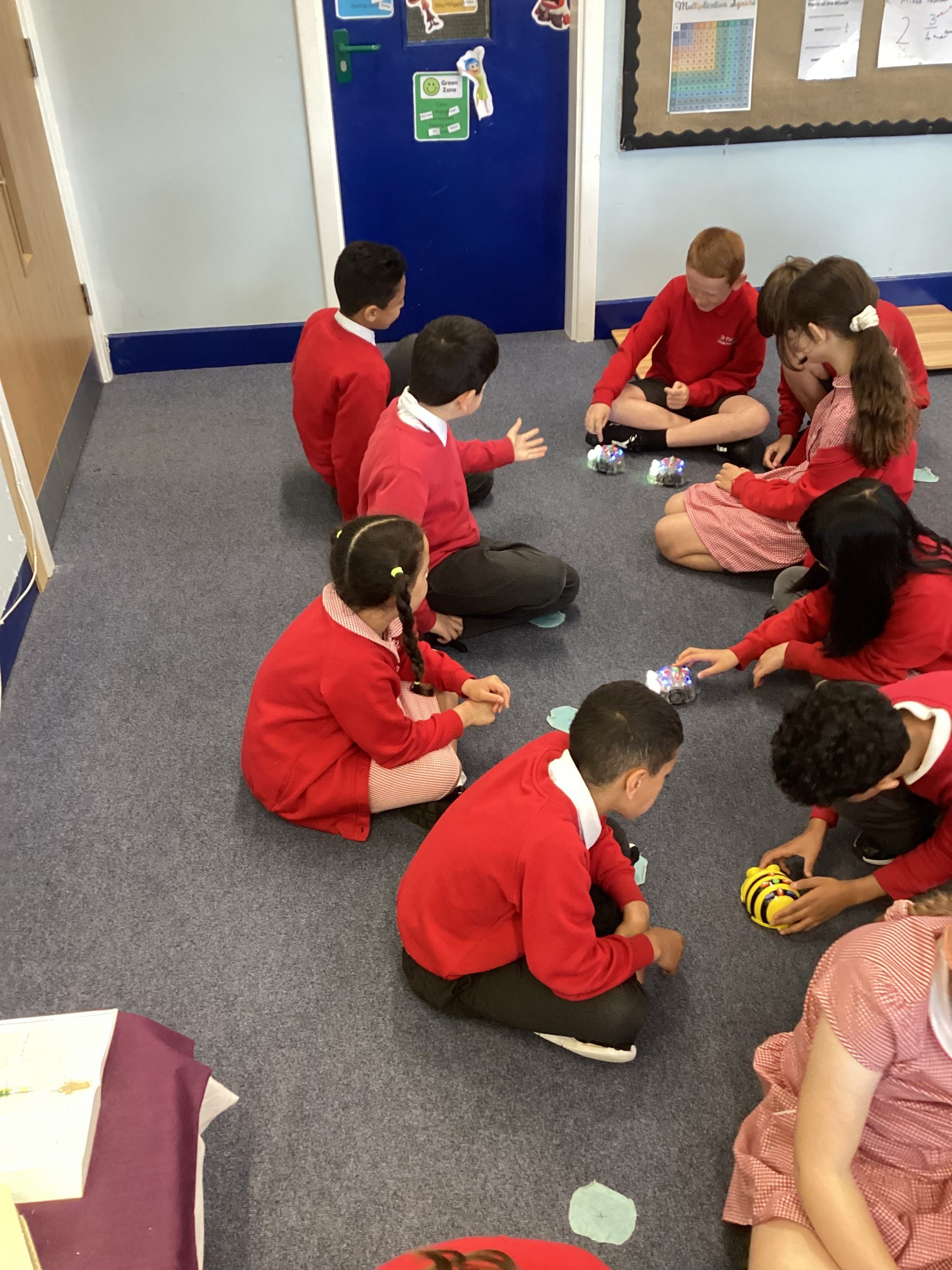
Today, Daffodil class were programmers, giving their Bee-Bots a set of instructions to move from one point on the map to another.
Well done Daffodils. Miss Moreno is very proud!
Computing at our school gives children the knowledge and skills they need to thrive in an increasingly digital world. We follow the Kapow scheme, which provides a clear, engaging and progressive curriculum that covers computer science, information technology and digital literacy.
The National Curriculum for Computing states that a high-quality computing education equips children to use computational thinking and creativity to understand and change the world. Through Kapow, children learn how digital systems work, how to program, and how to apply technology safely and effectively in a wide range of contexts. They also develop the confidence to be not just consumers of technology, but creators and problem-solvers too.
Through the delivery of Computing, we aim to improve children’ skills in these four areas:
Our computing curriculum, supported by the Kapow scheme, aims to ensure that all children:

Today, Daffodil class were programmers, giving their Bee-Bots a set of instructions to move from one point on the map to another.
Well done Daffodils. Miss Moreno is very proud!
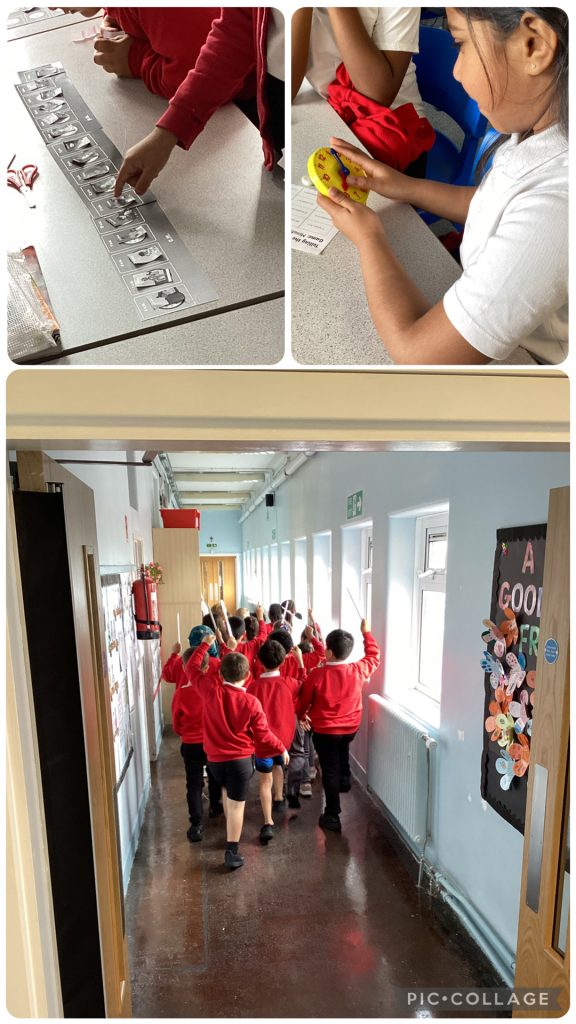
Today was No Pen Day, with a focus on developing oracy skills and deepening understanding through discussion, collaboration and practical activities. The children continued exploring our topic of time, learning about a.m. and p.m.and how we use them in everyday life. We also began our exciting new history topic on Alexander the Great, where the children worked together to create their own phalanxes, helping them understand the strategies used by his army. In Computing, the children completed their rainforest voice-over projects, confidently recording and editing narration to accompany their work. It was fantastic to see such enthusiastic participation, teamwork and thoughtful communication throughout the day.
63
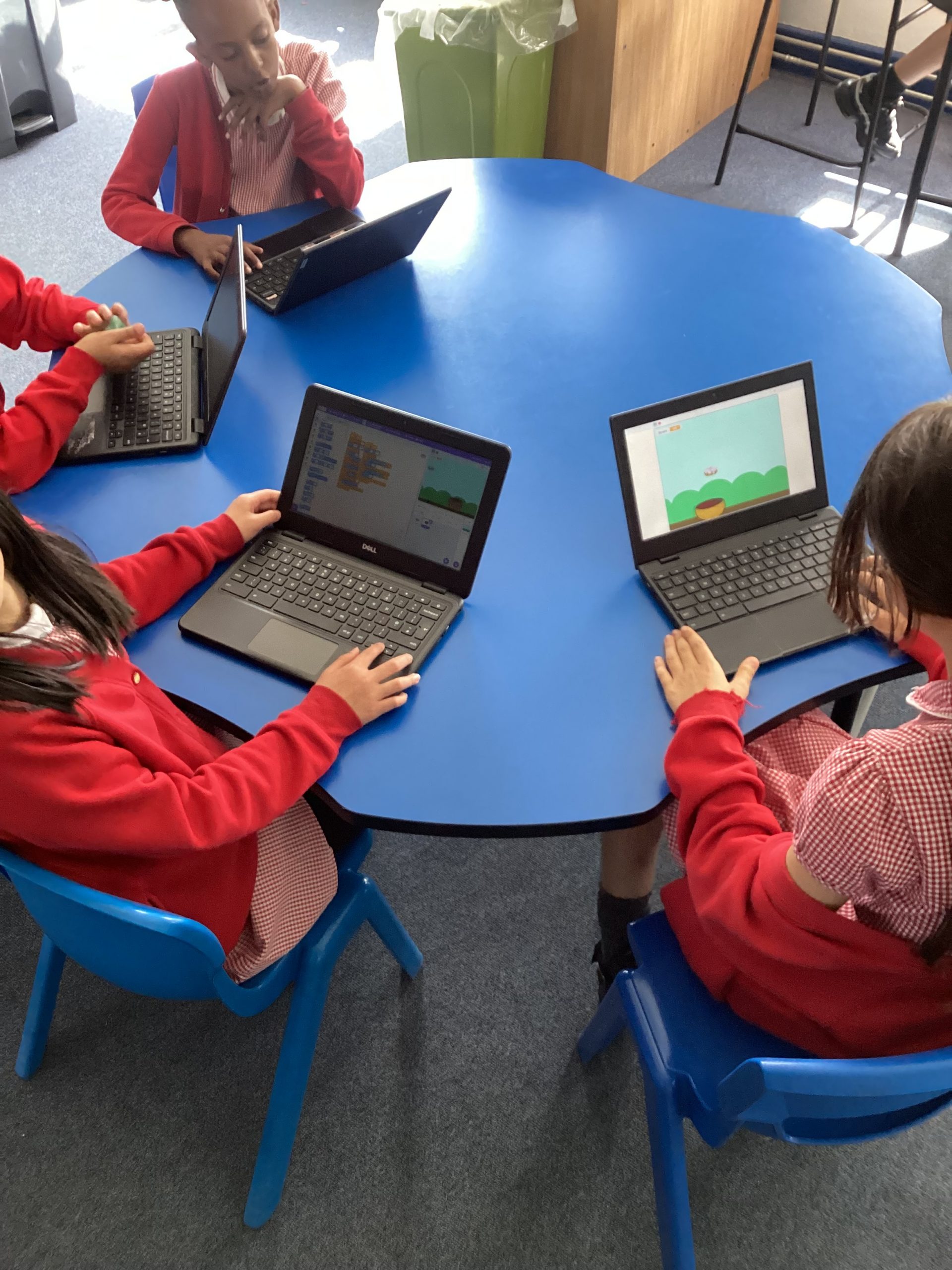
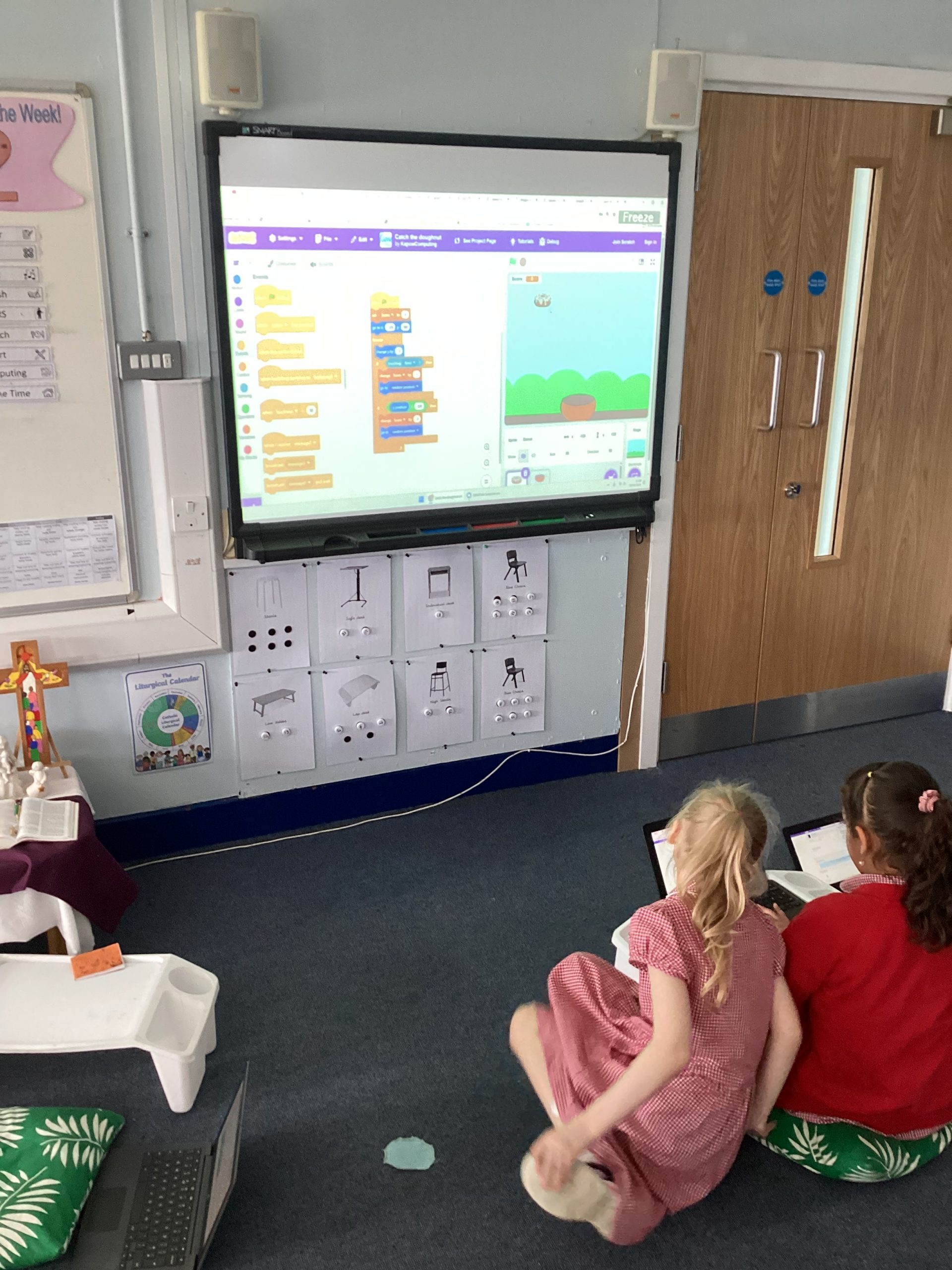
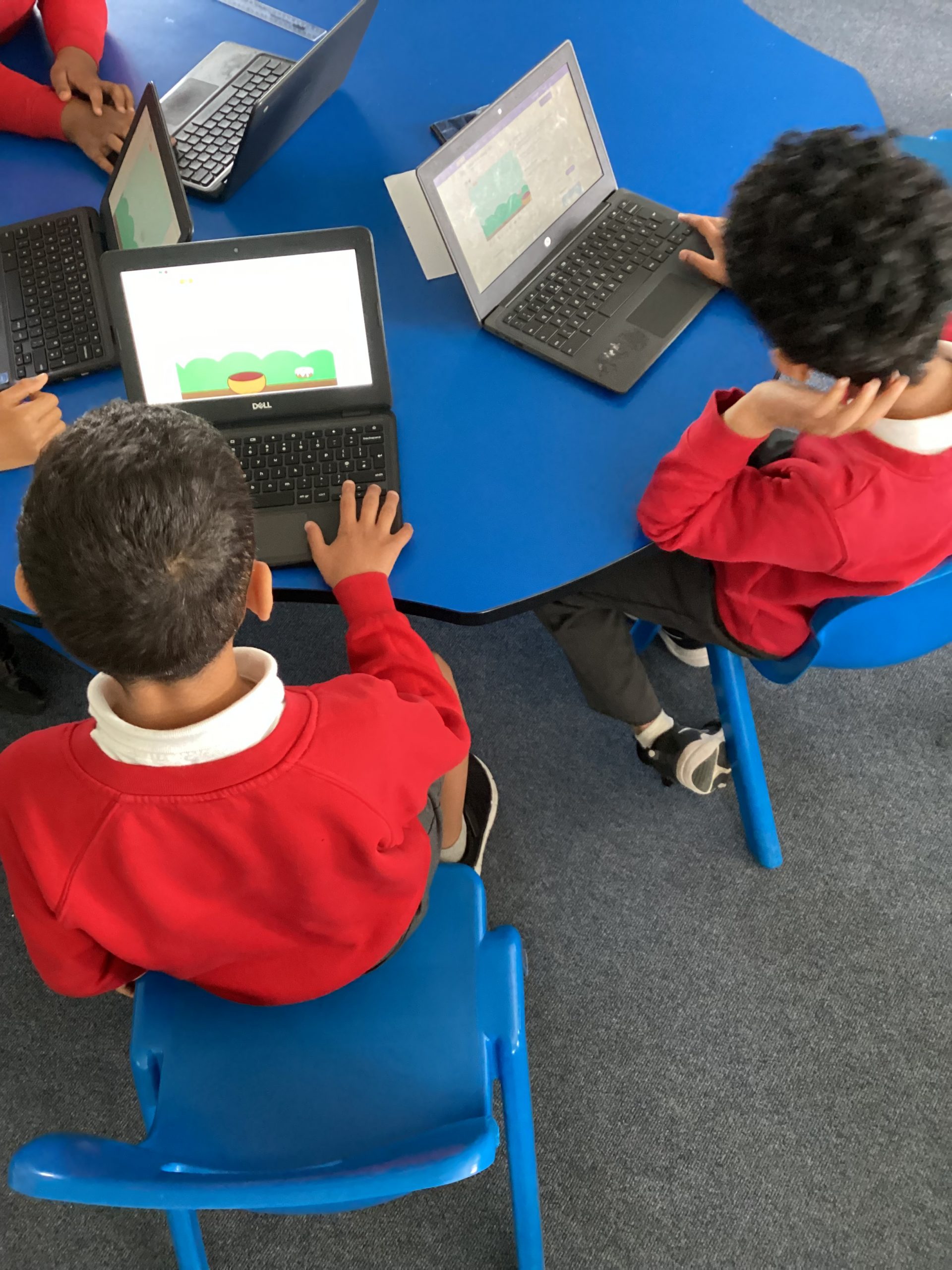
Today we began our new programming topic in computing. We needed to use scratch and the coding blocks. We programmed a simple game called catch the donut and it even included a score box!
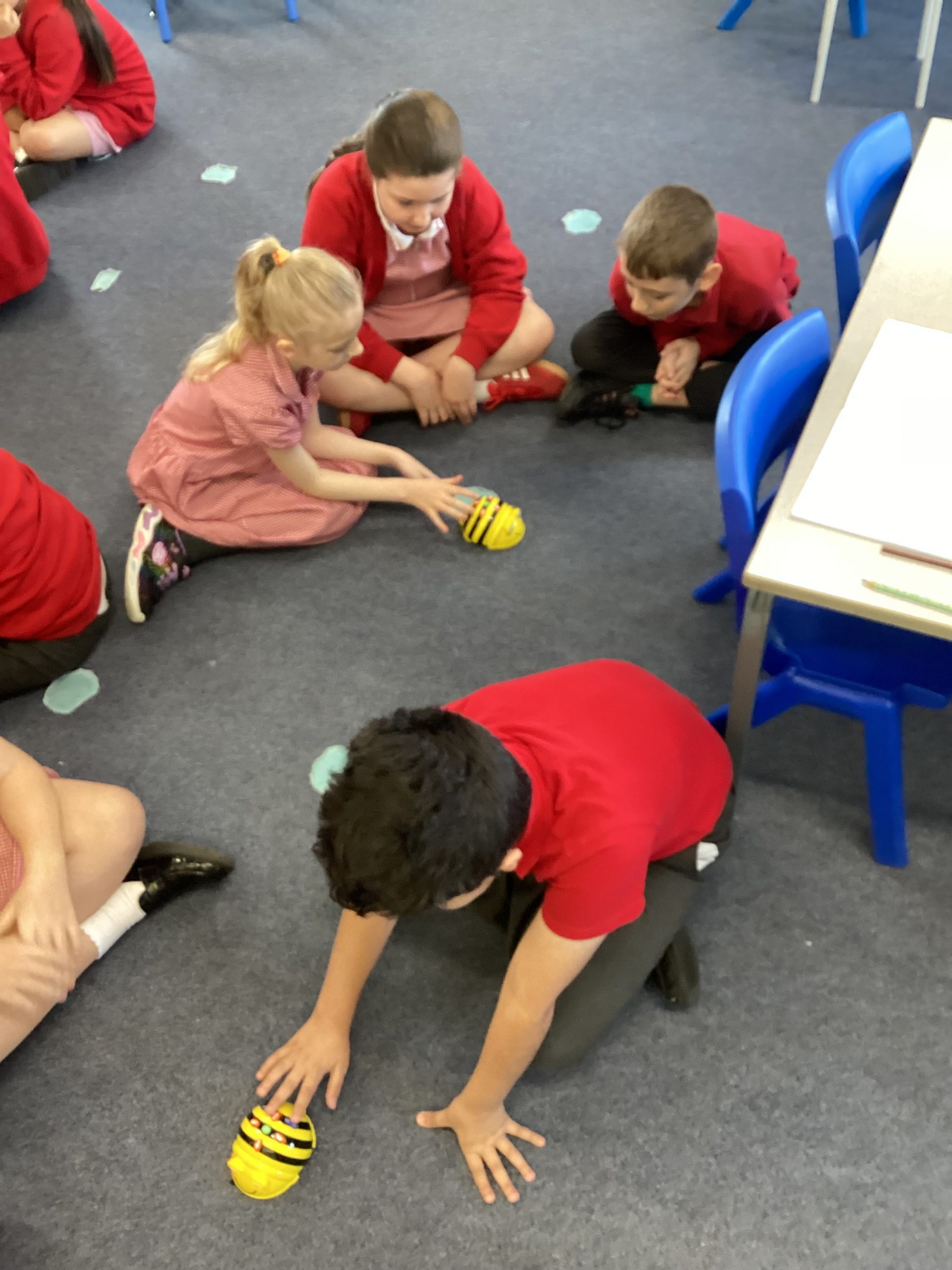
During our lesson today we began our shapes topic and we used the bee bots. While using them we were practising using the language of quarter turn, half turn and three quarter turn. This was a fun way to link our computing skills with maths!
In club today we have further developed our coding skills to use text to speech blocks and translating languages. We created sprites and then asked them to speak and translated it into a different language.
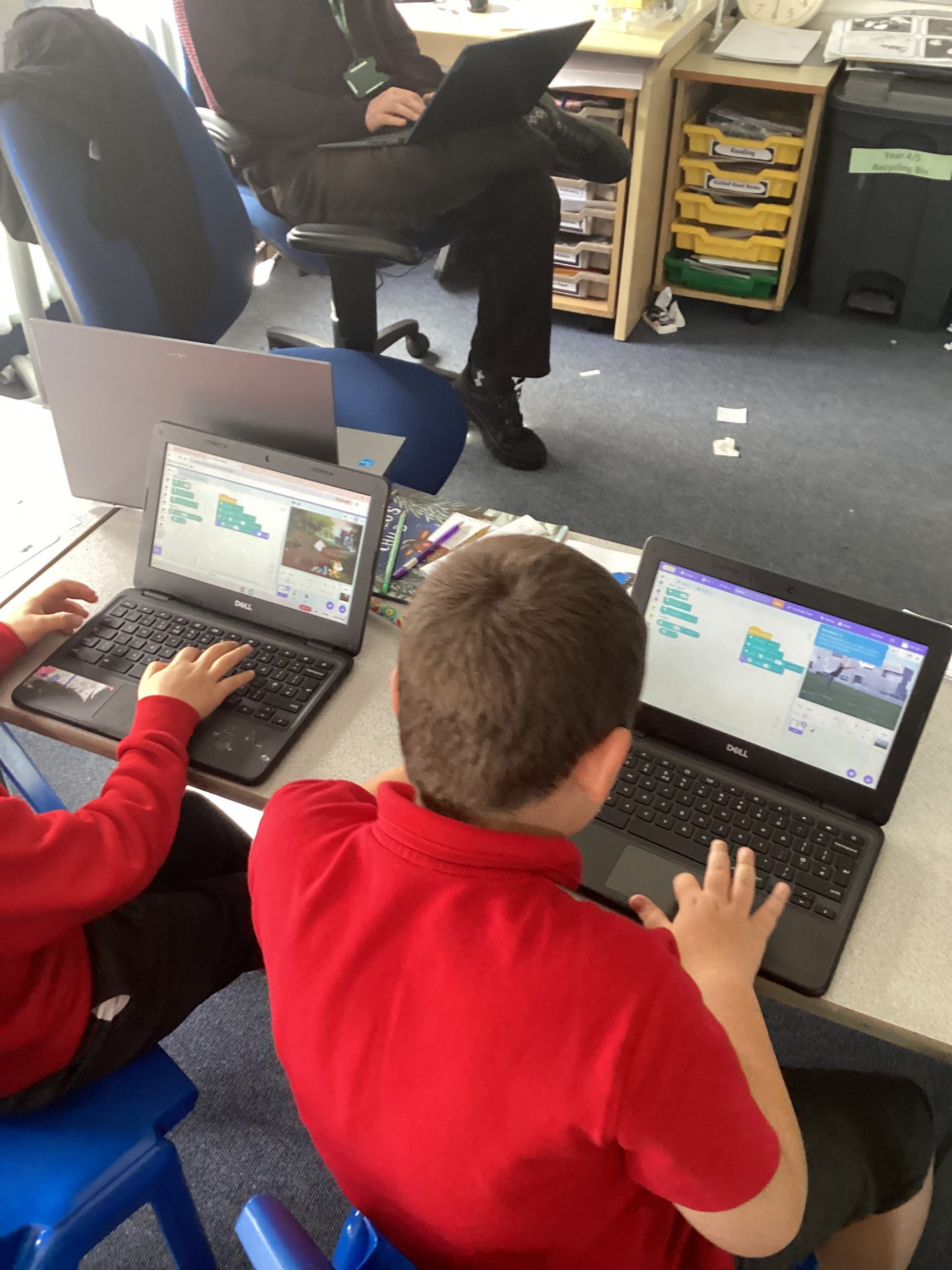
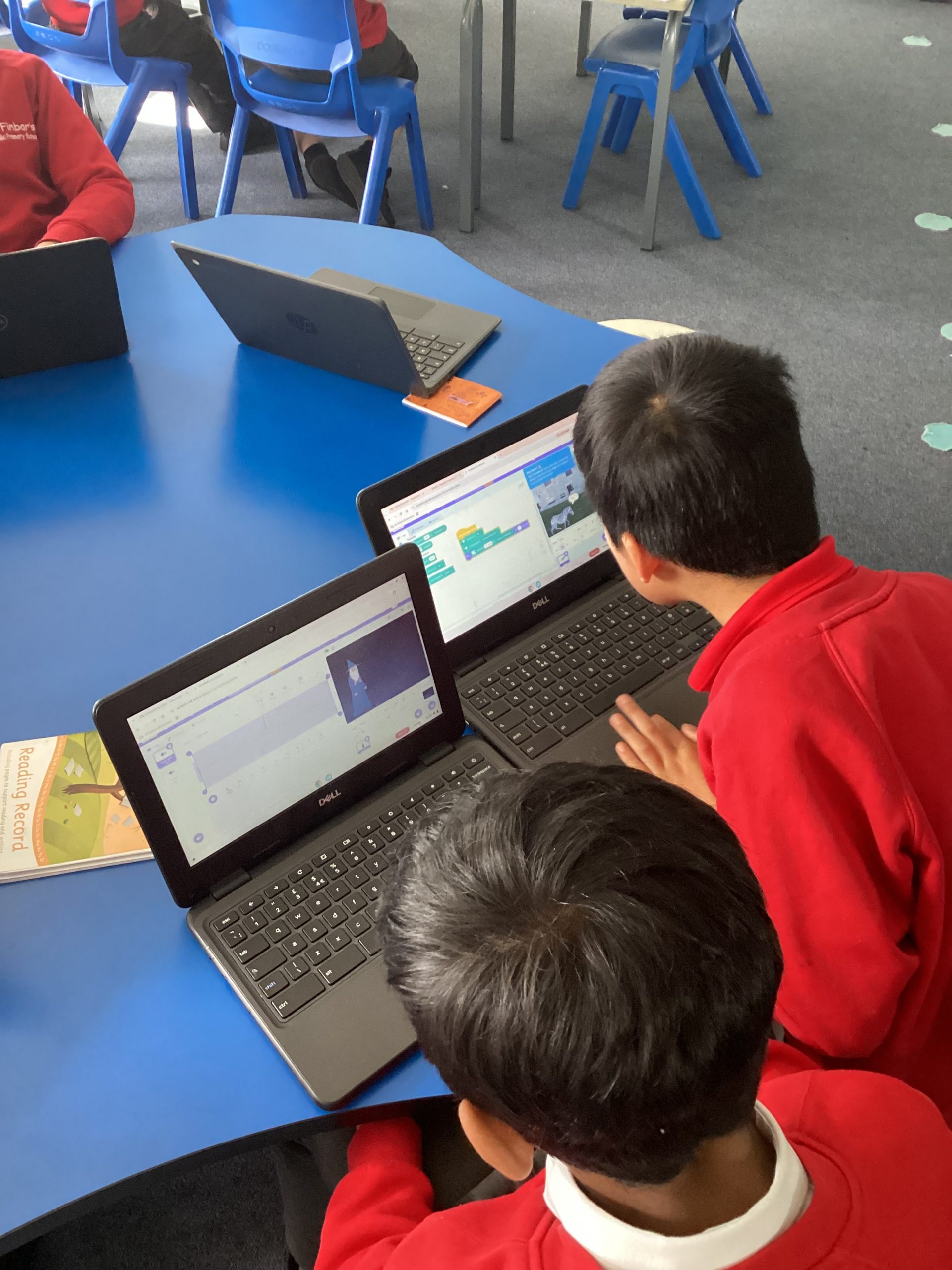
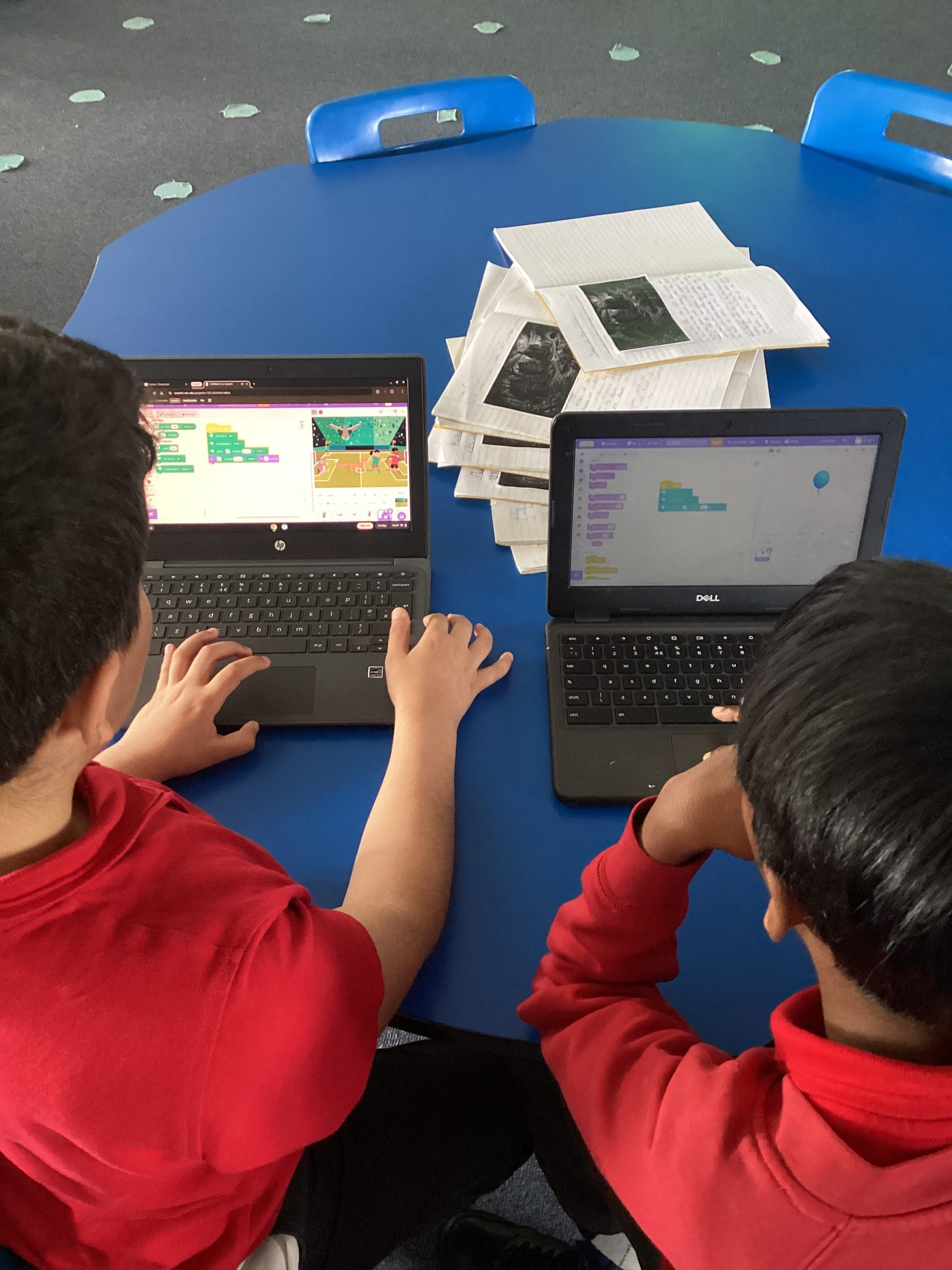
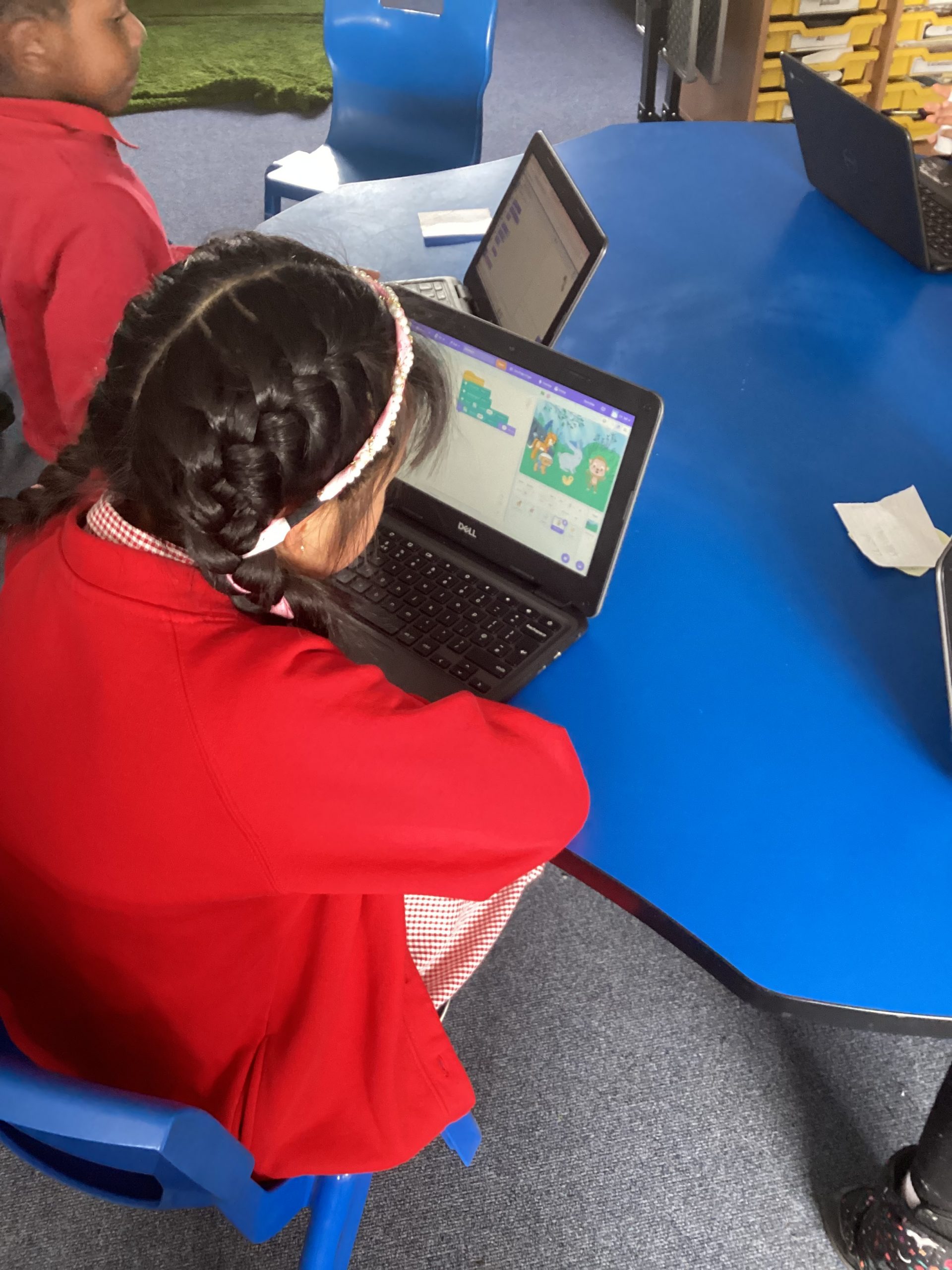
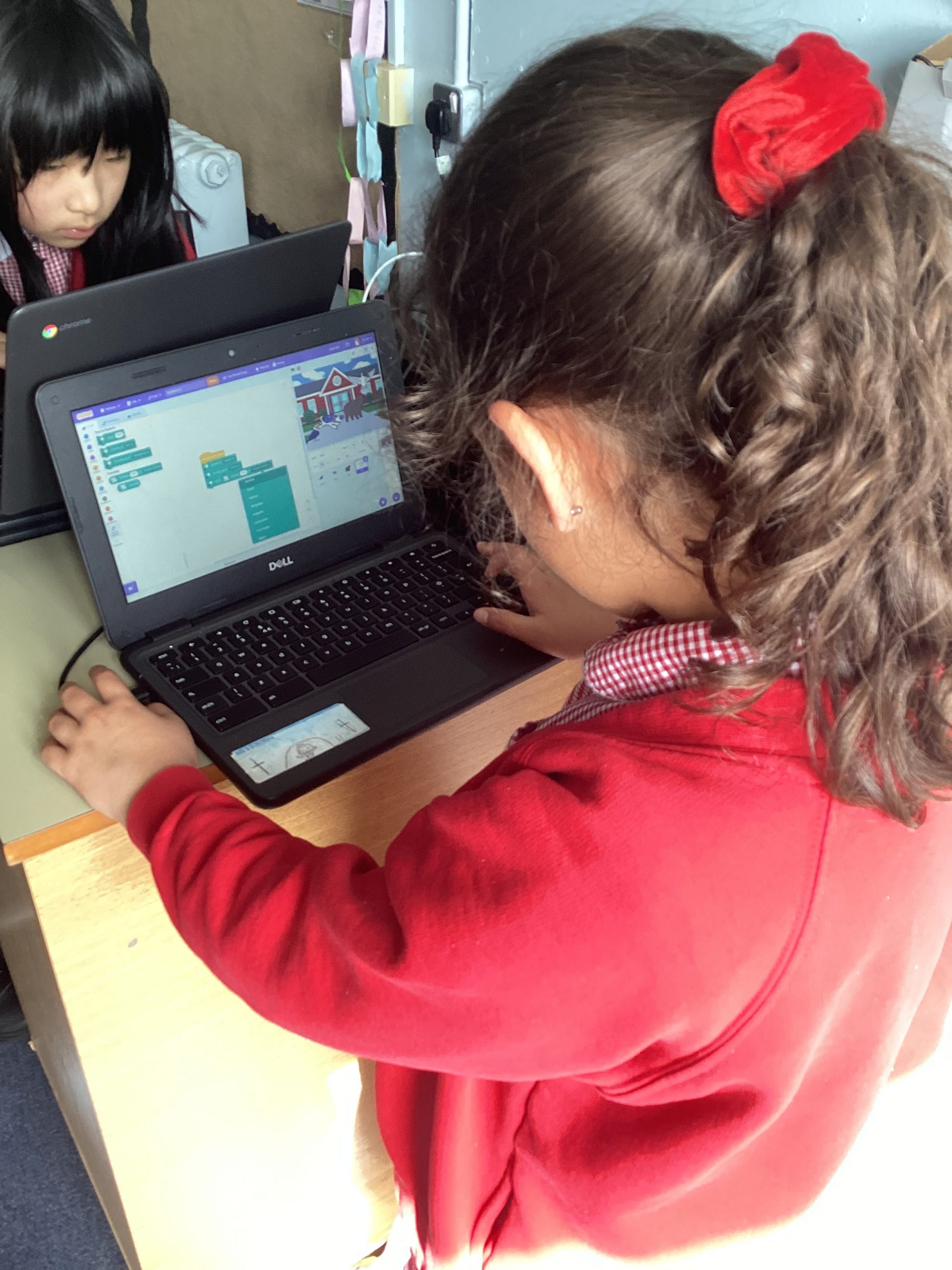
Today in computing club we have been working on how to animate our names in scratch. This required us to change the sprites and background before coding how to make the letters flash and change size.
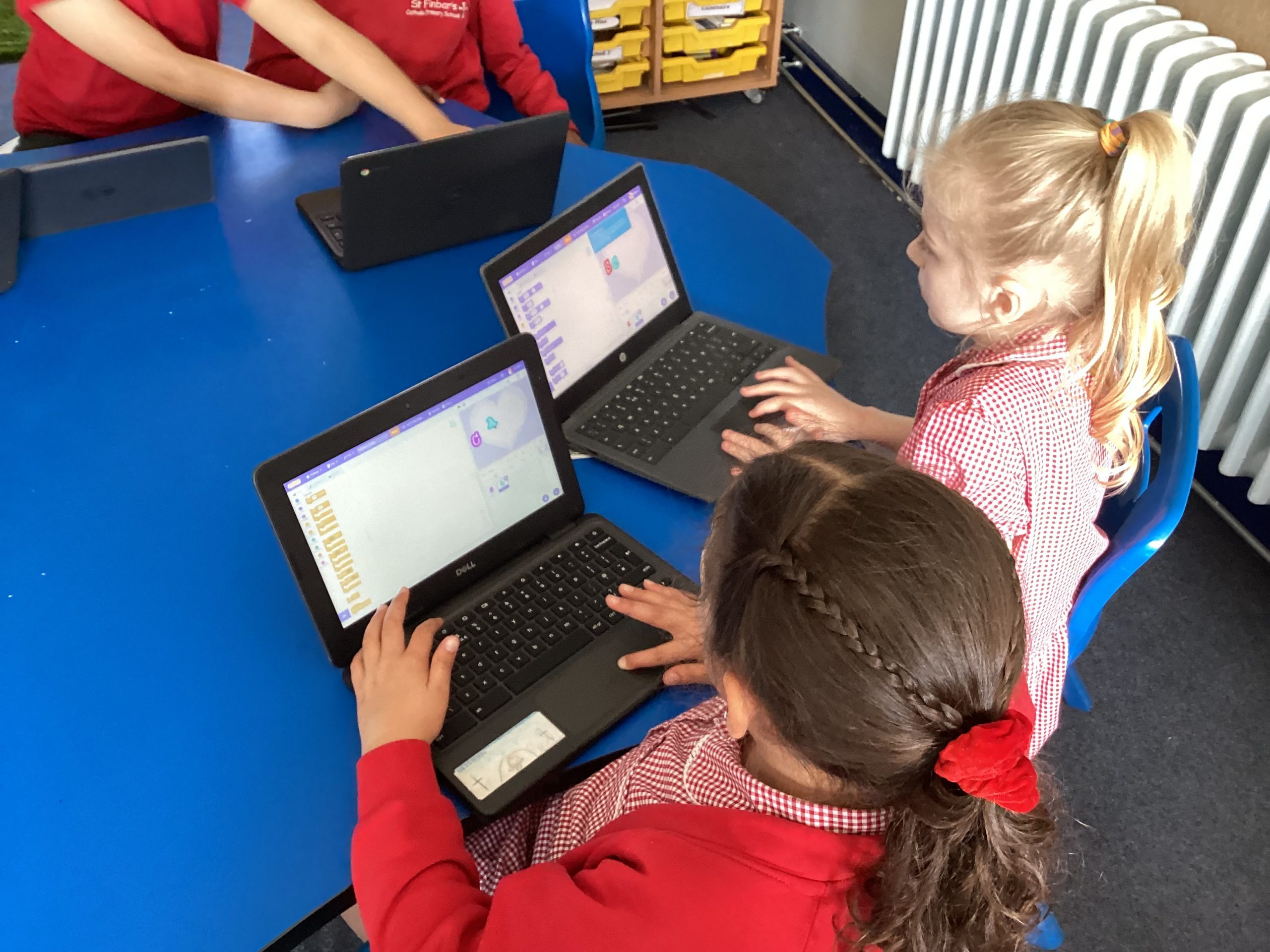
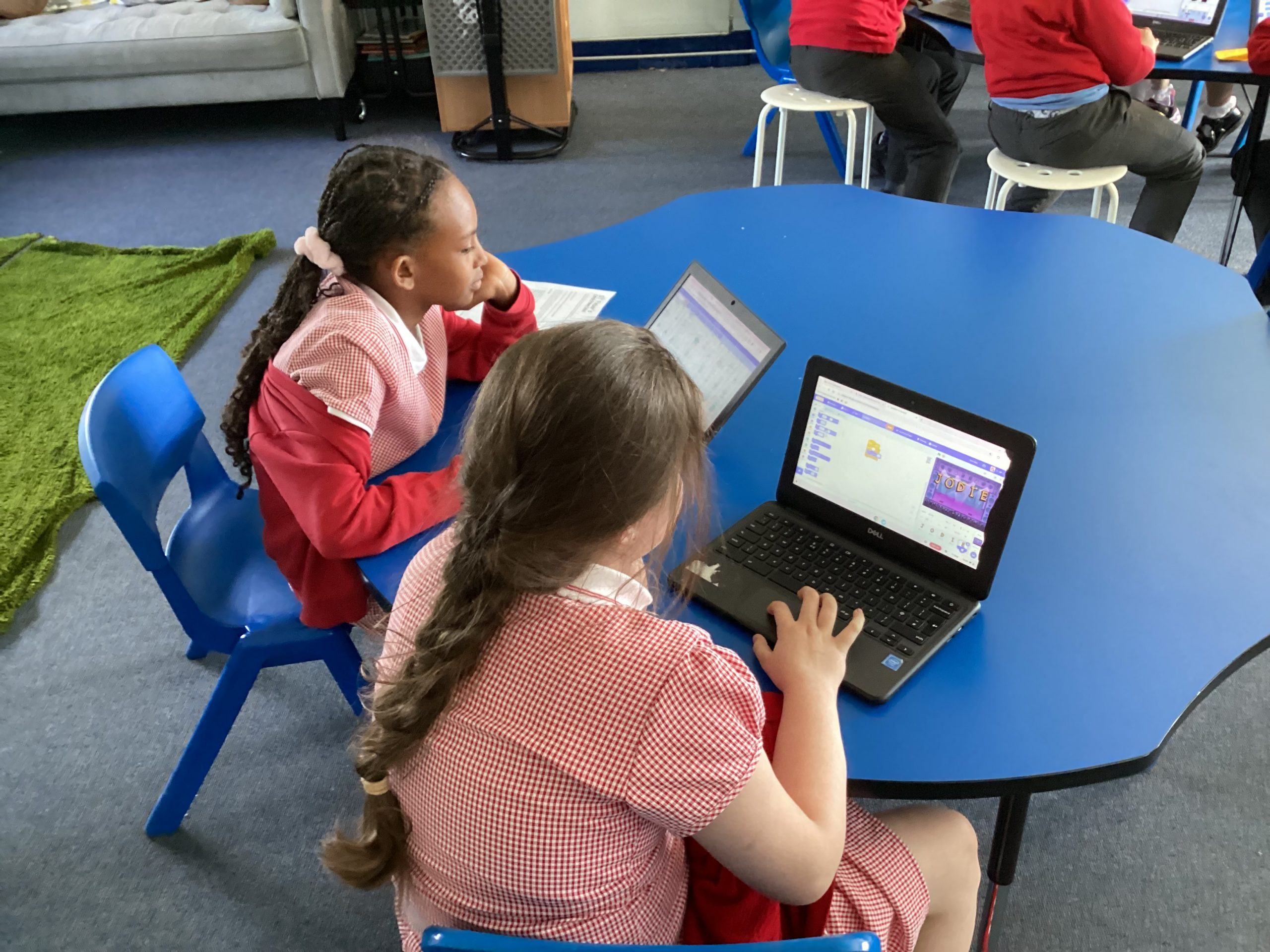
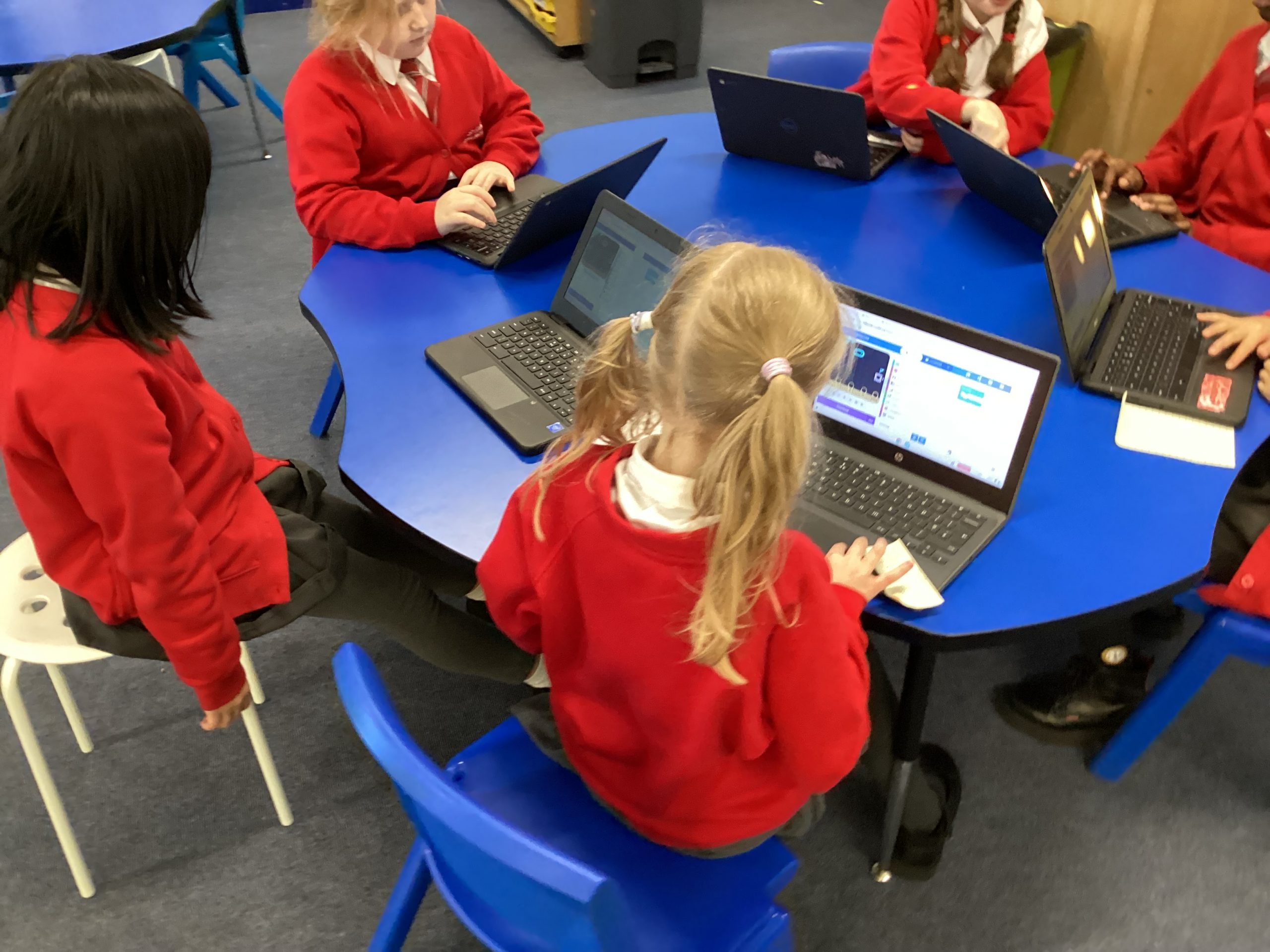
Over the last two weeks, we have been using Microsoft Make Code to create a compass on the MicroBits. We had to include degrees for when we turned around so that it would change the direction on the screen.
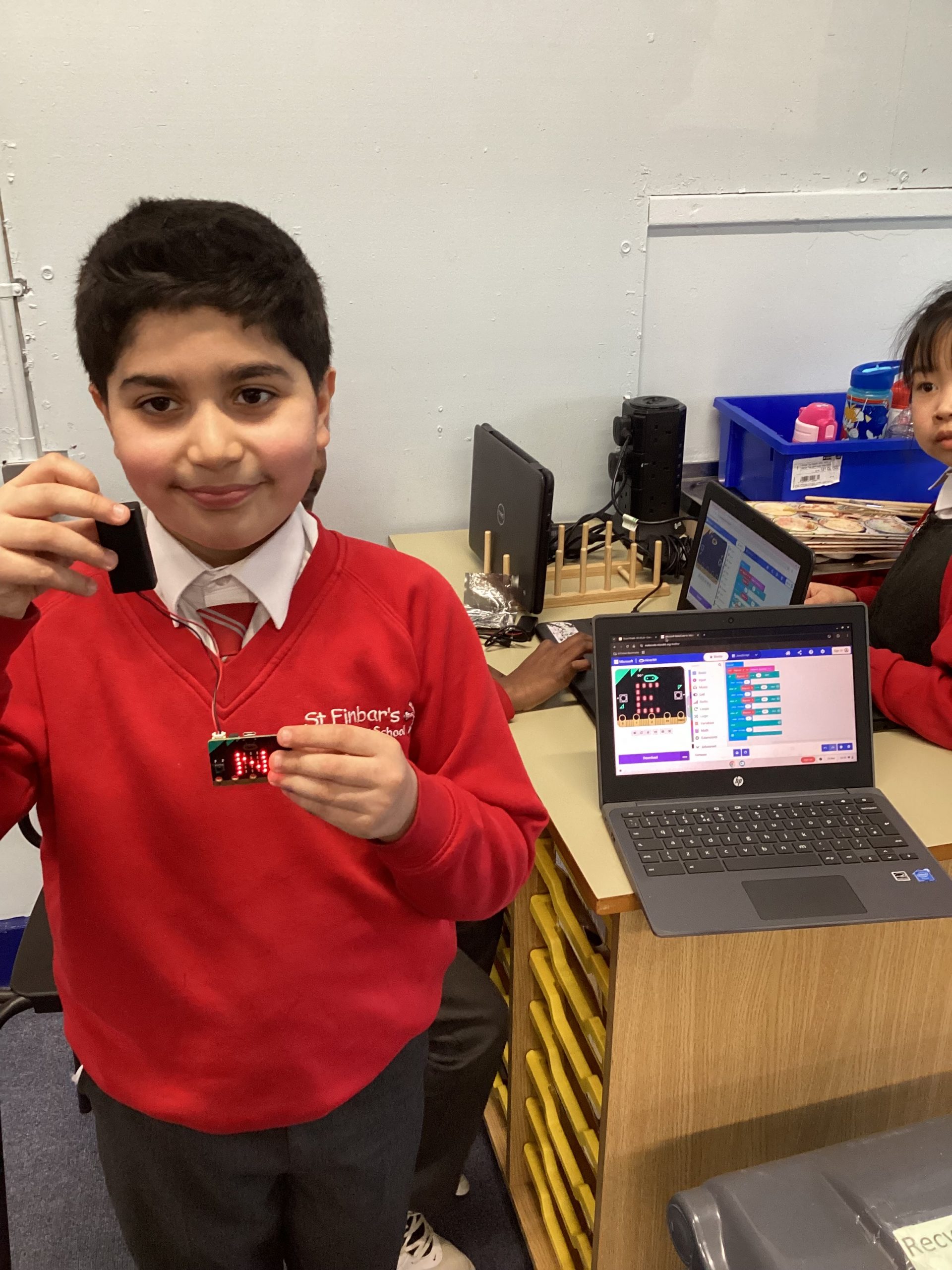
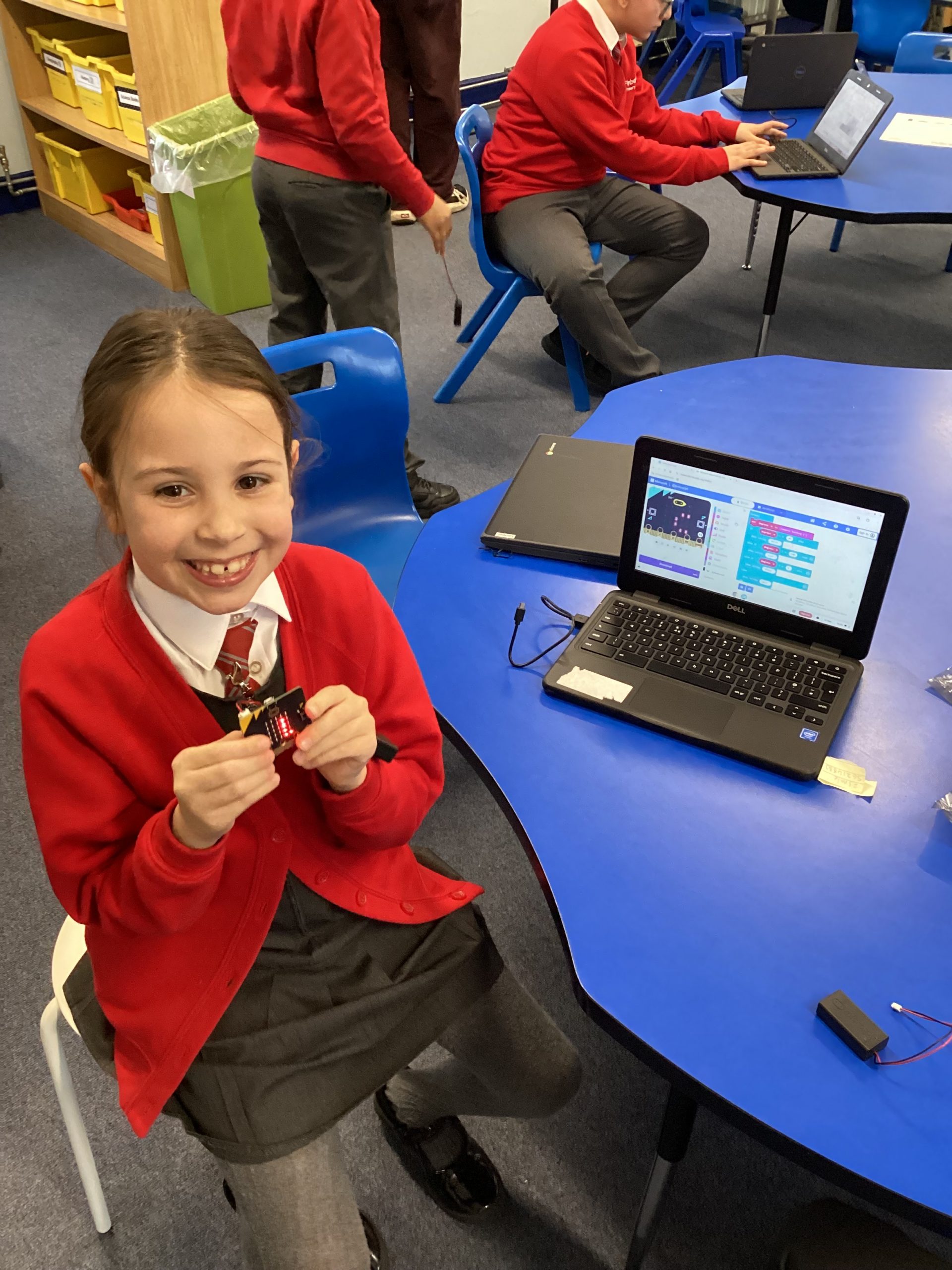
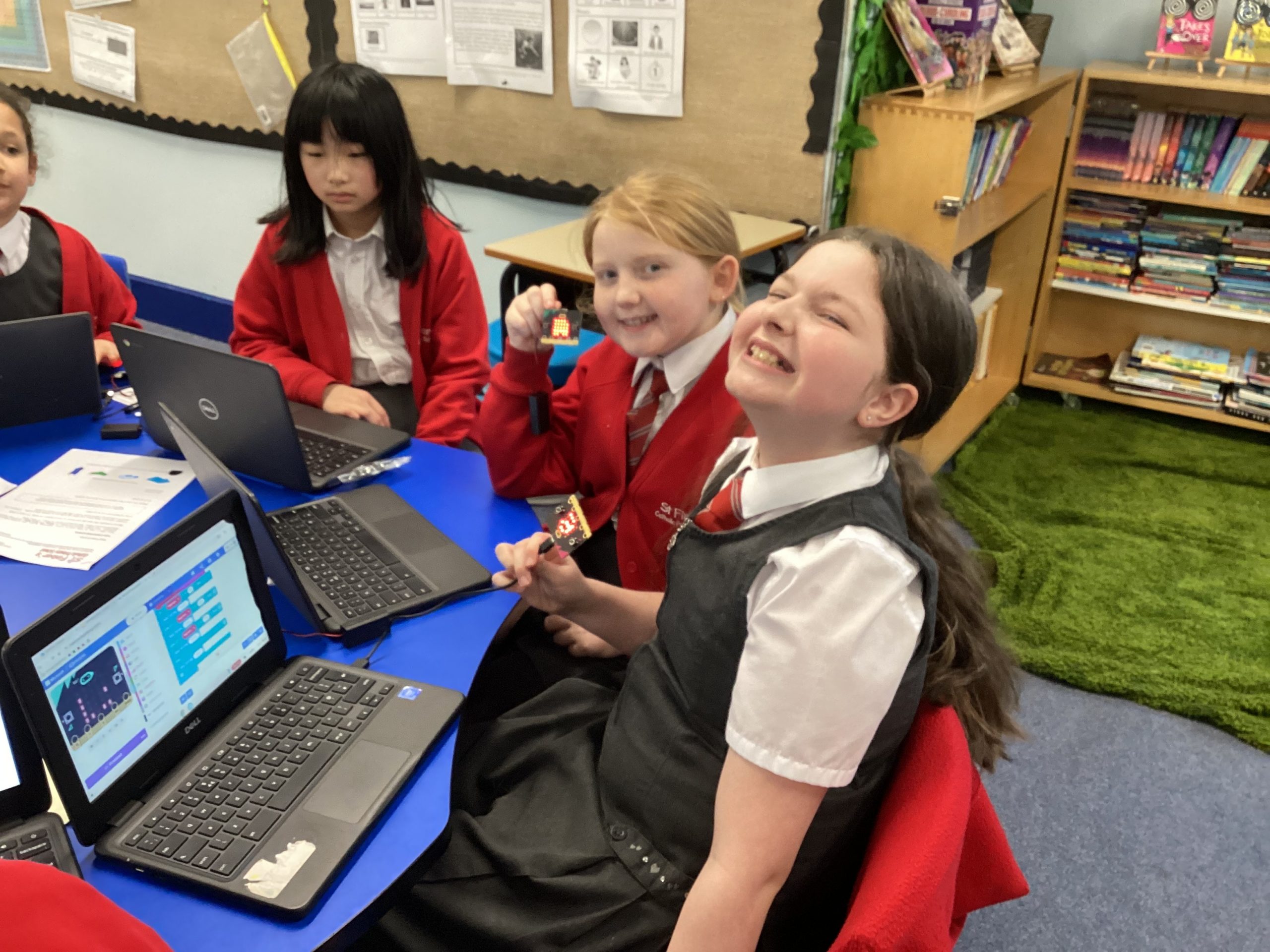
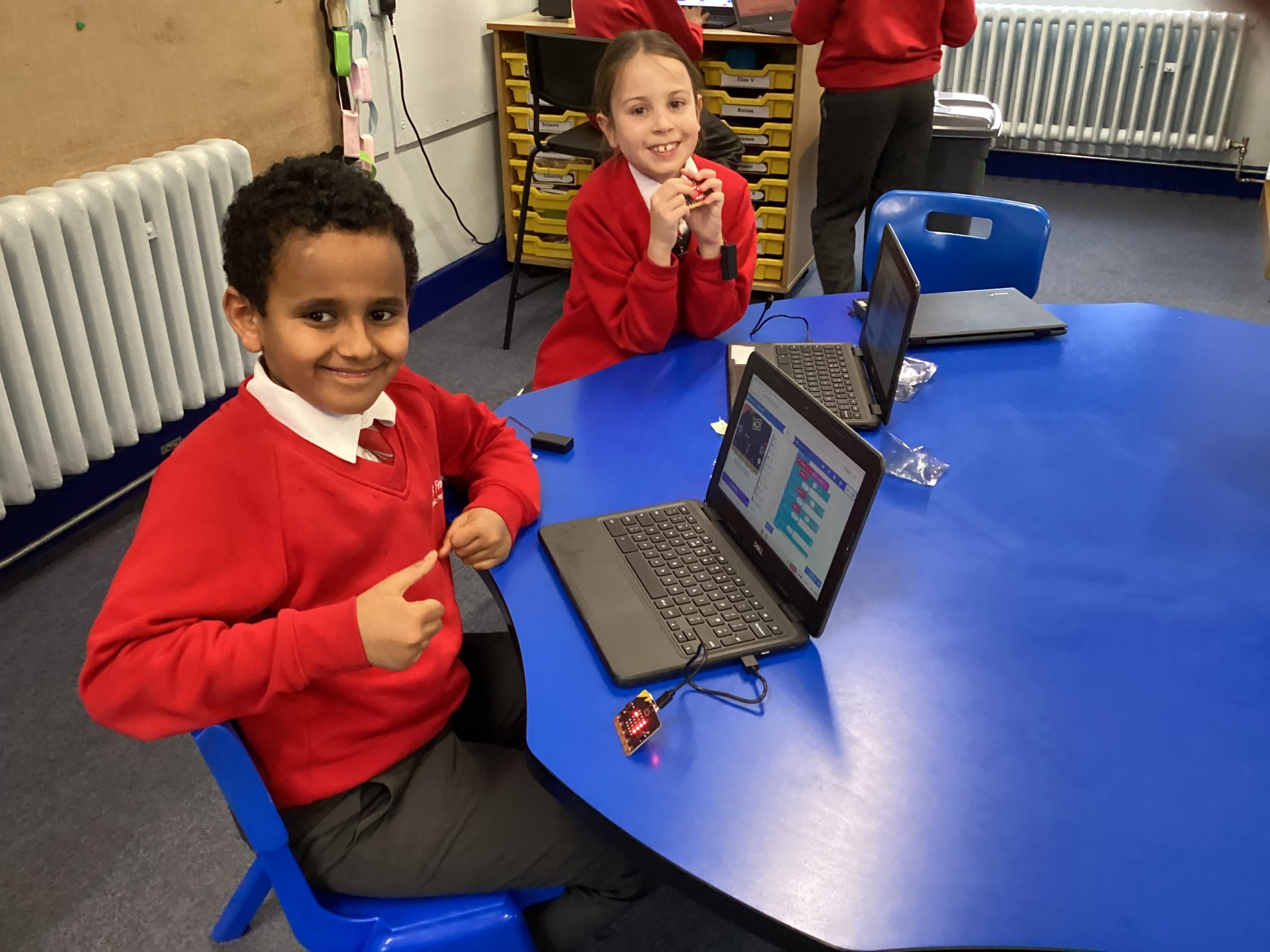
Today year 4 have continued learning about coding as part of this half terms topic. We looked at how some games need conditional logic to give the game choices within the code.
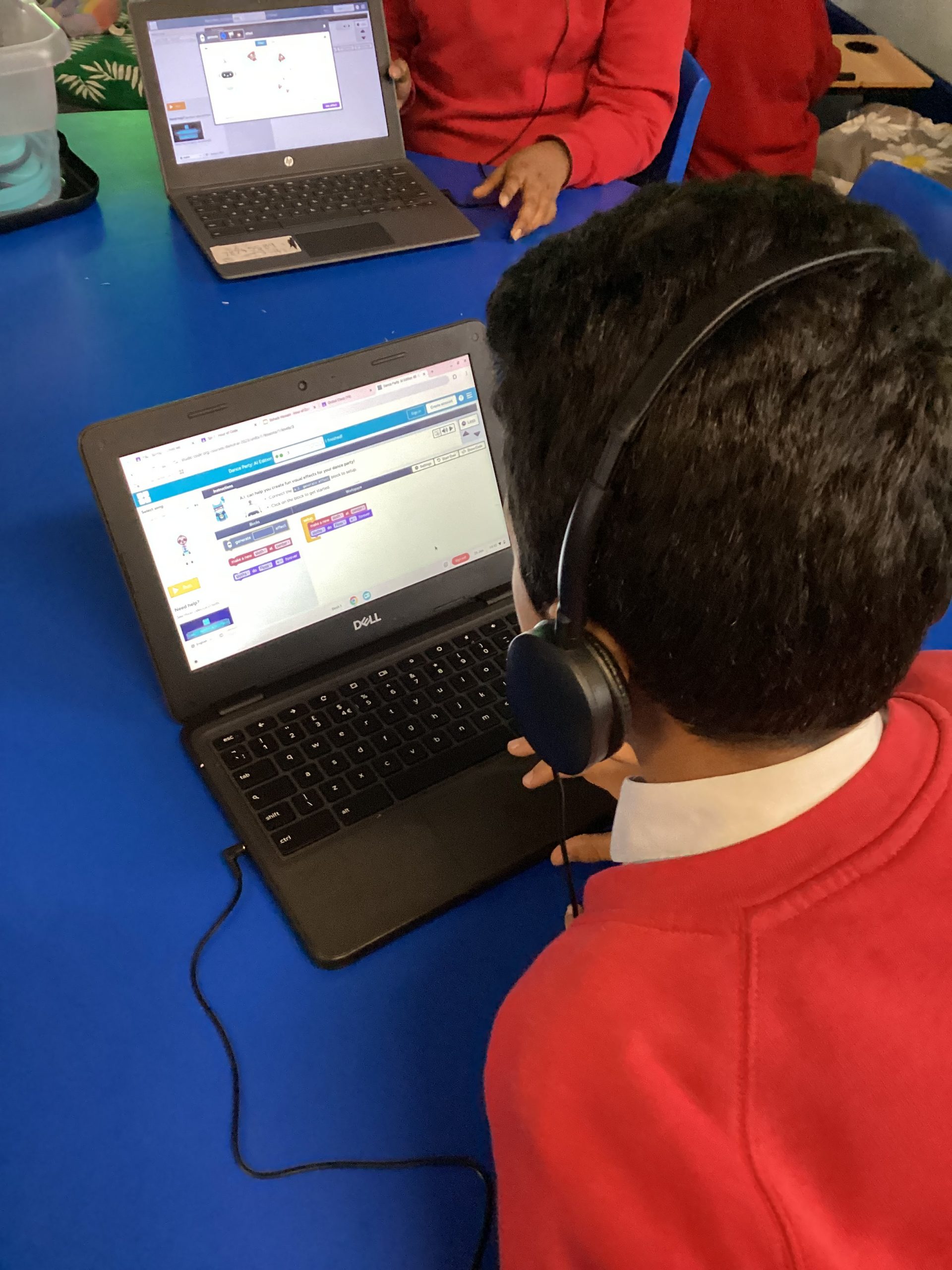
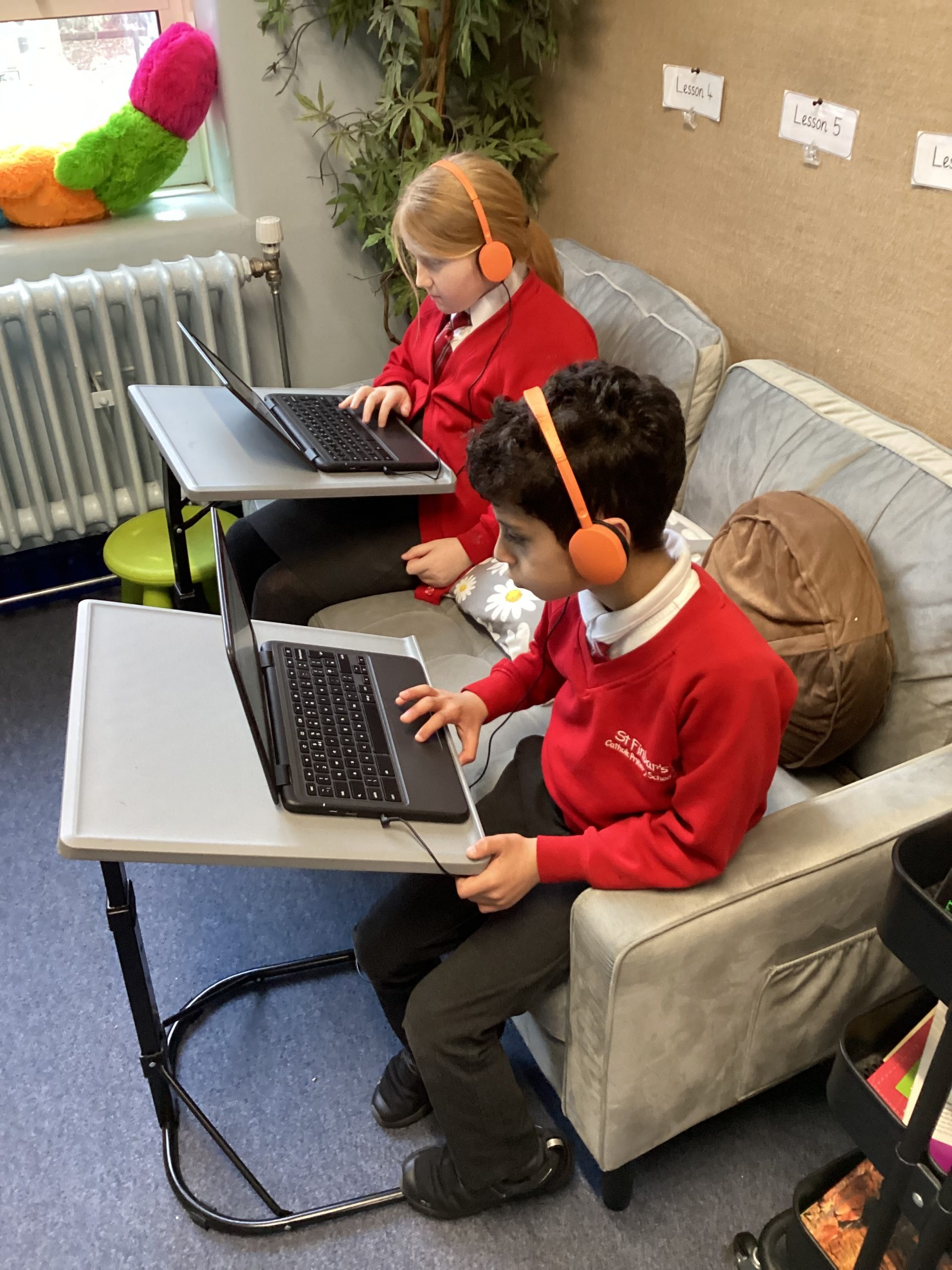
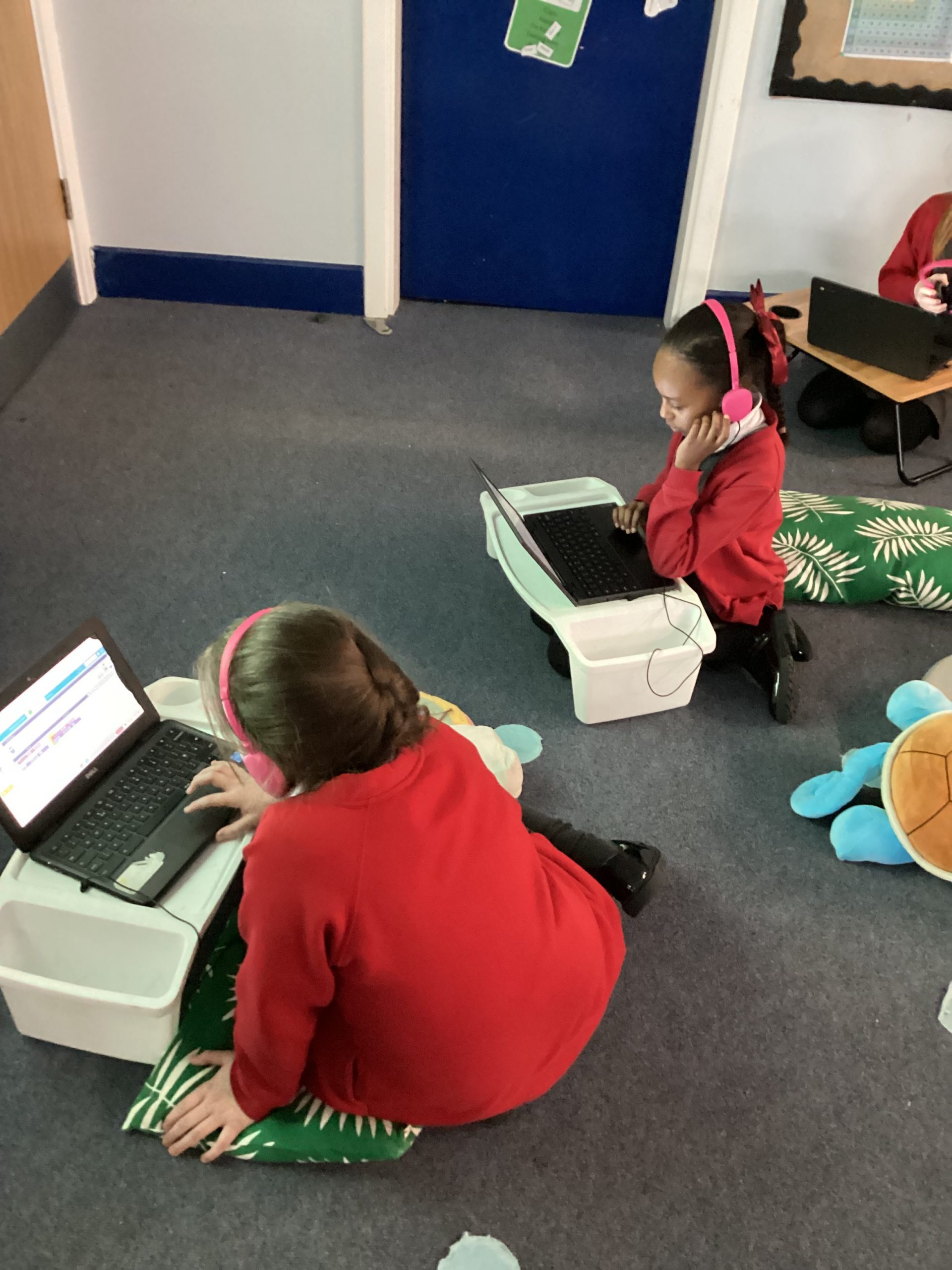
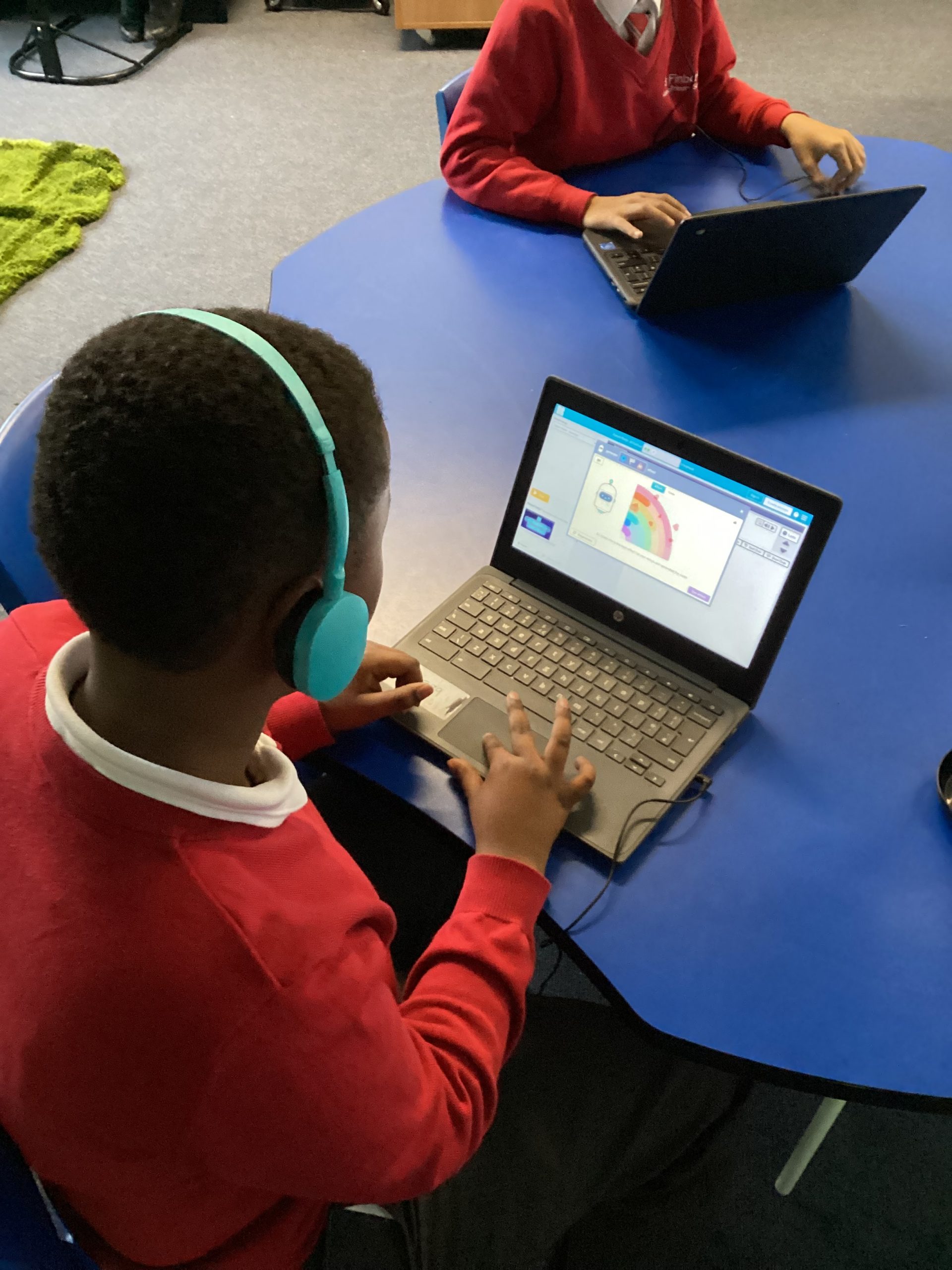
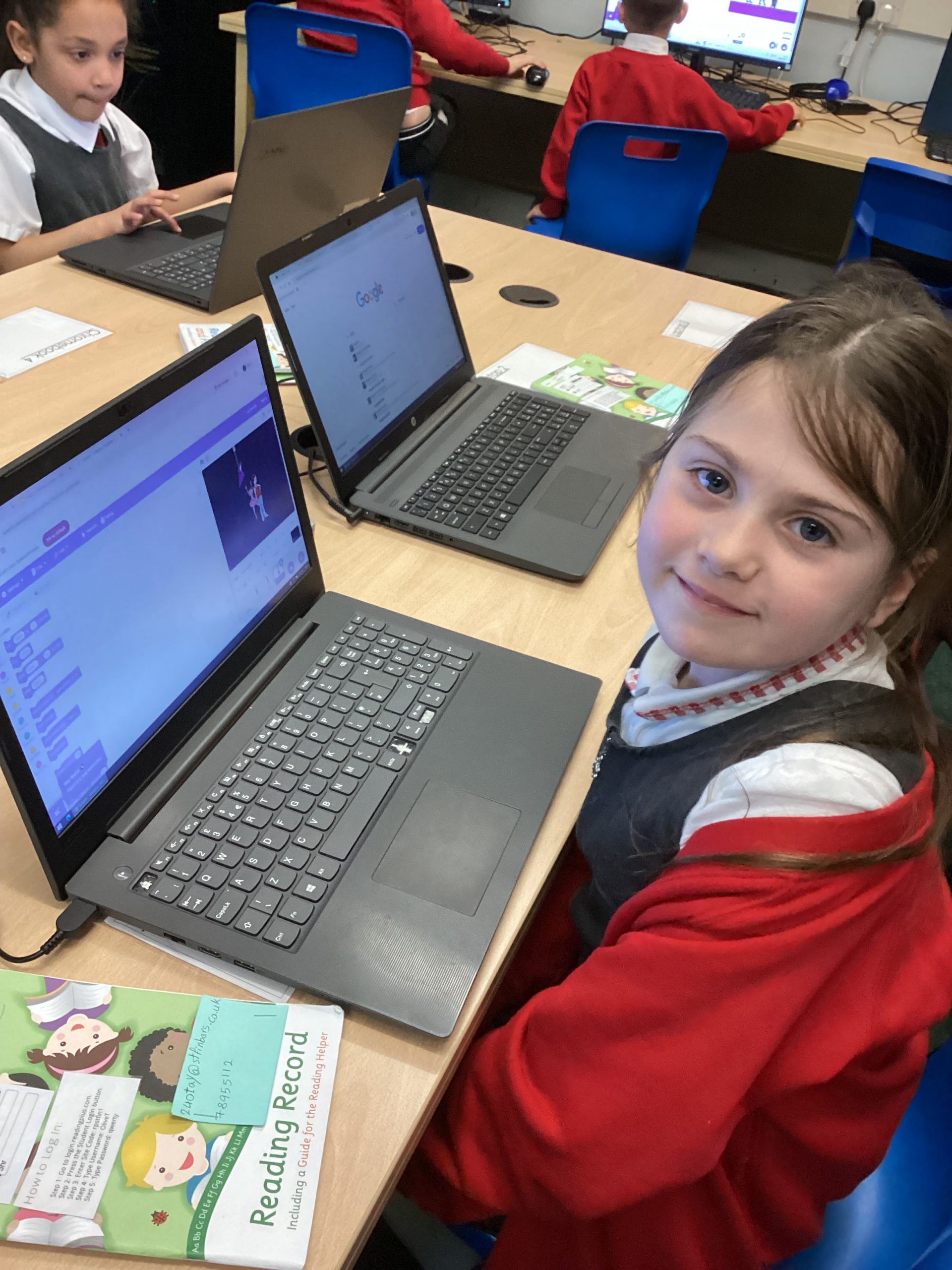
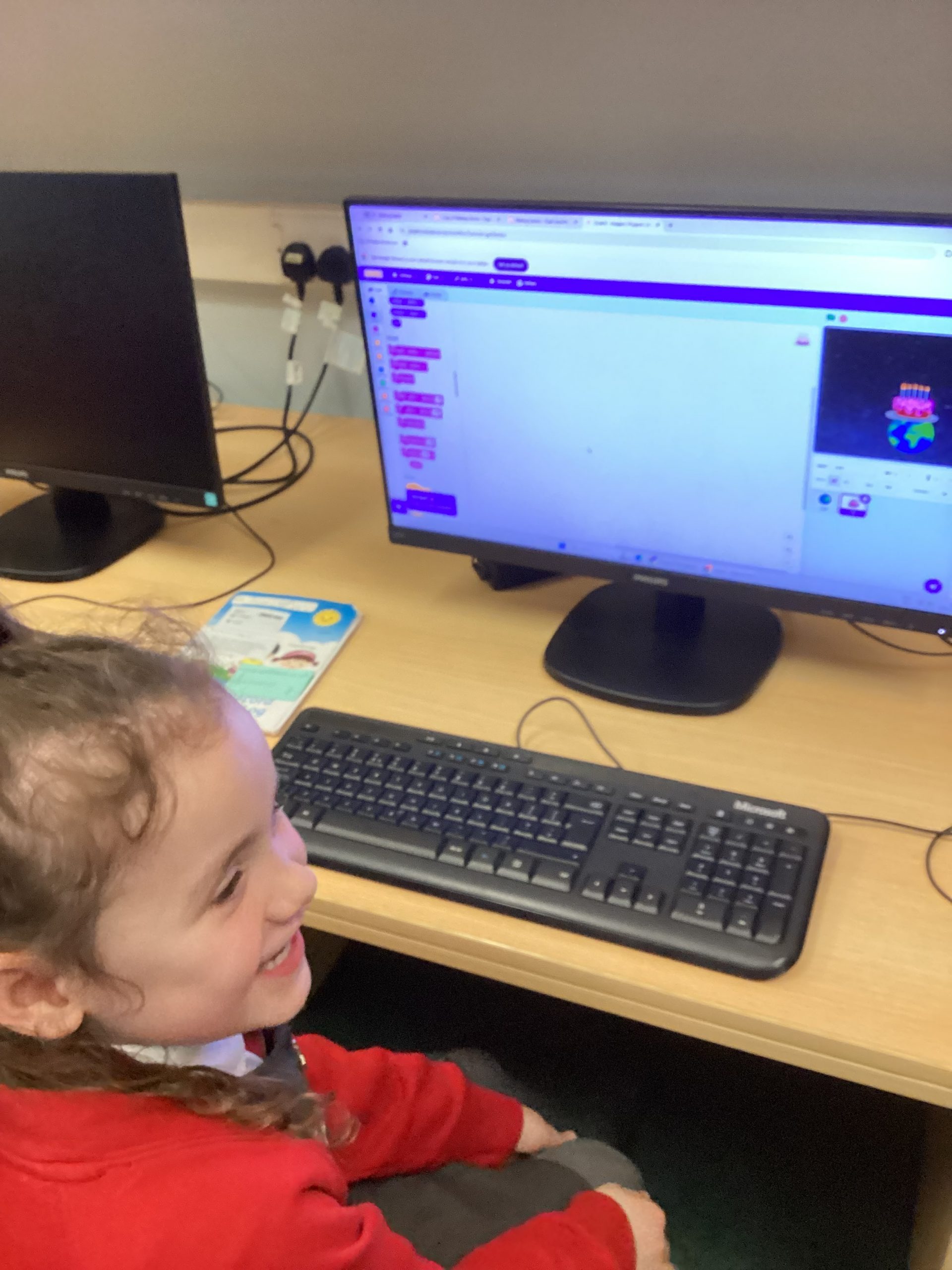
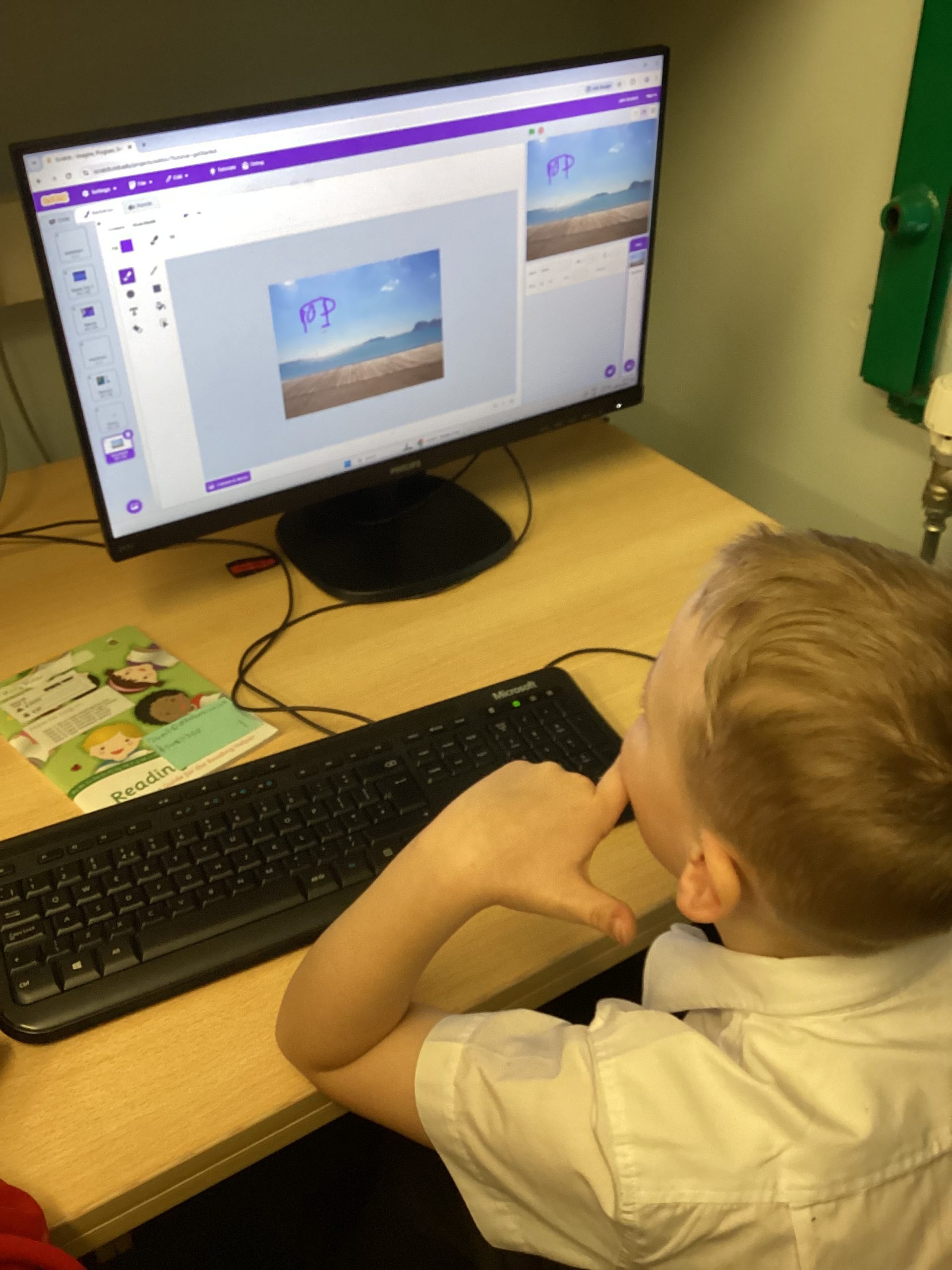
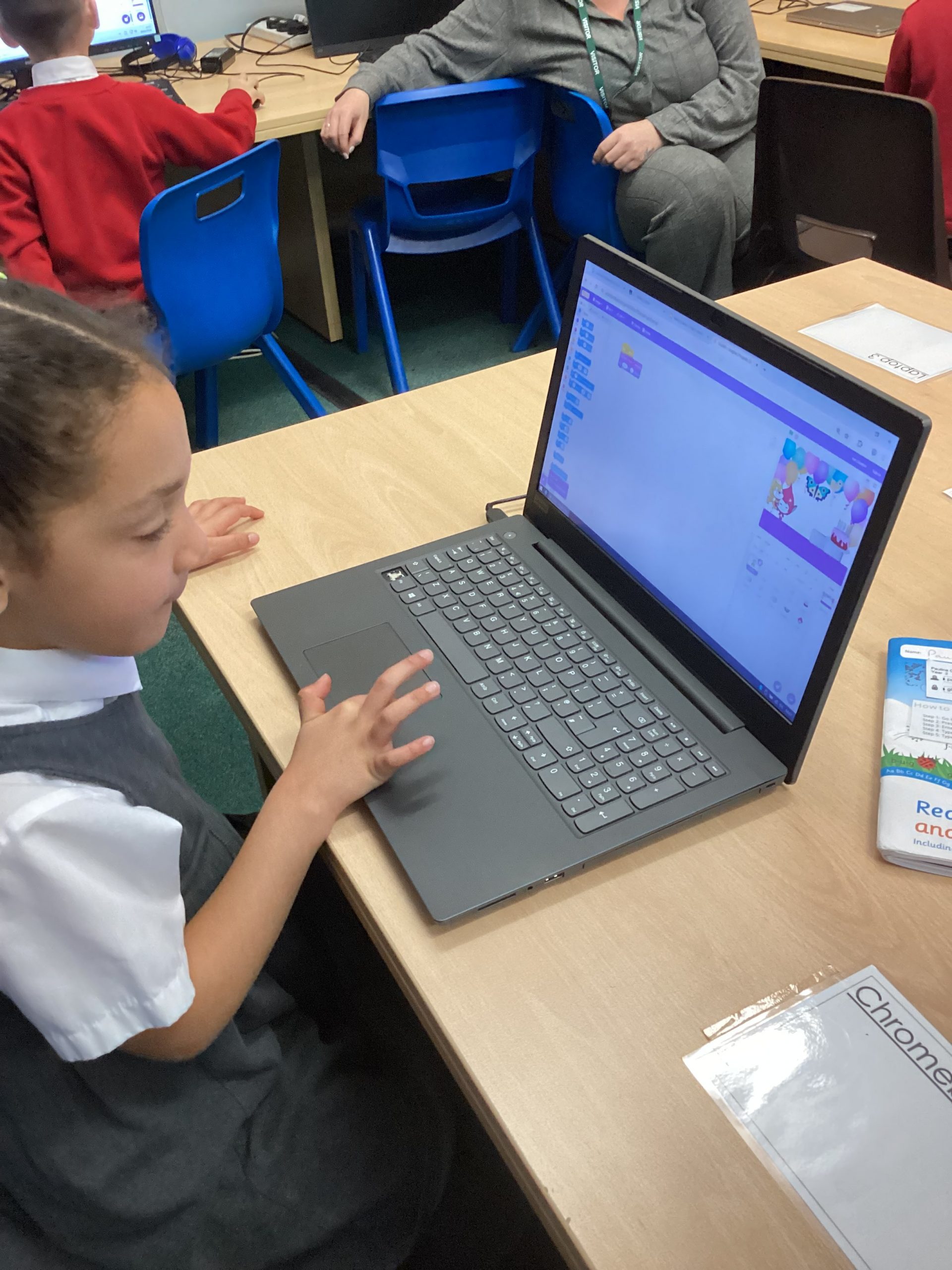
Today in Year 2, we were beginning to create a simple game using programming on Scratch. We were able to change the background, the sprite and make it move.
In computing club today we have been programming the Micro:bits. We have used coding to give it a set of instructions to turn it into a step counter. We then went on a journey round school to see how many steps it took to get back to the classroom.
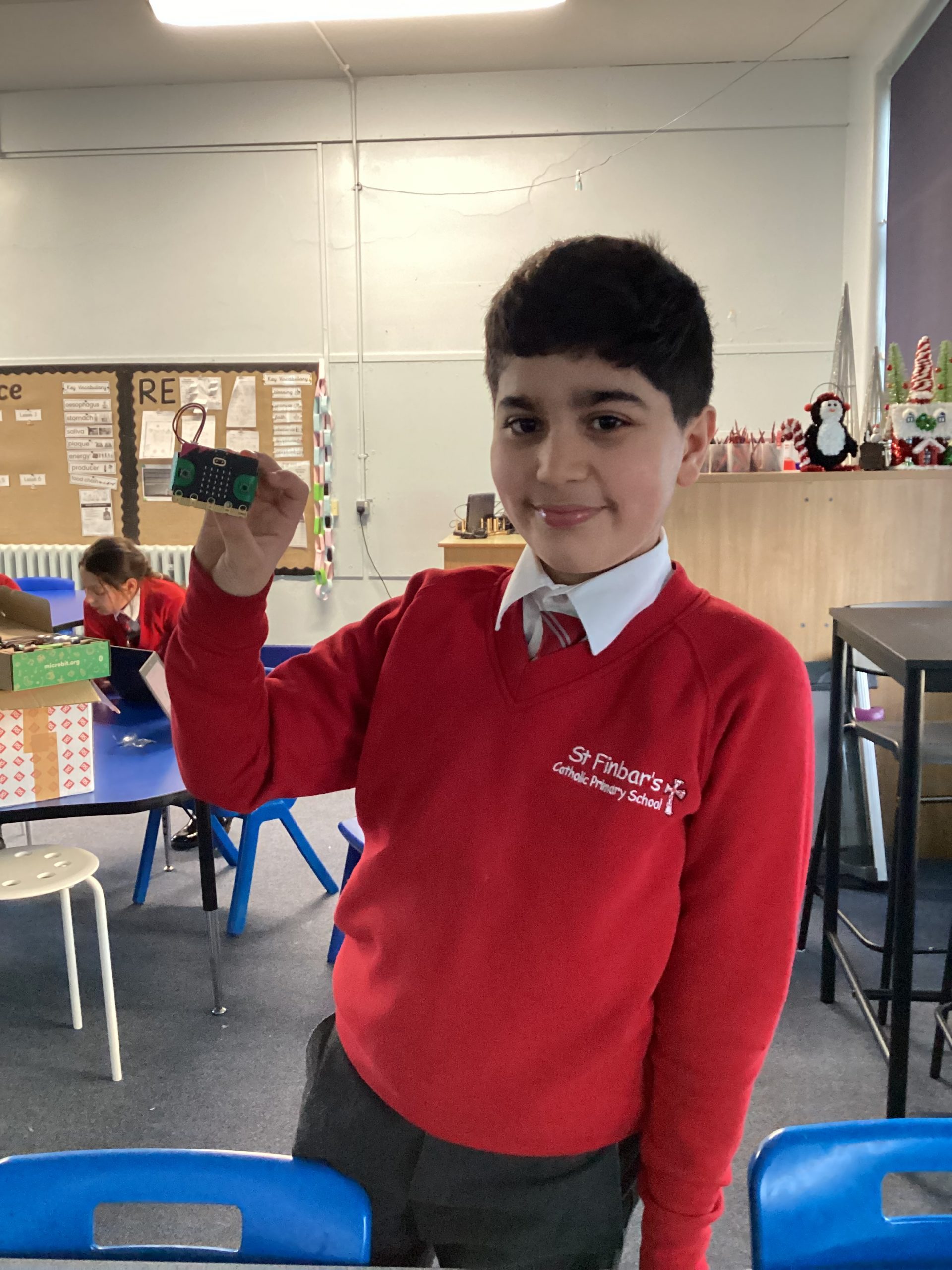
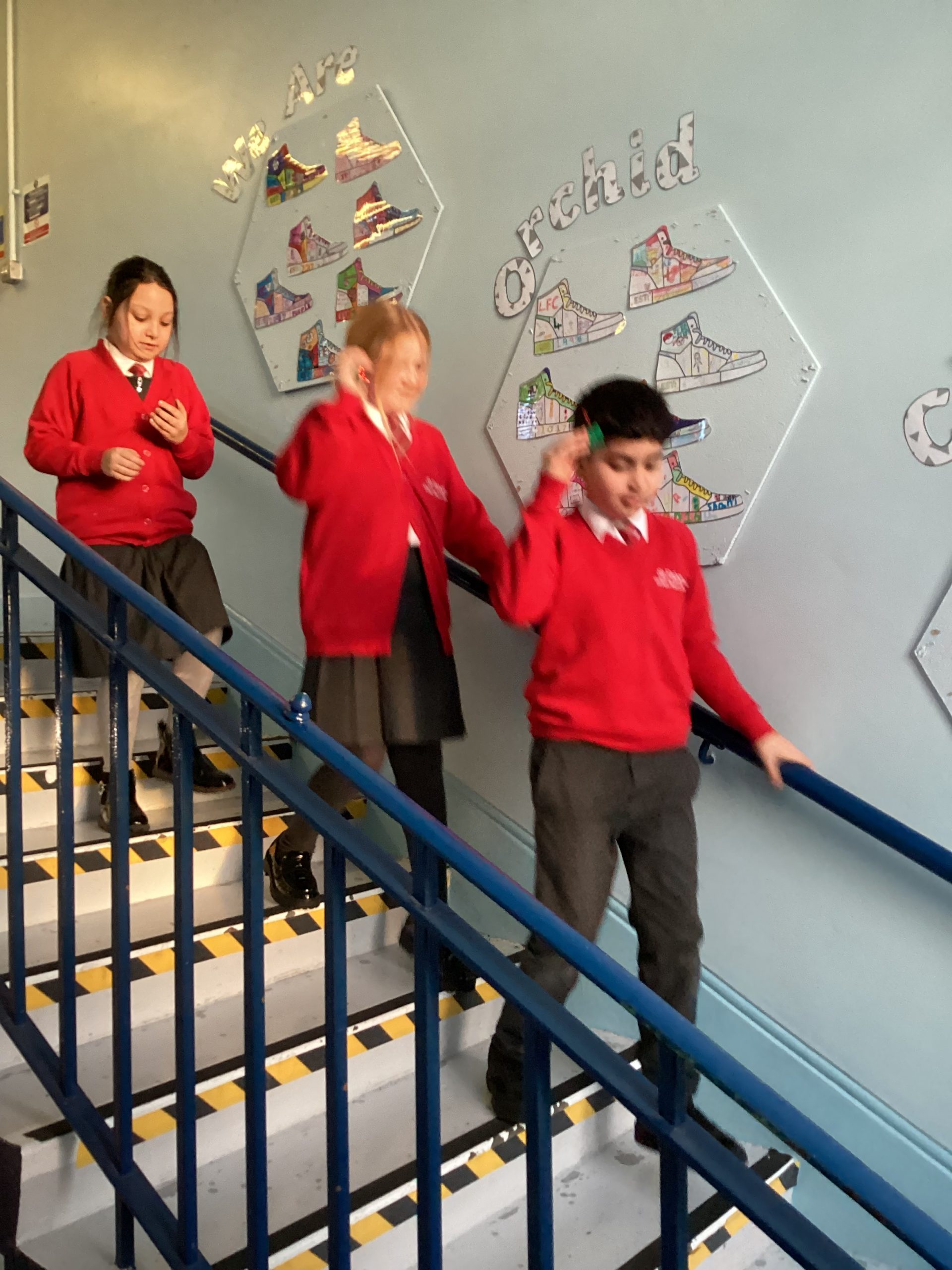
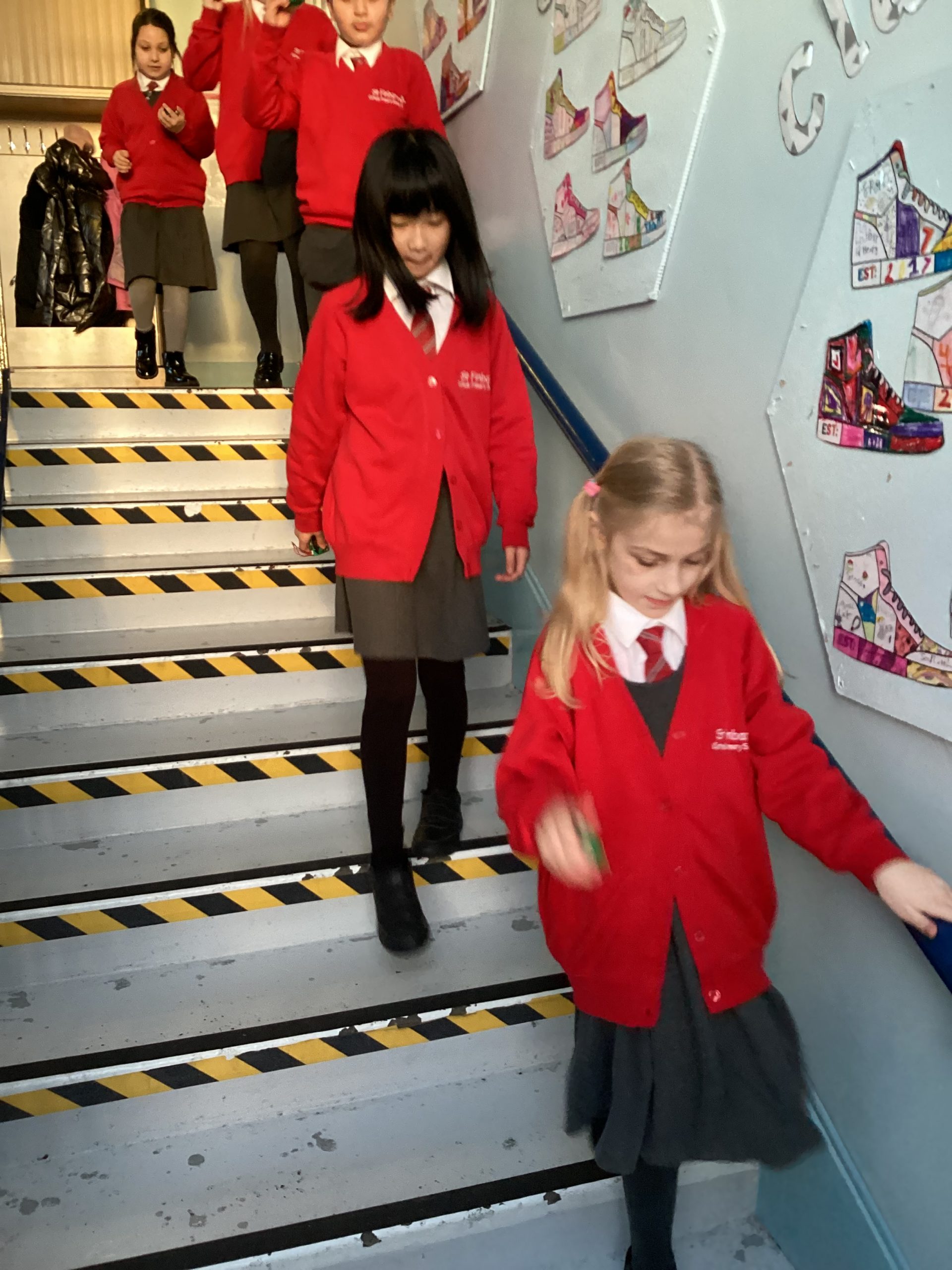
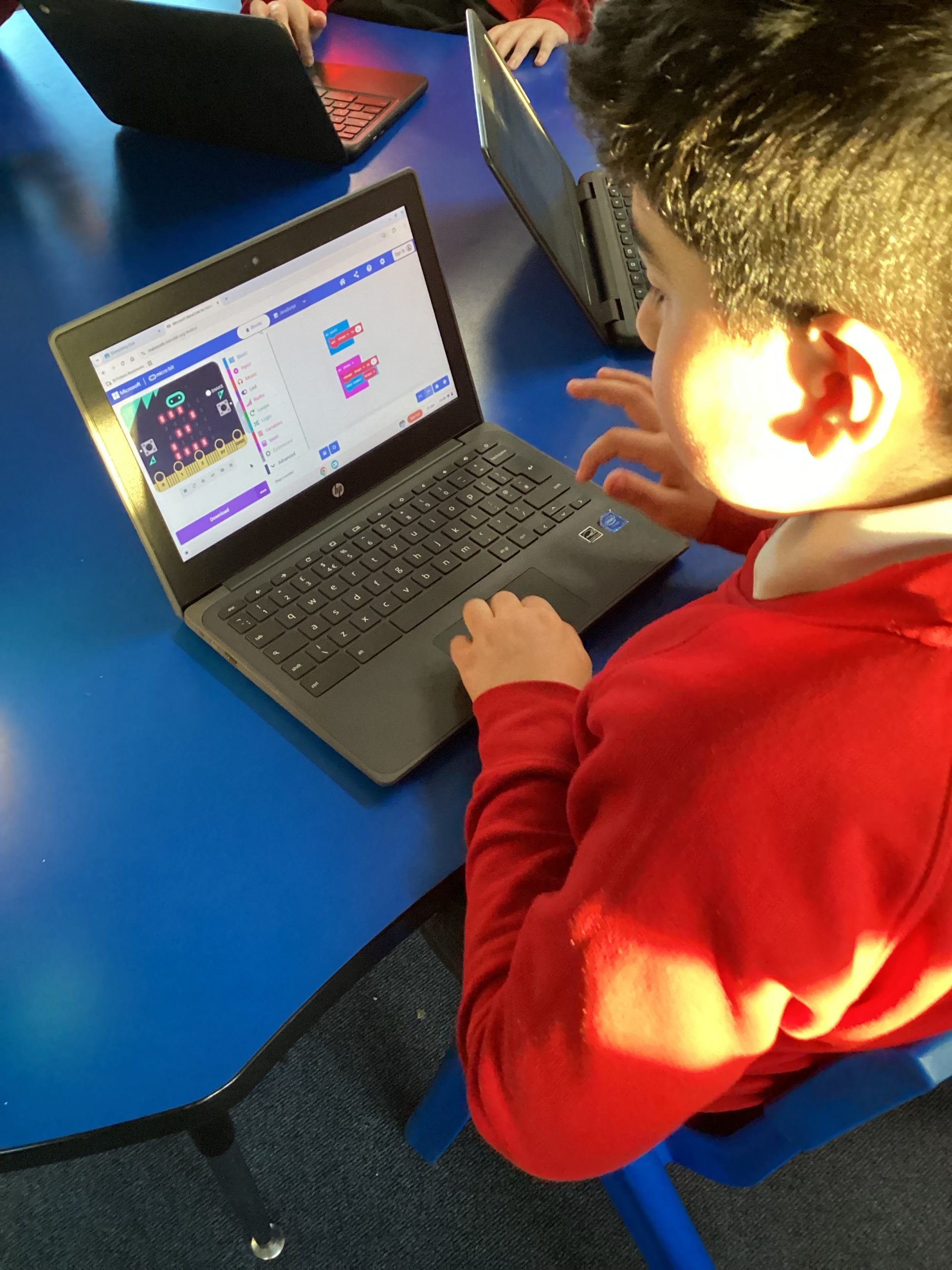
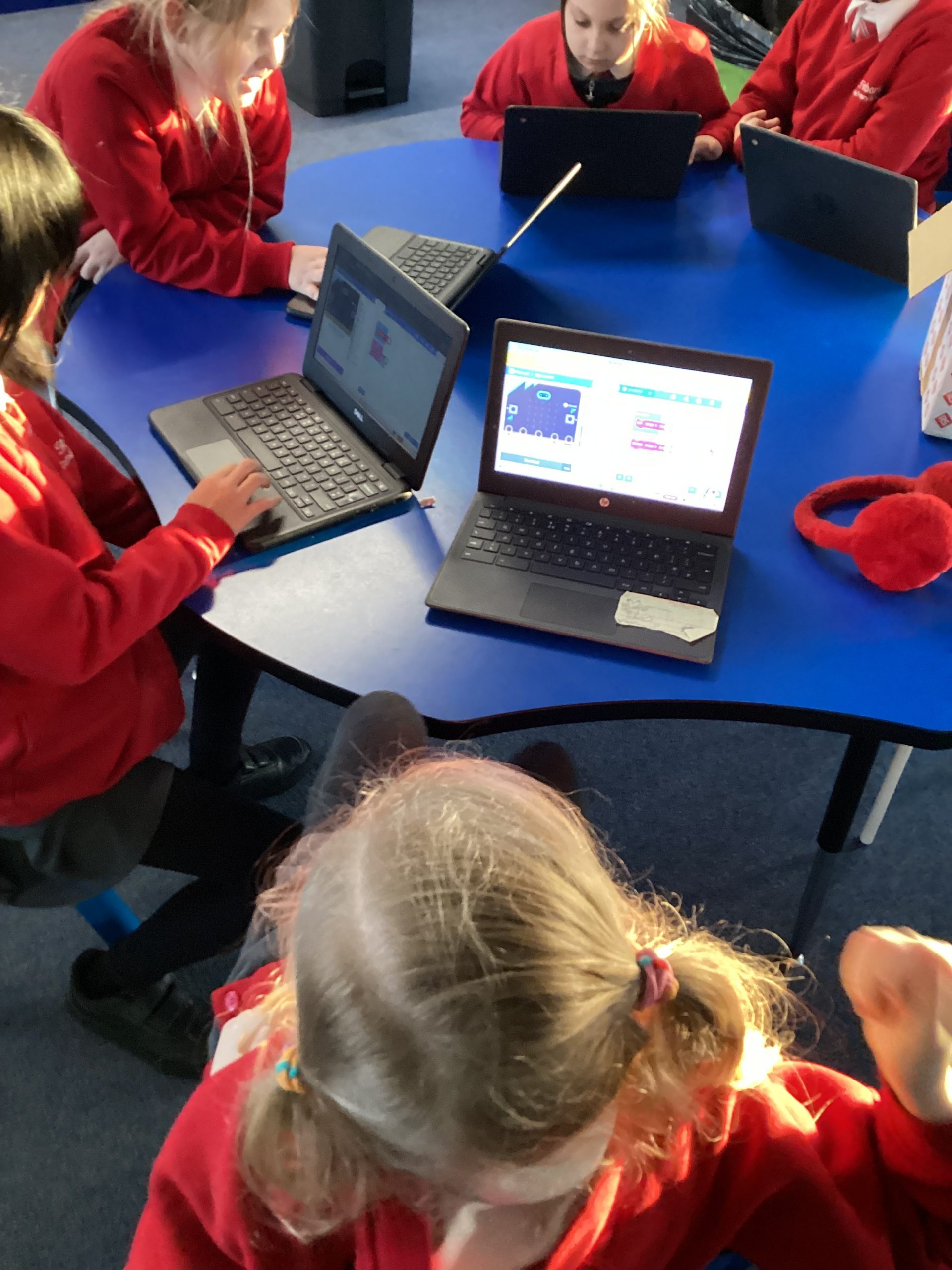
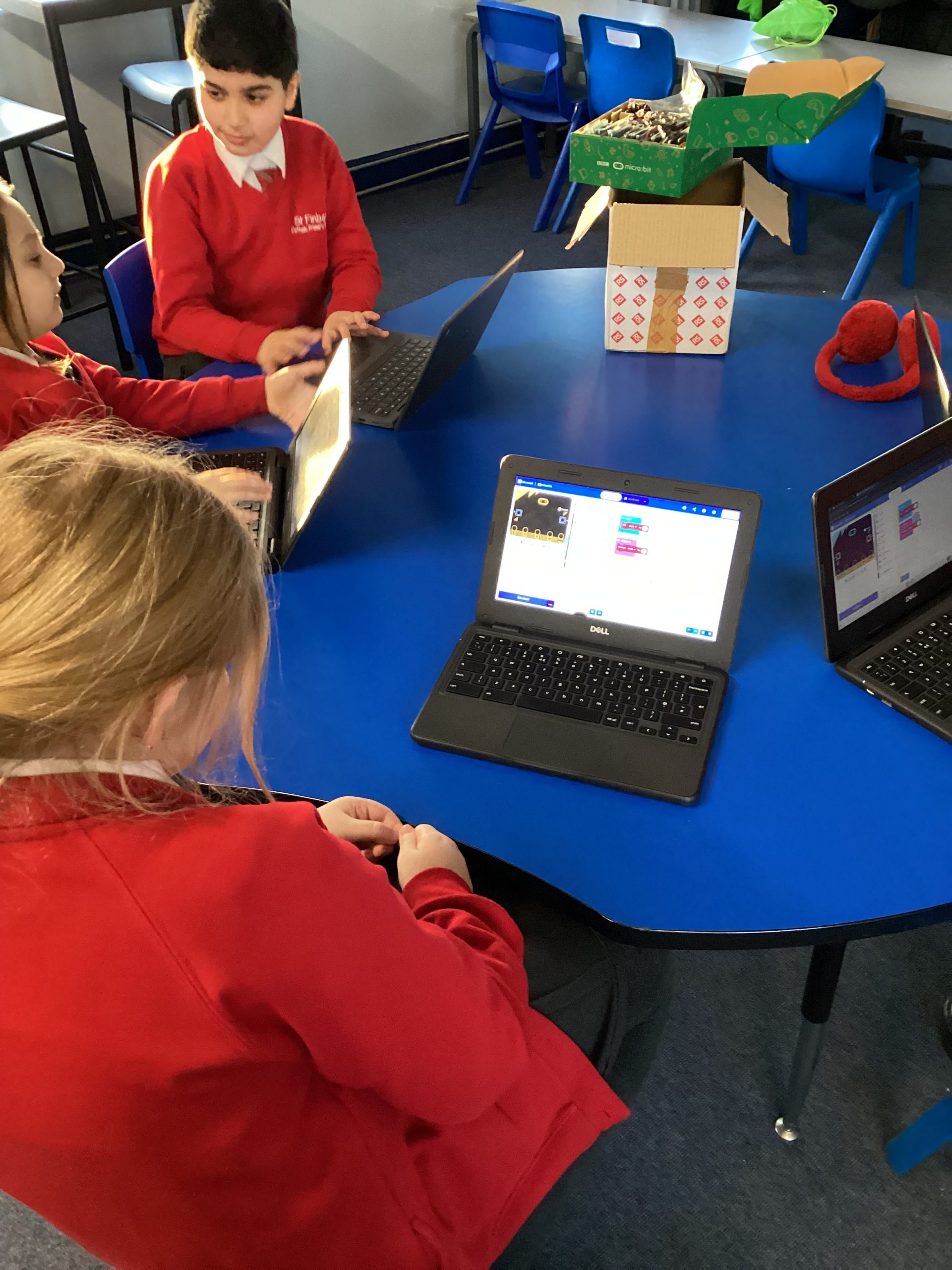
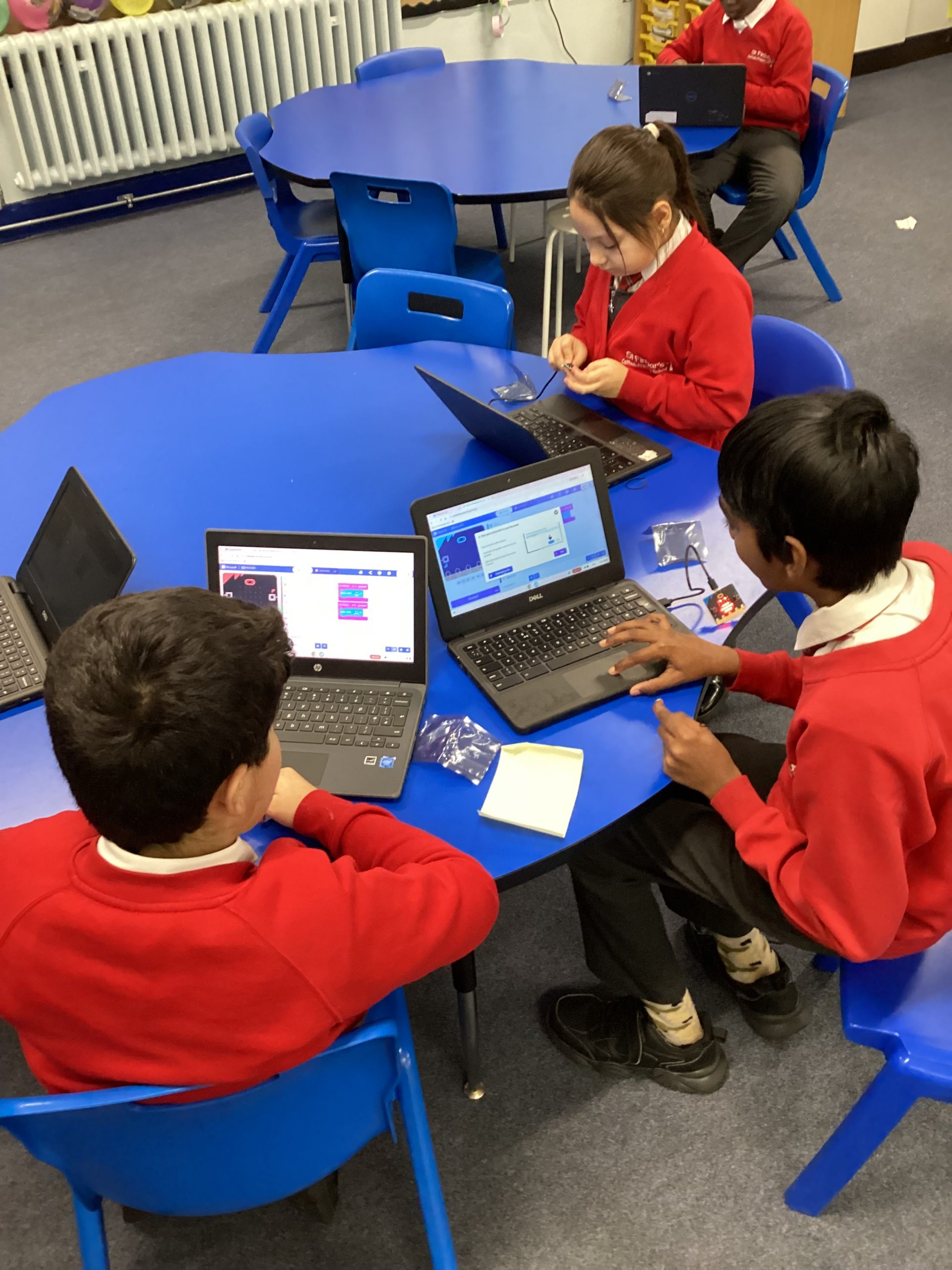
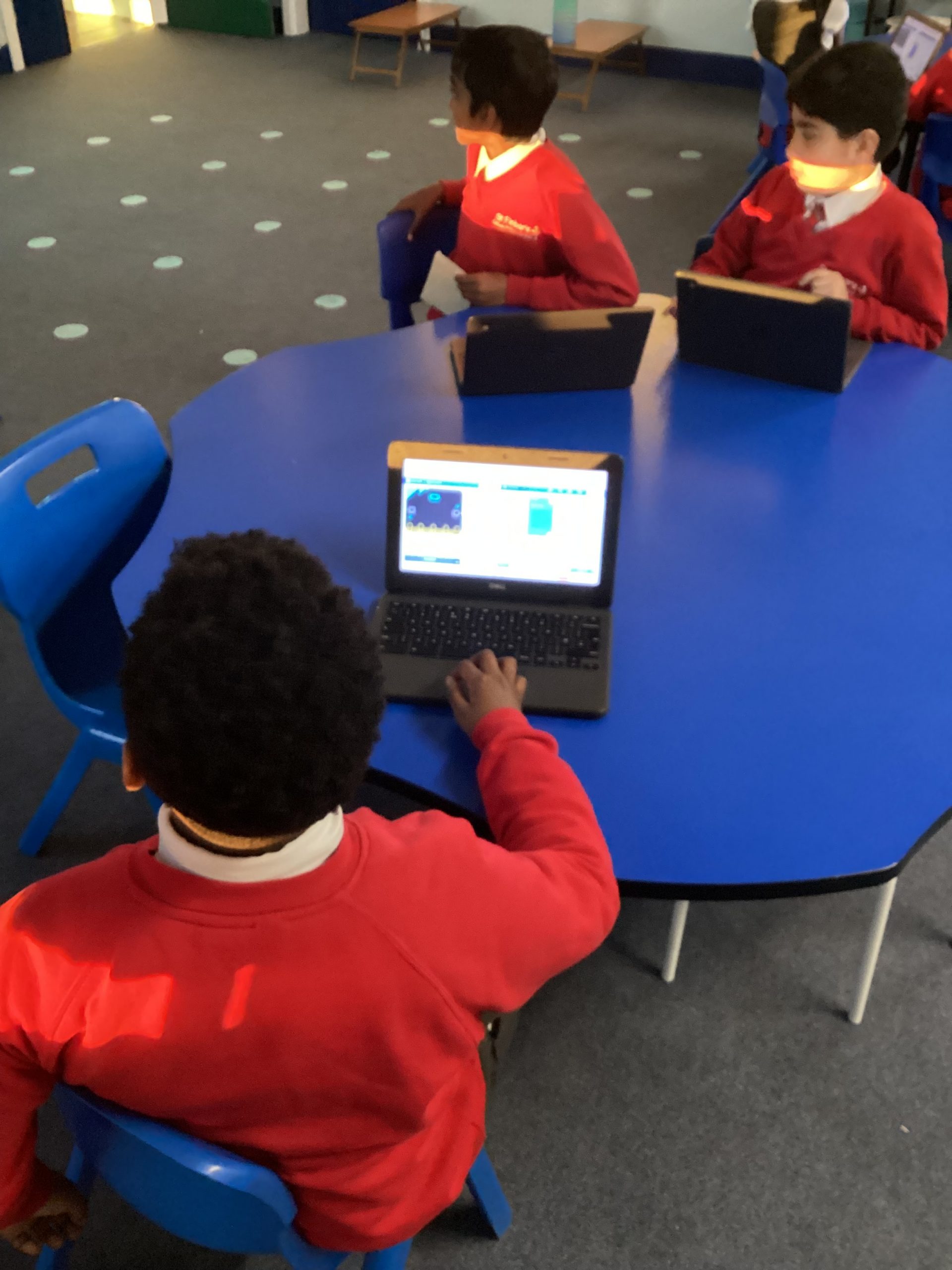
This week we have continued to code our Micro:bits and because we are confident with the basic coding we have moved on to coding the buttons to follow our instructions when pressed. We made them smile when button a was pressed and frown when button b was pressed.
868
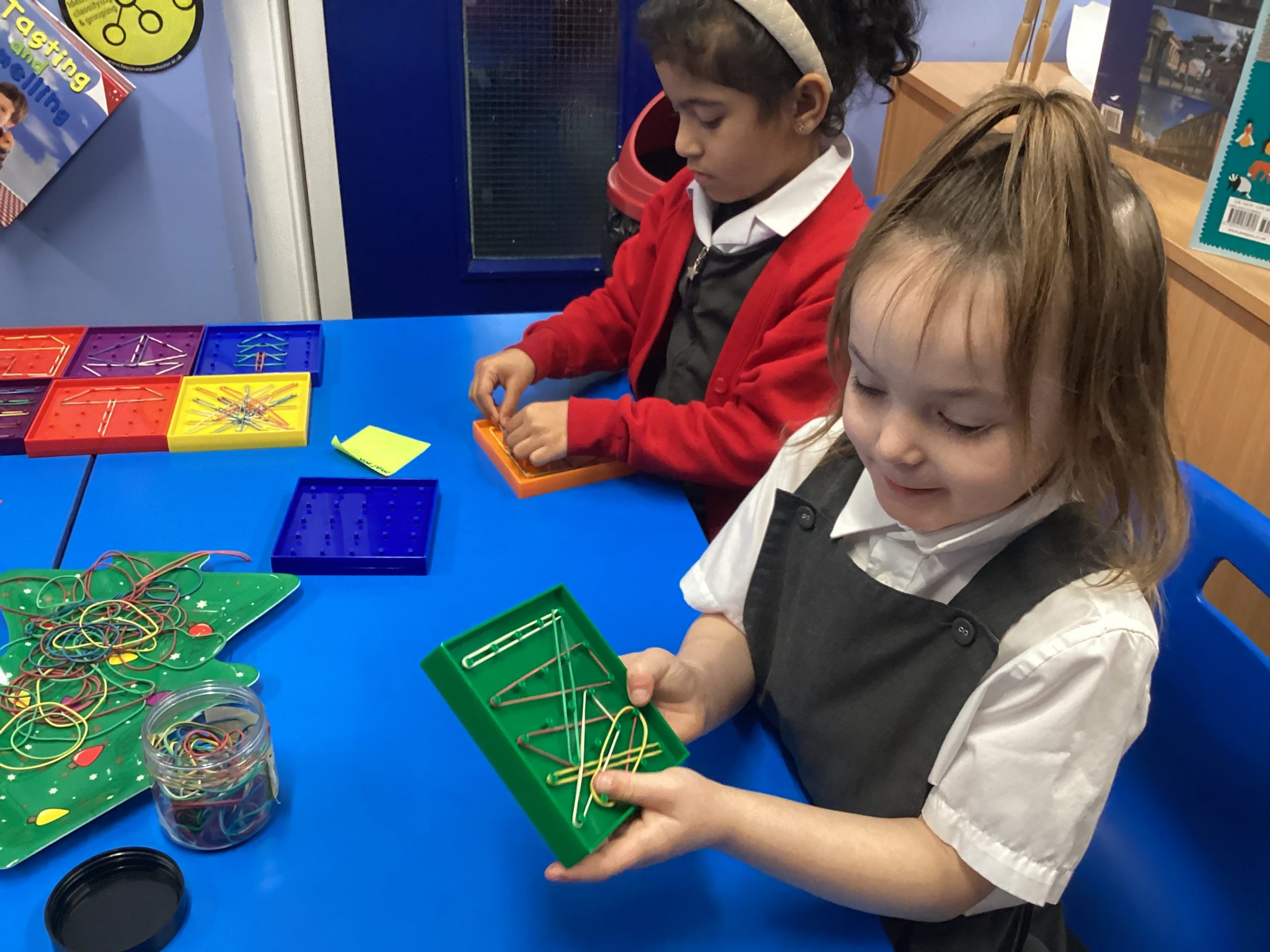
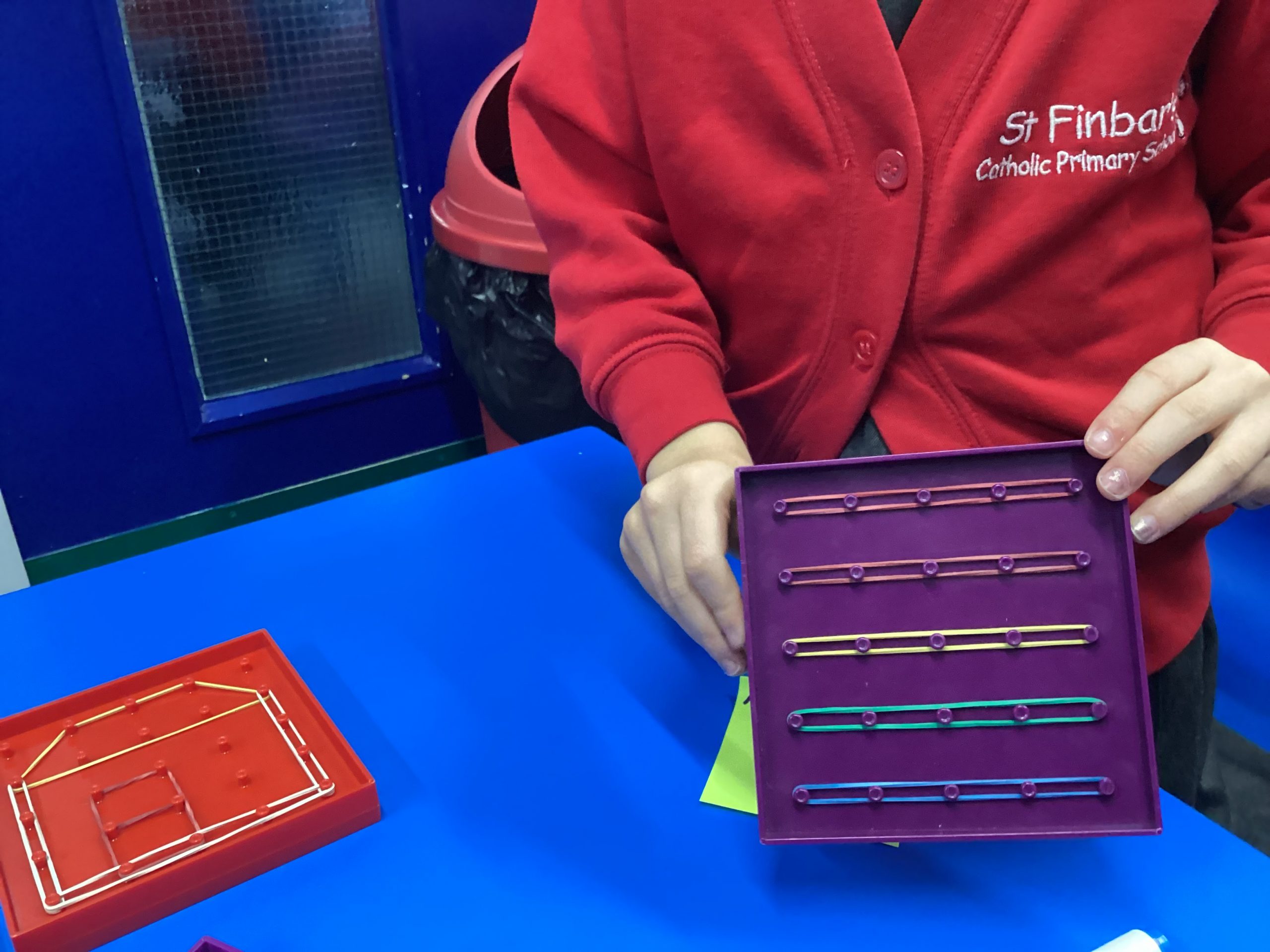
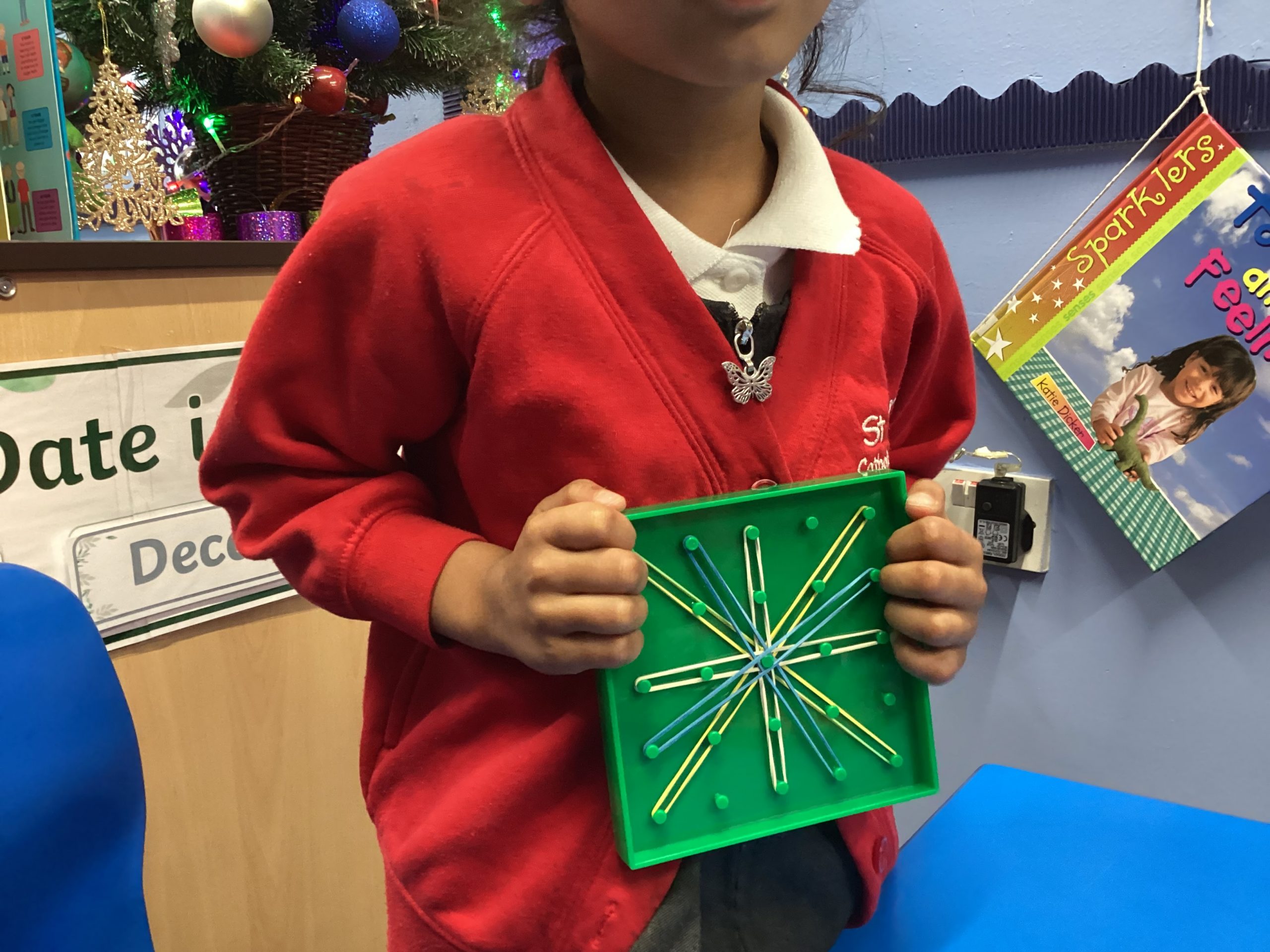
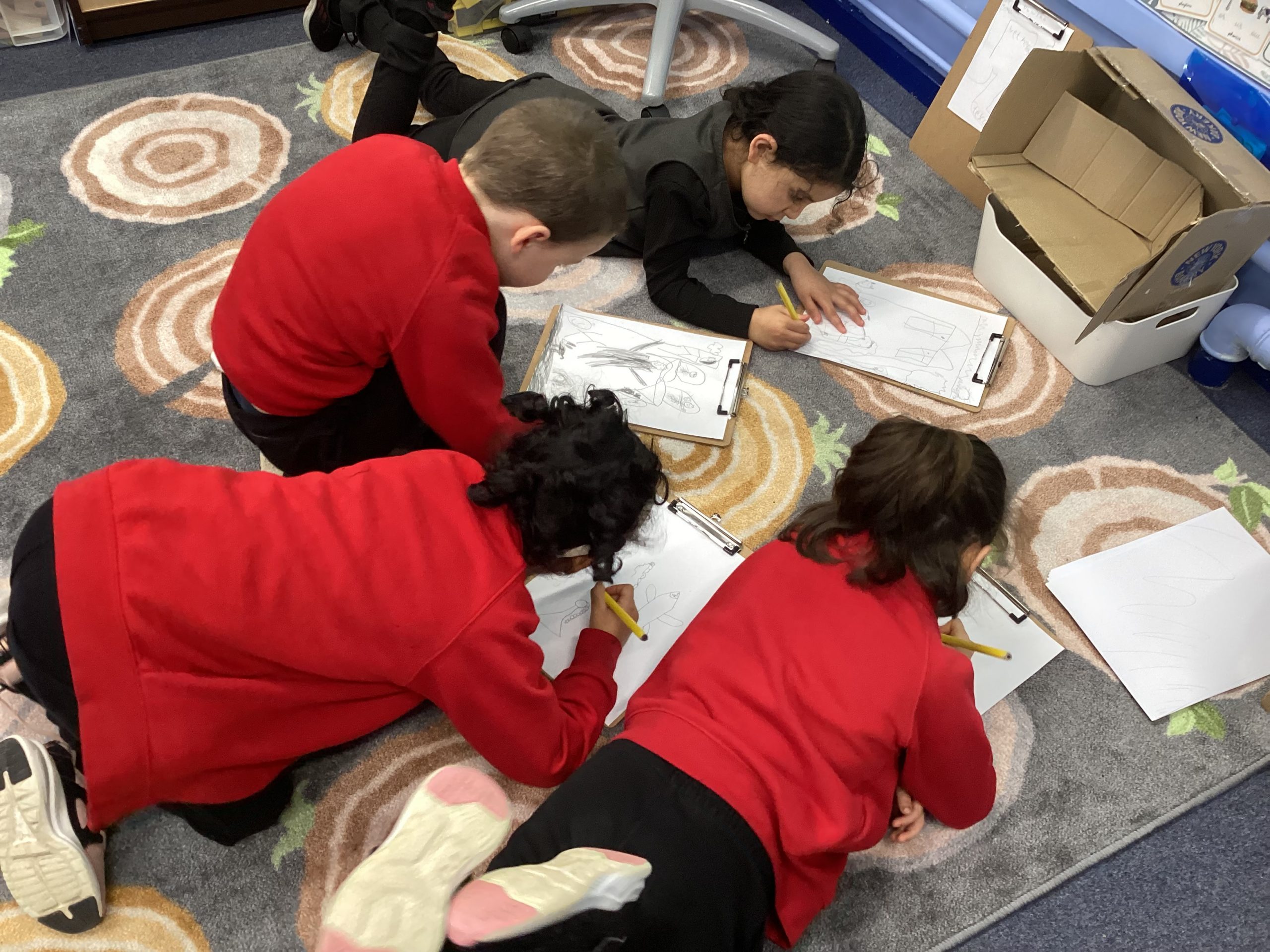
We are learning to use our imagination to create illustrations with shapes. Today we have used geoboards to create different pictures.
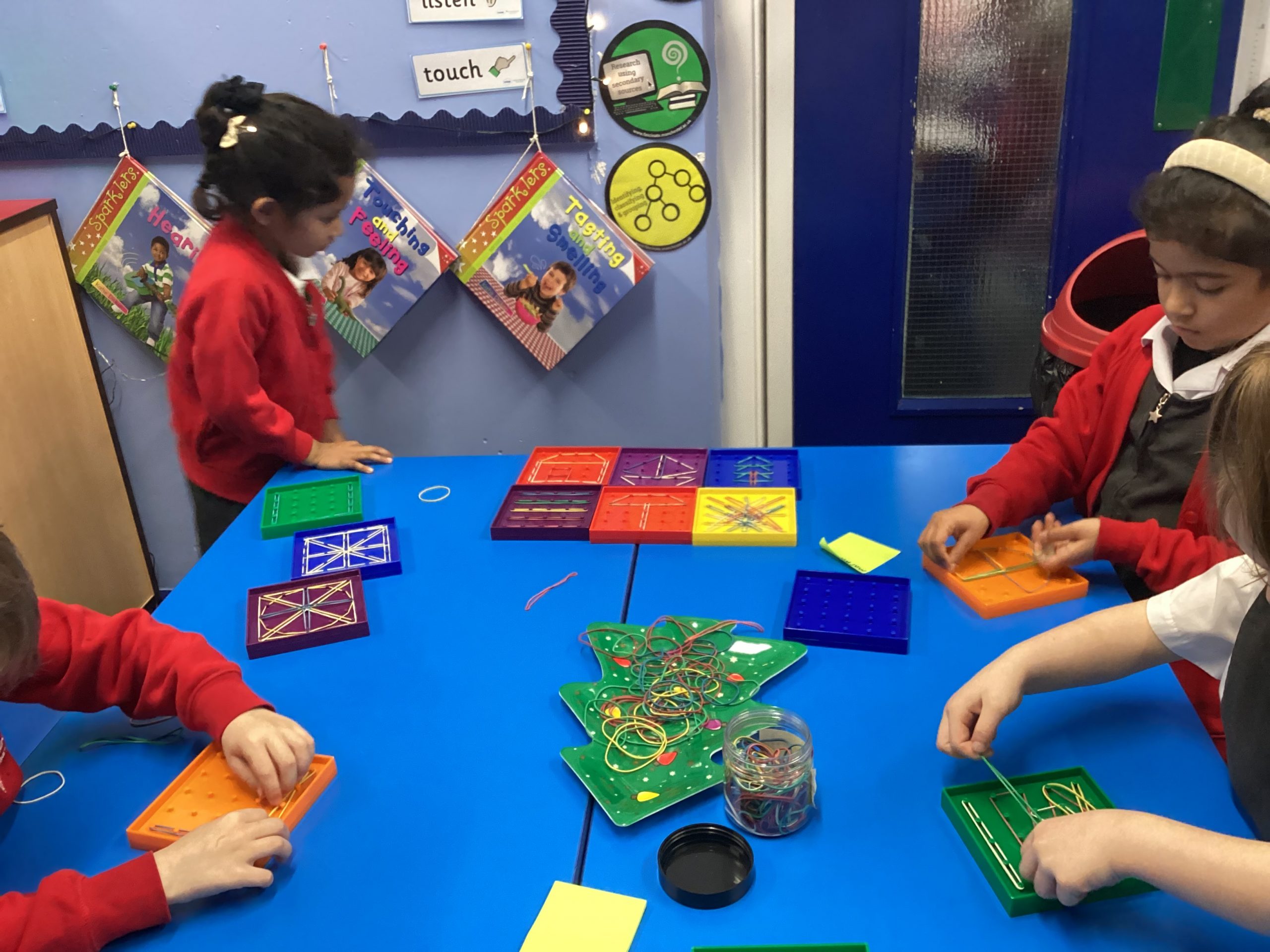
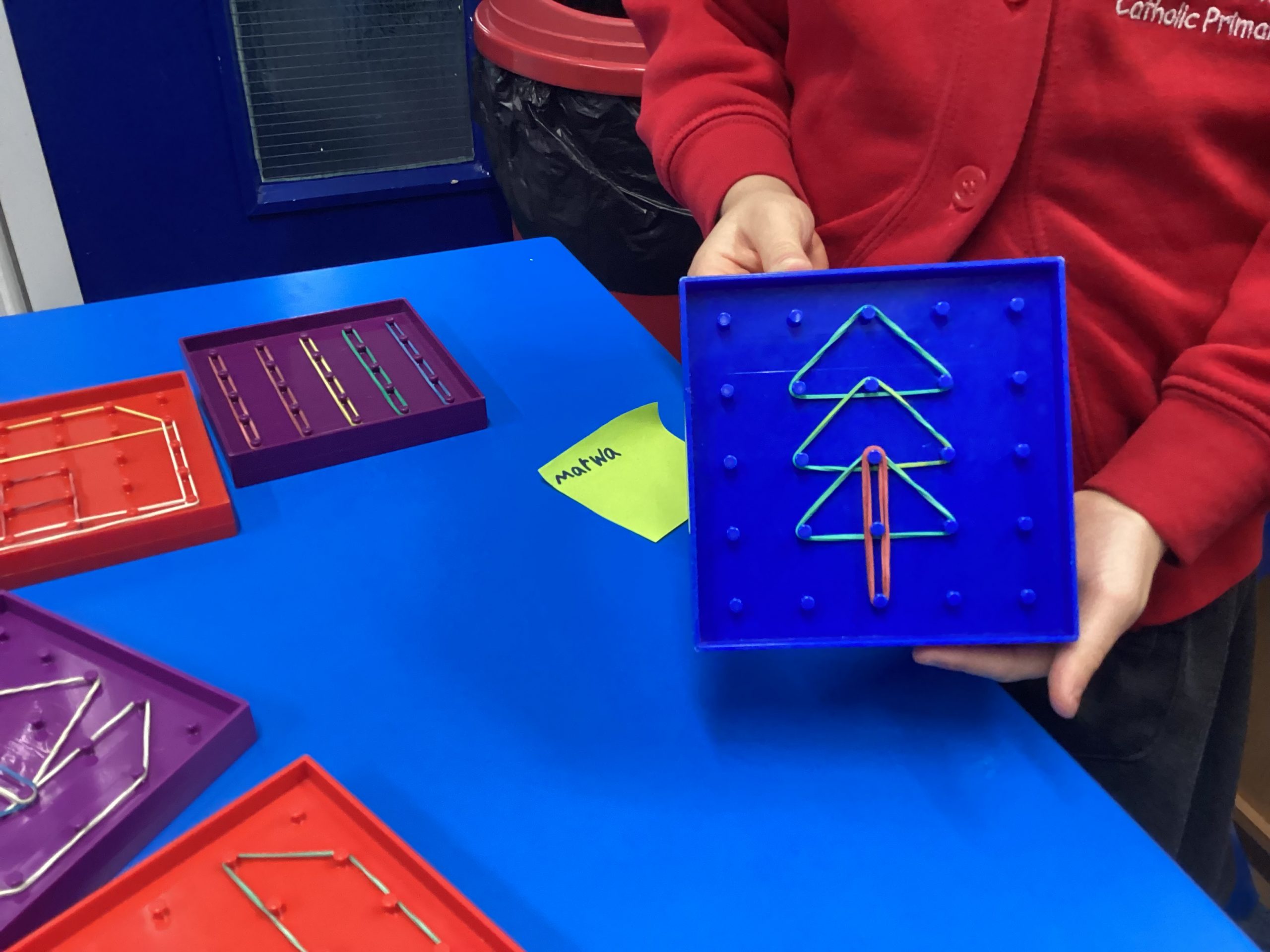
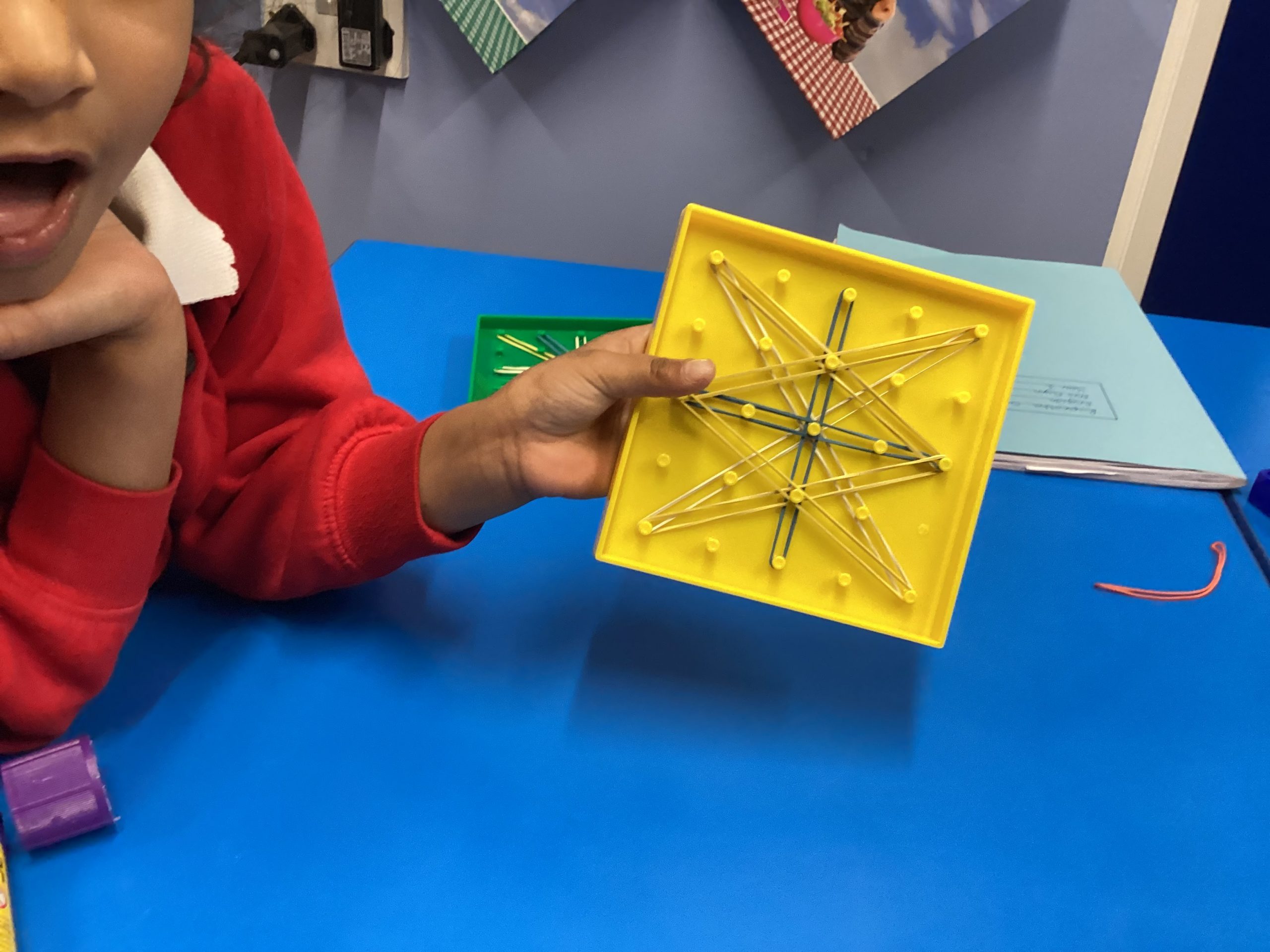
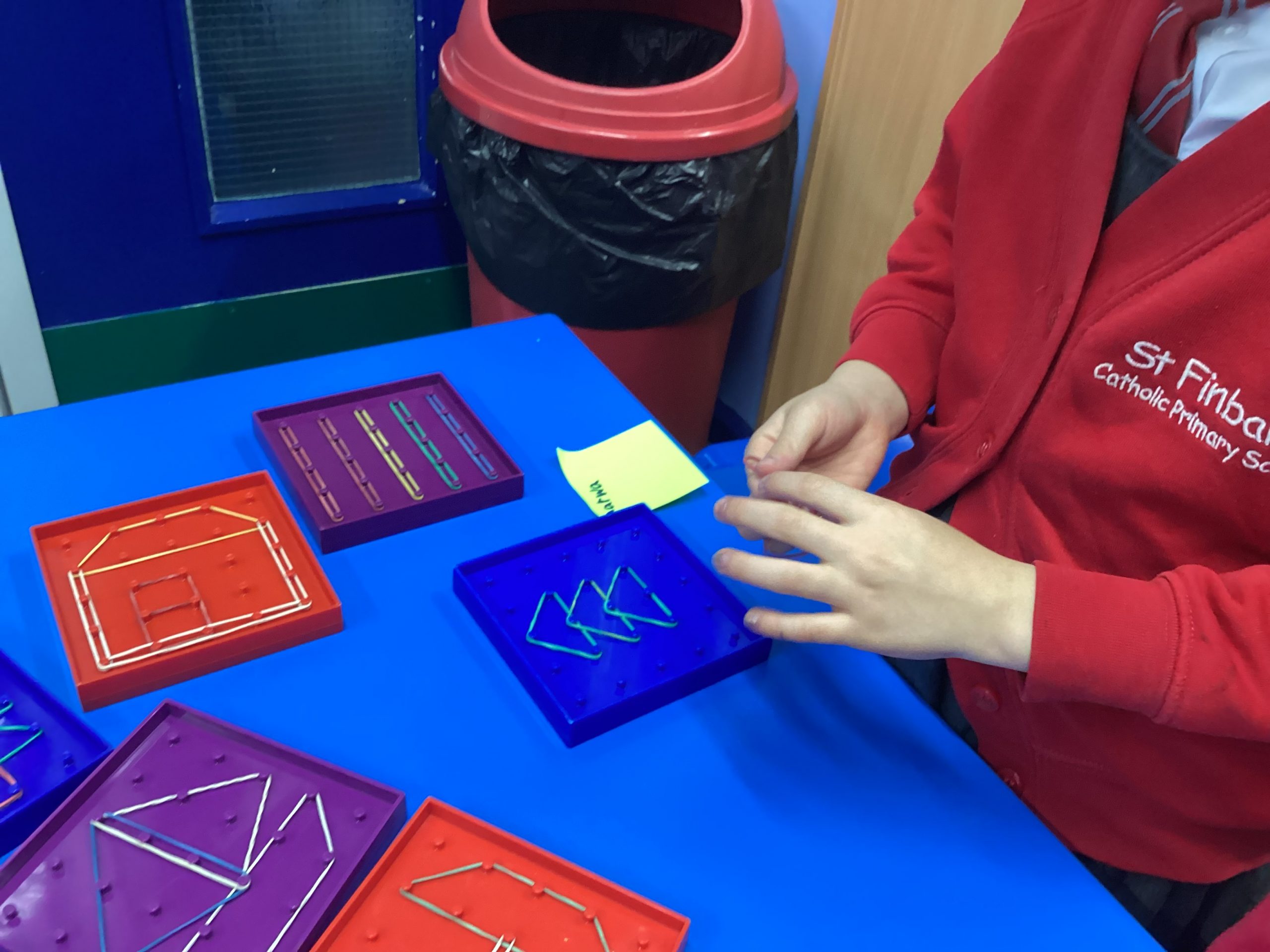
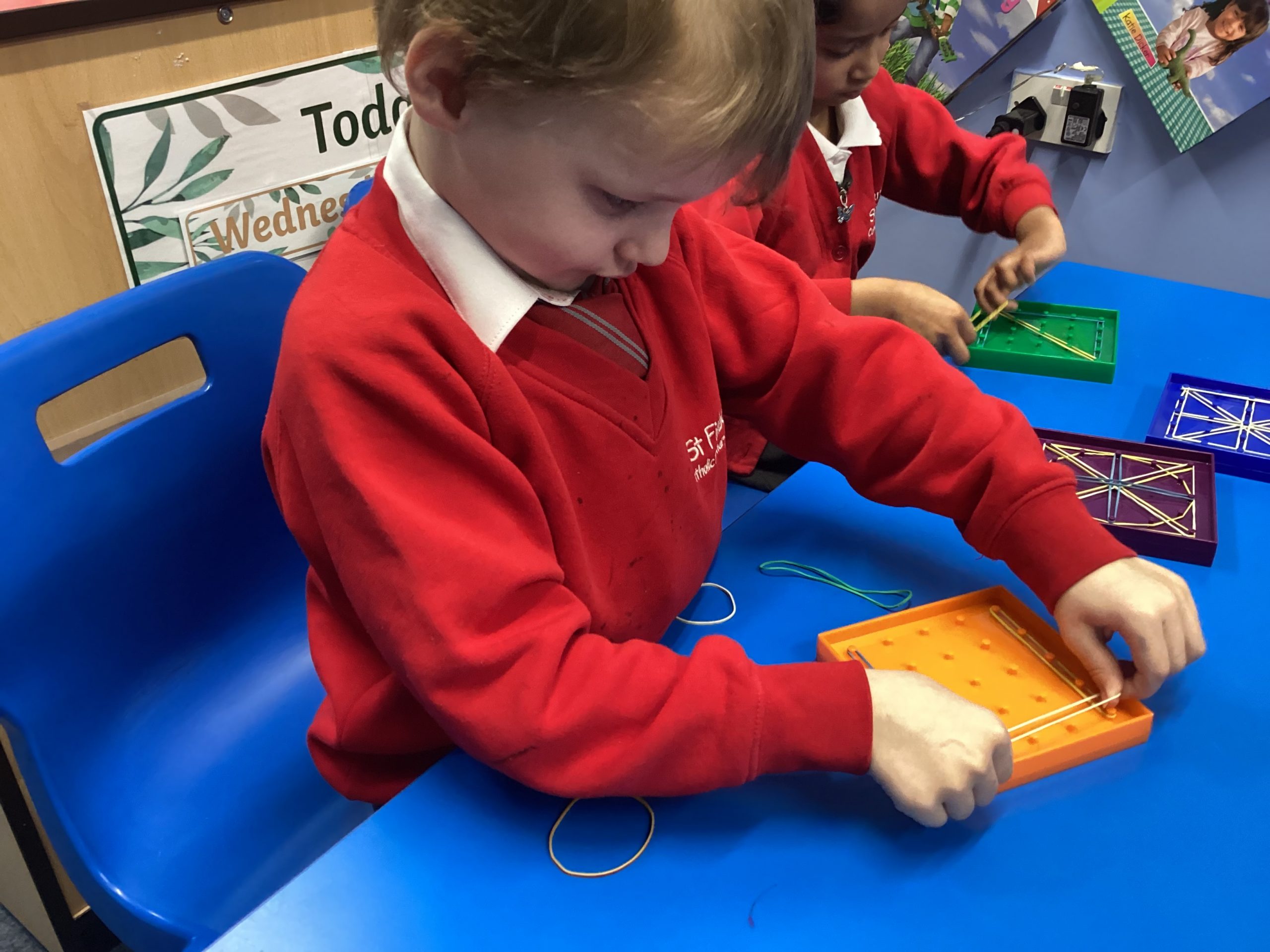
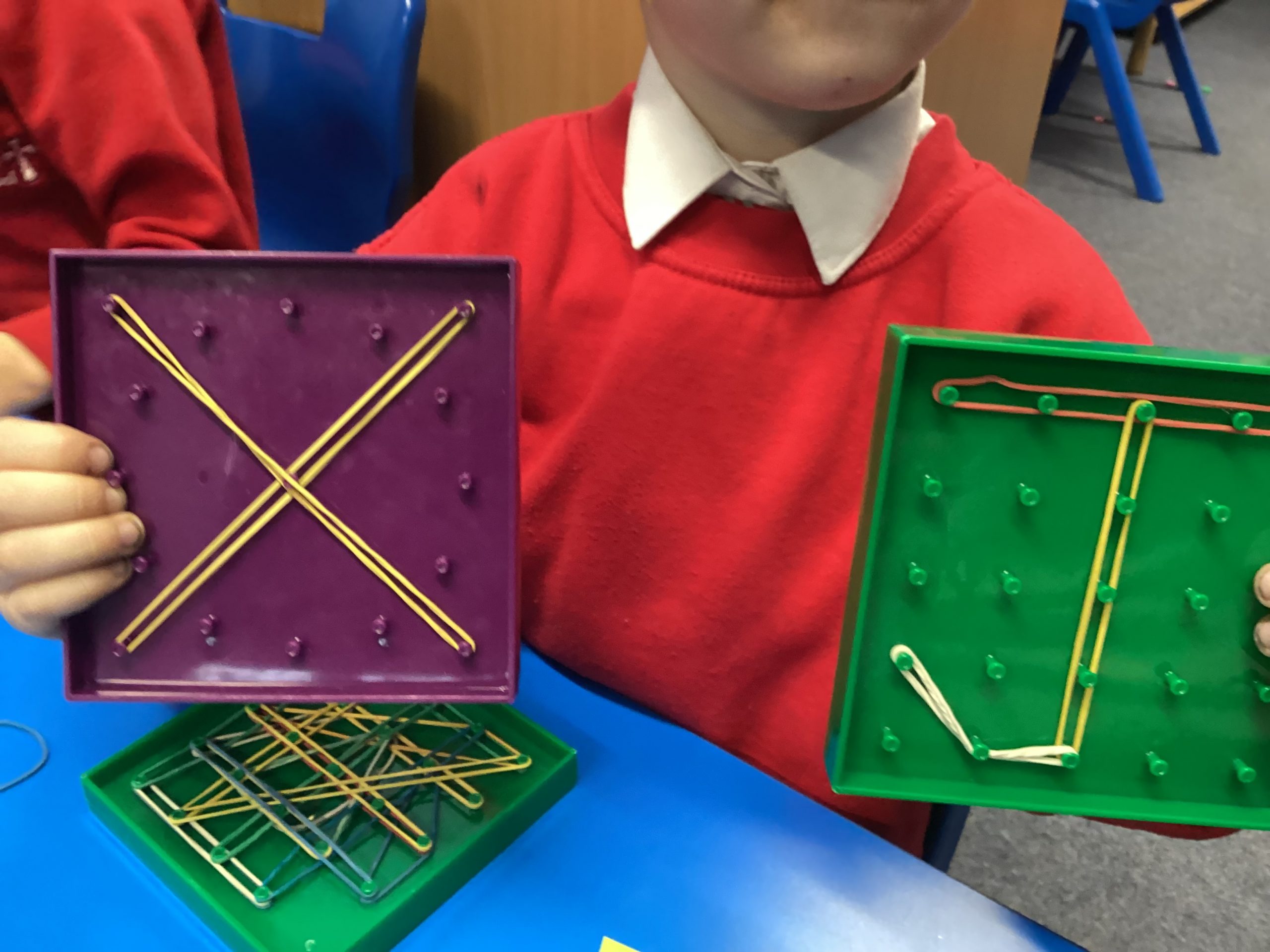
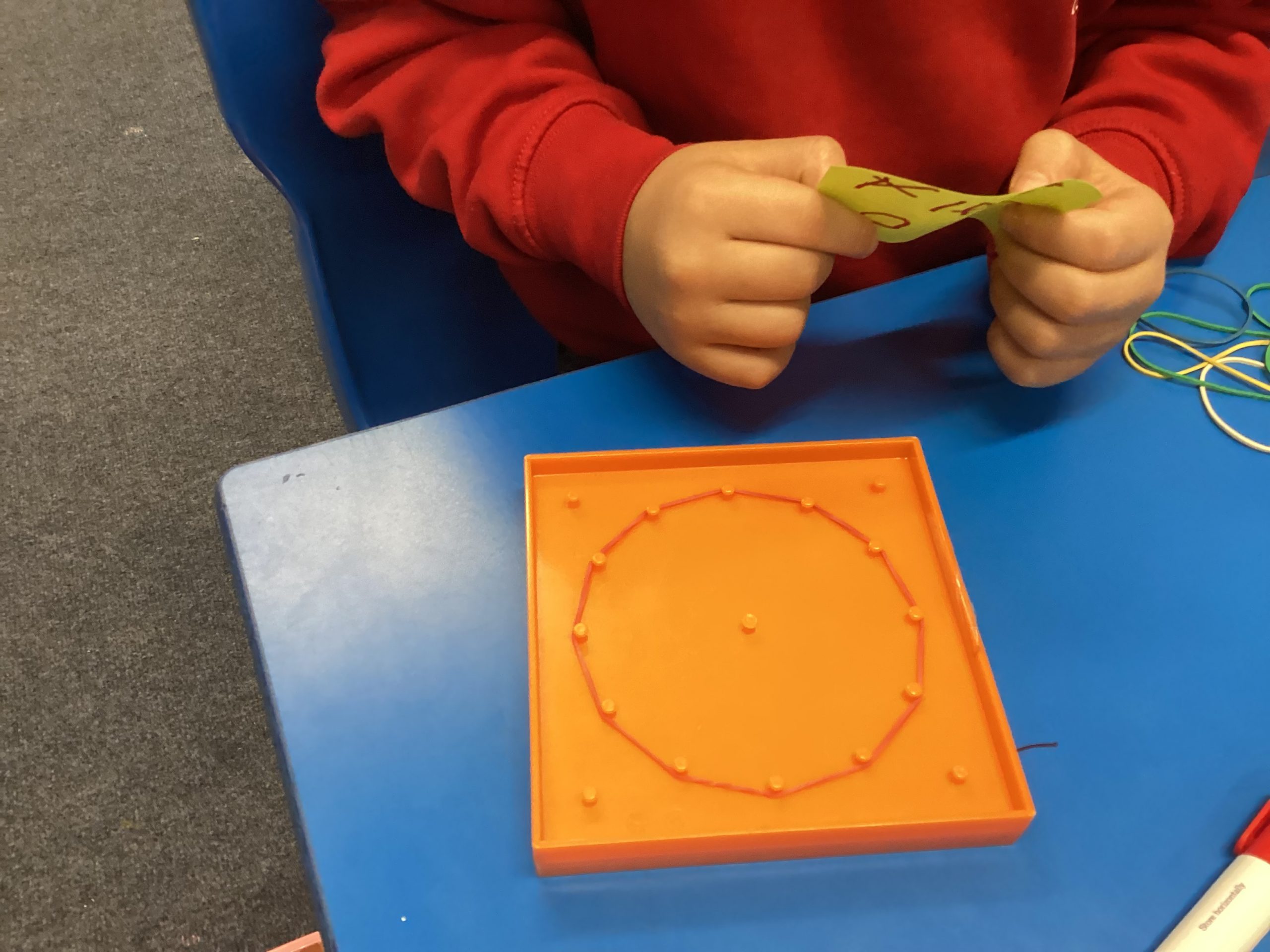
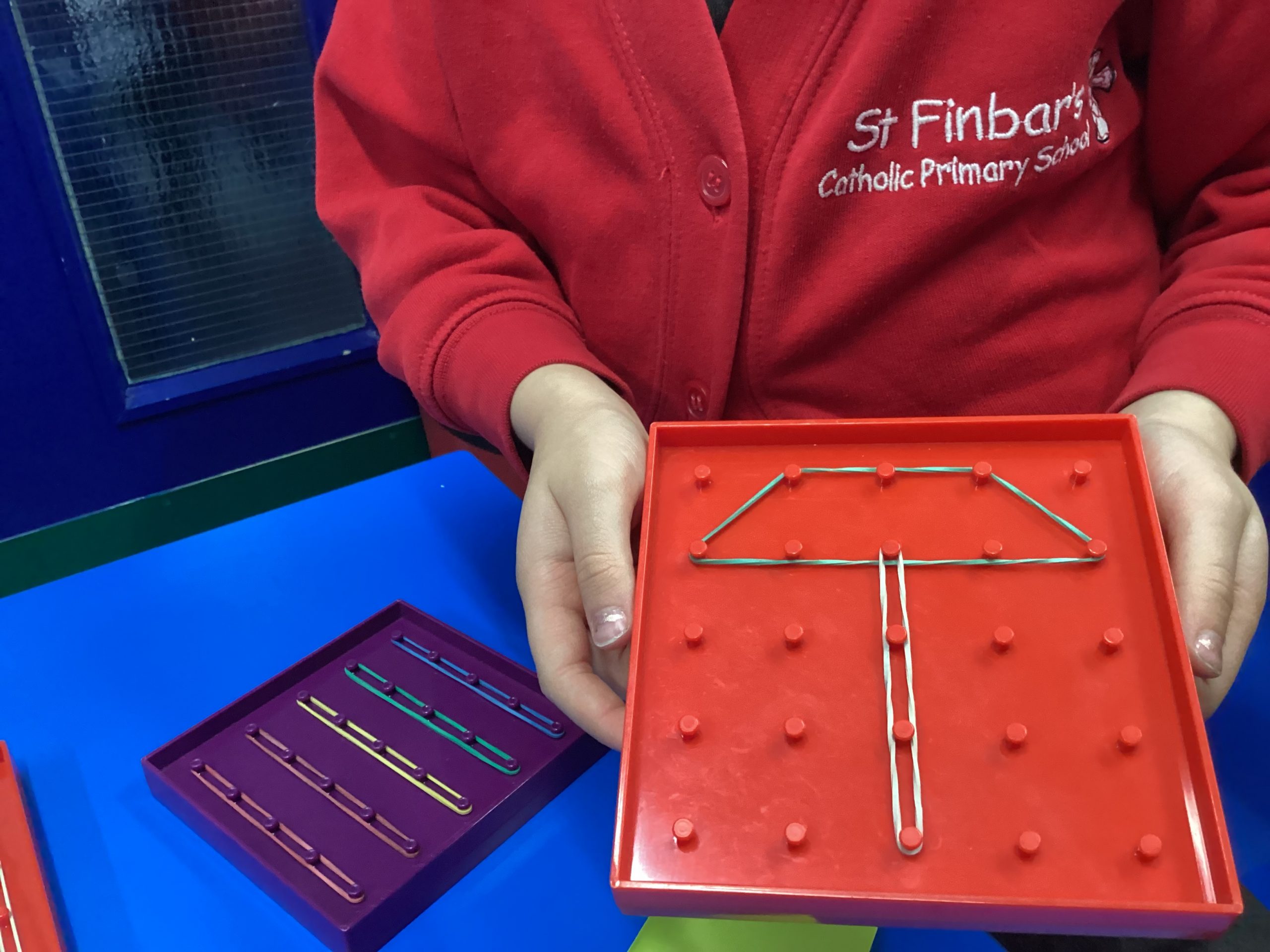
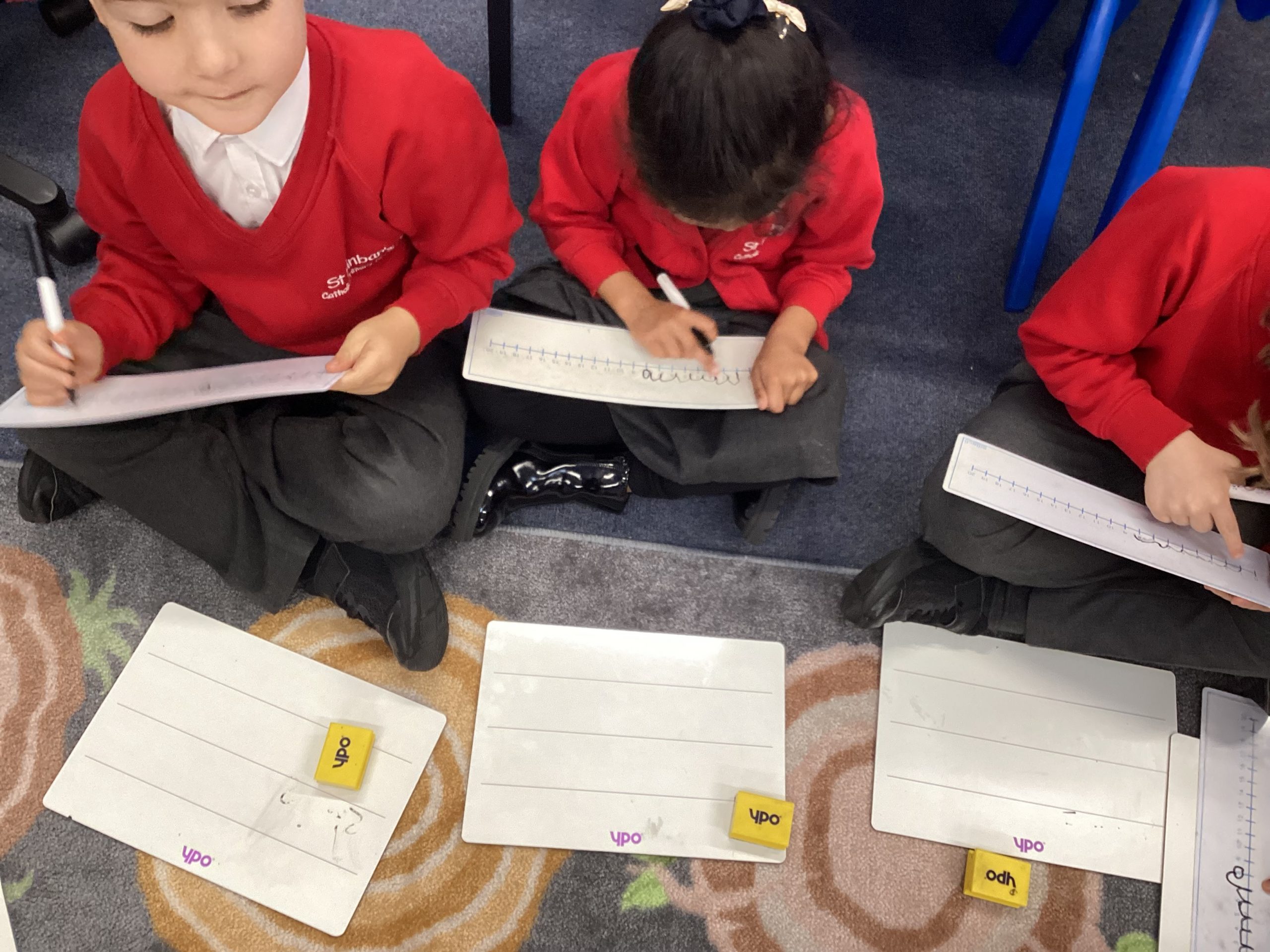
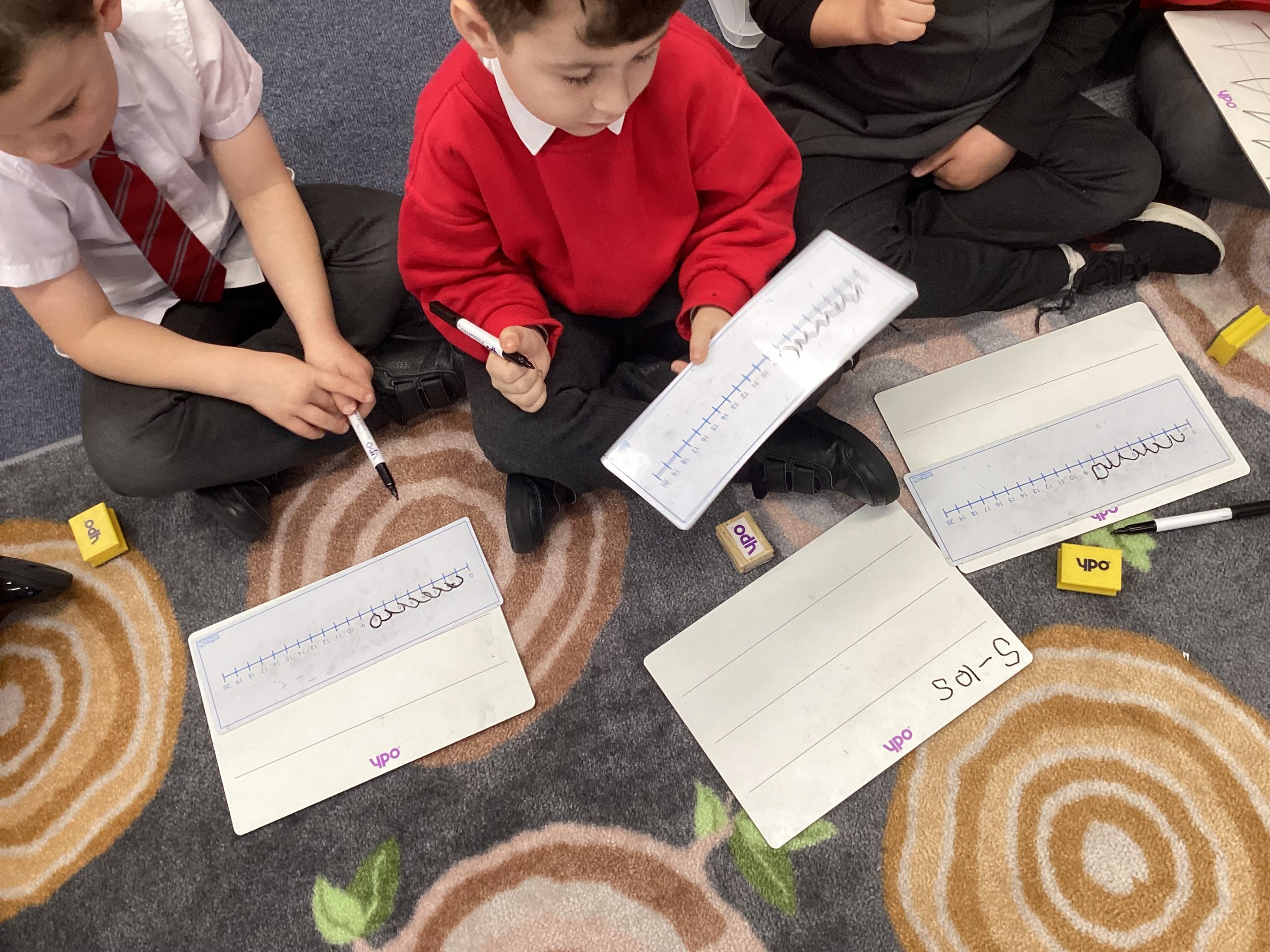
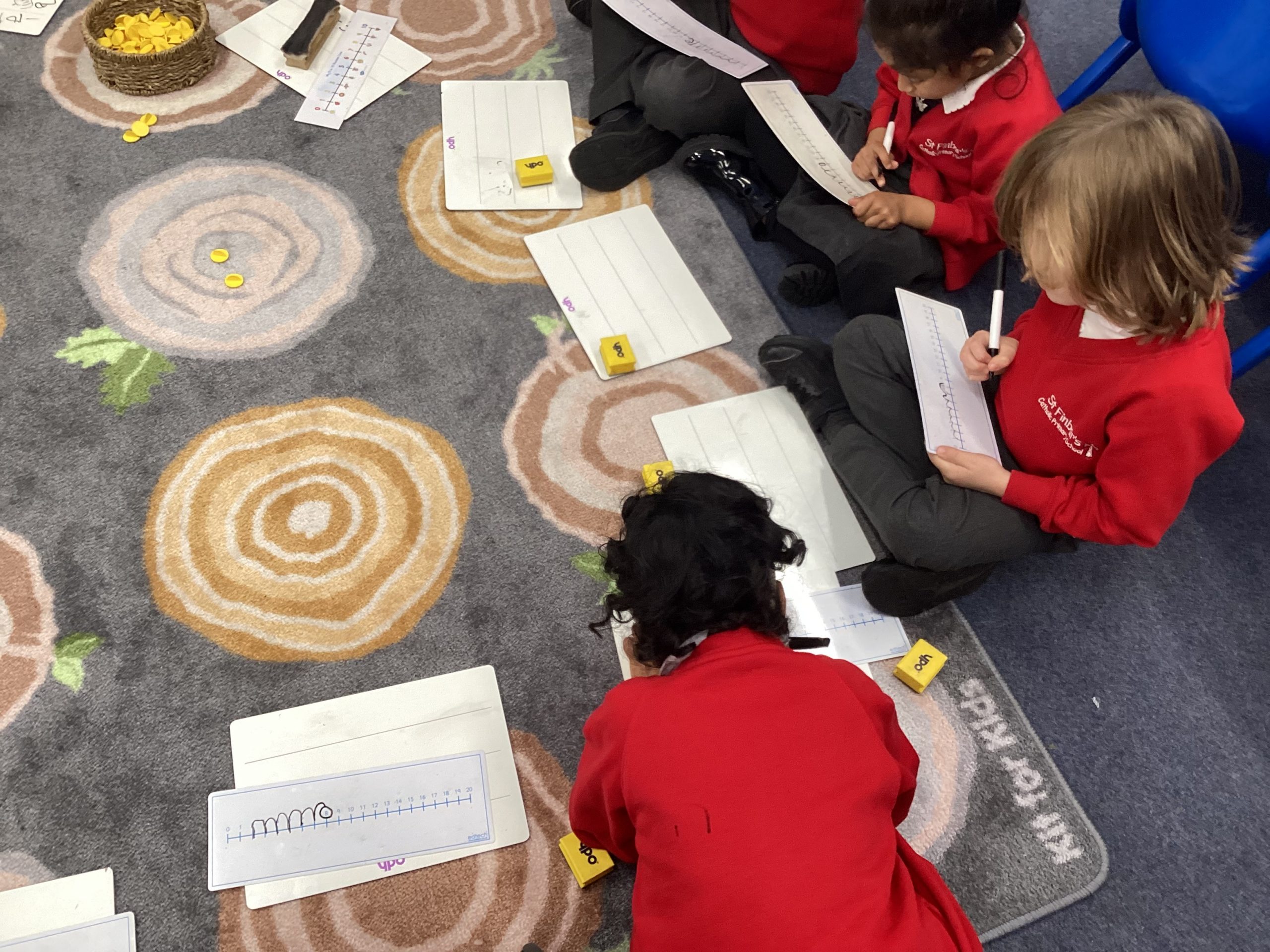
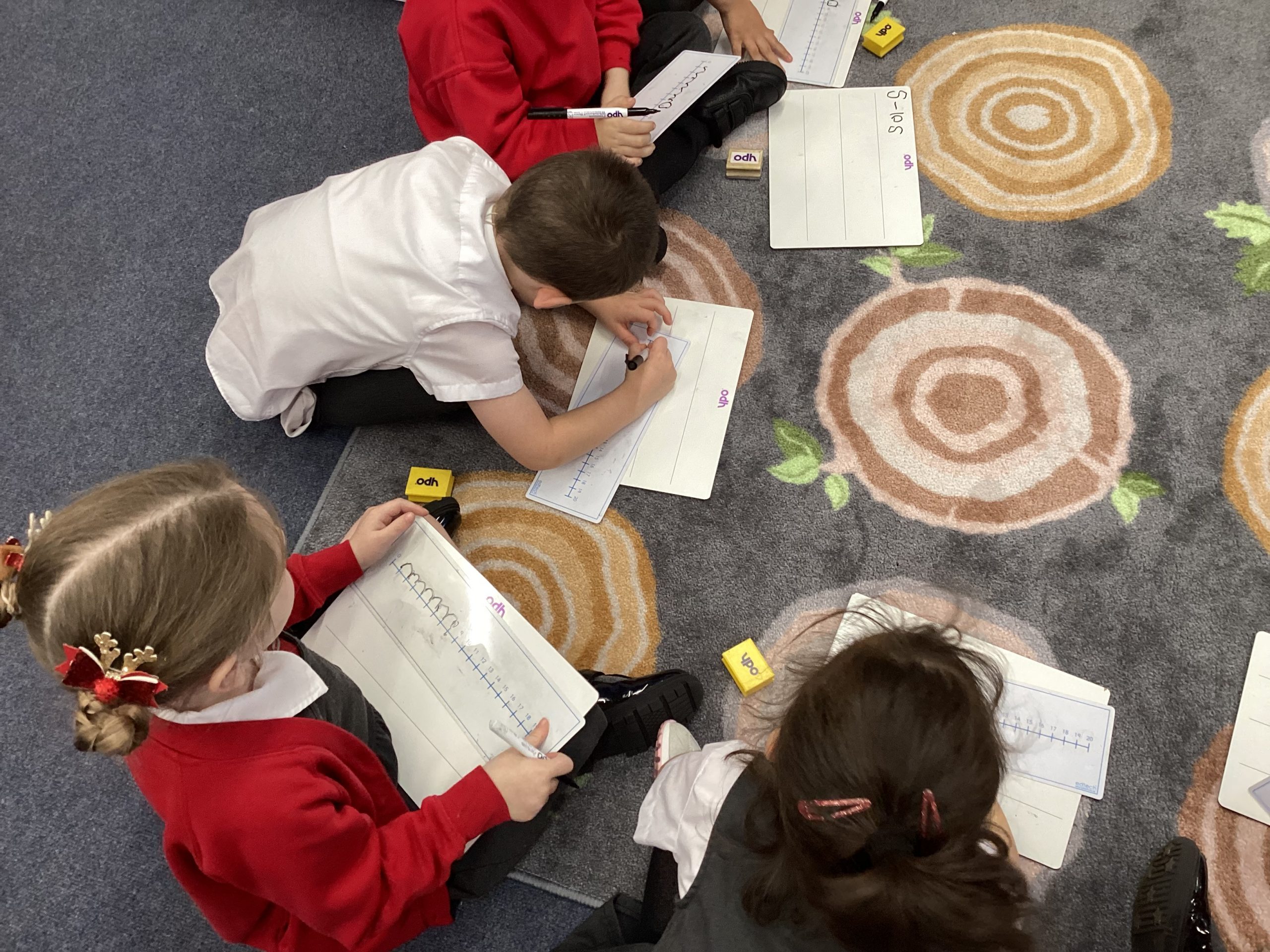
Daffodil class have been busy practising using number lines to help subtract numbers within 10.
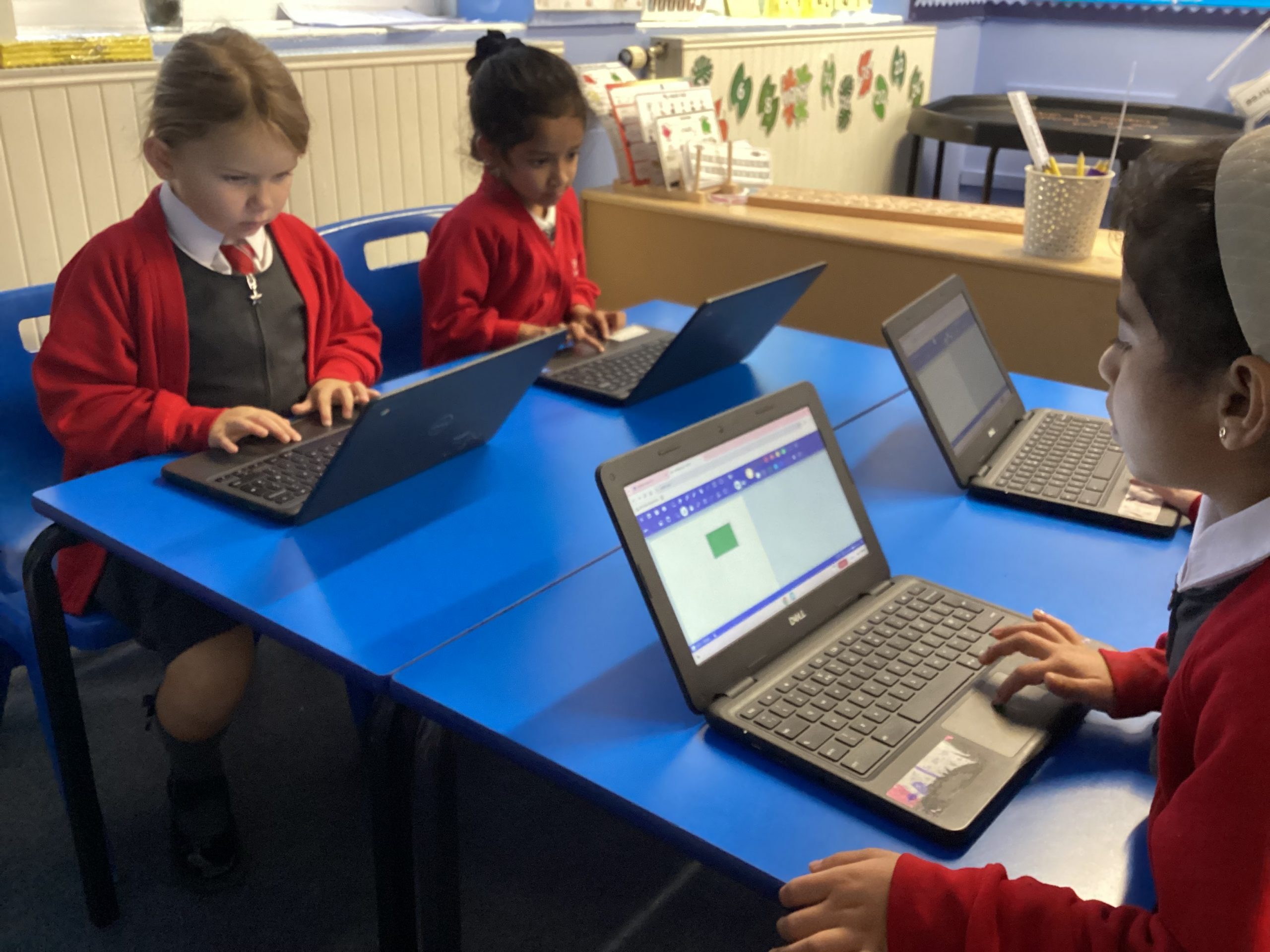
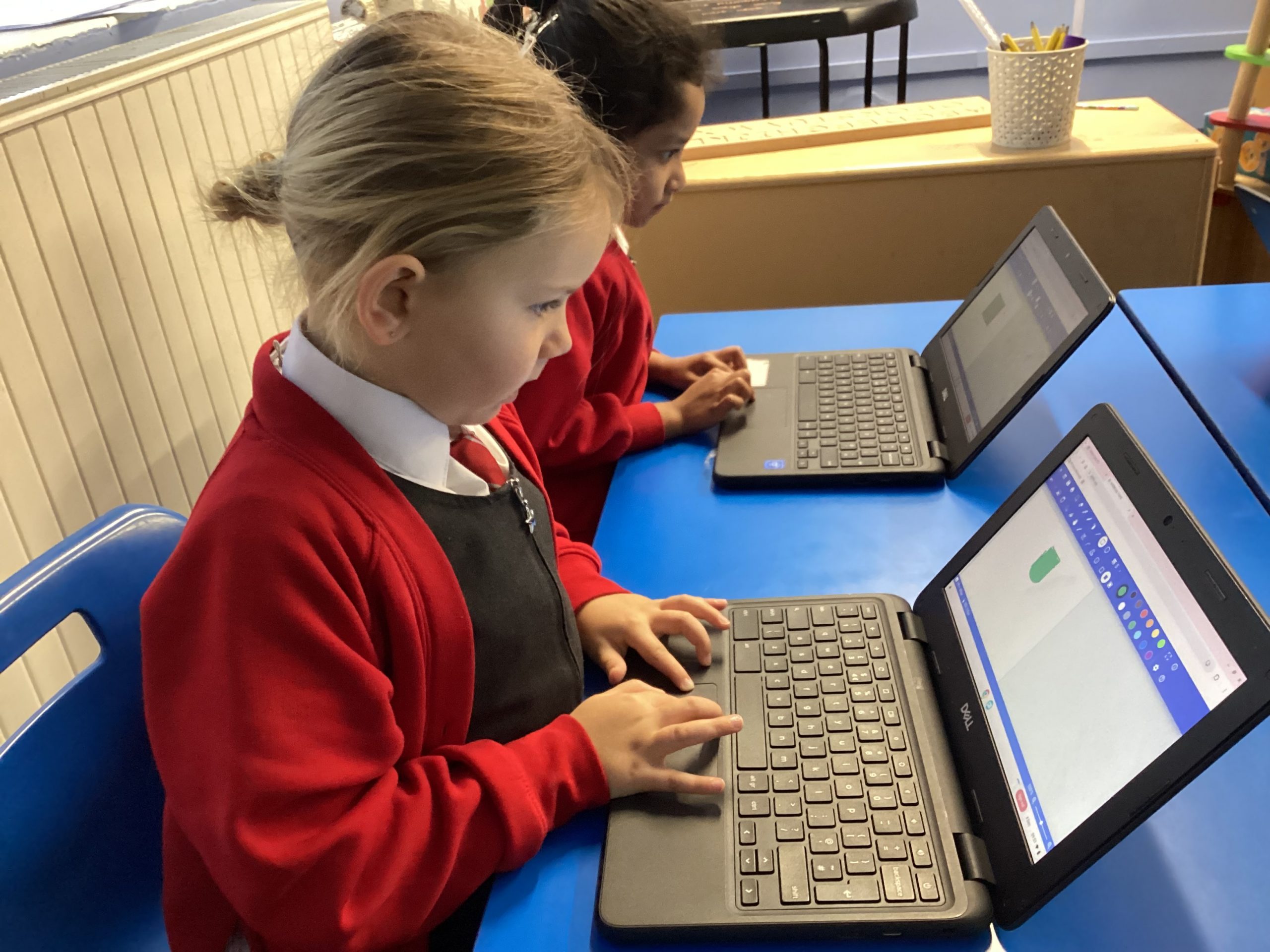
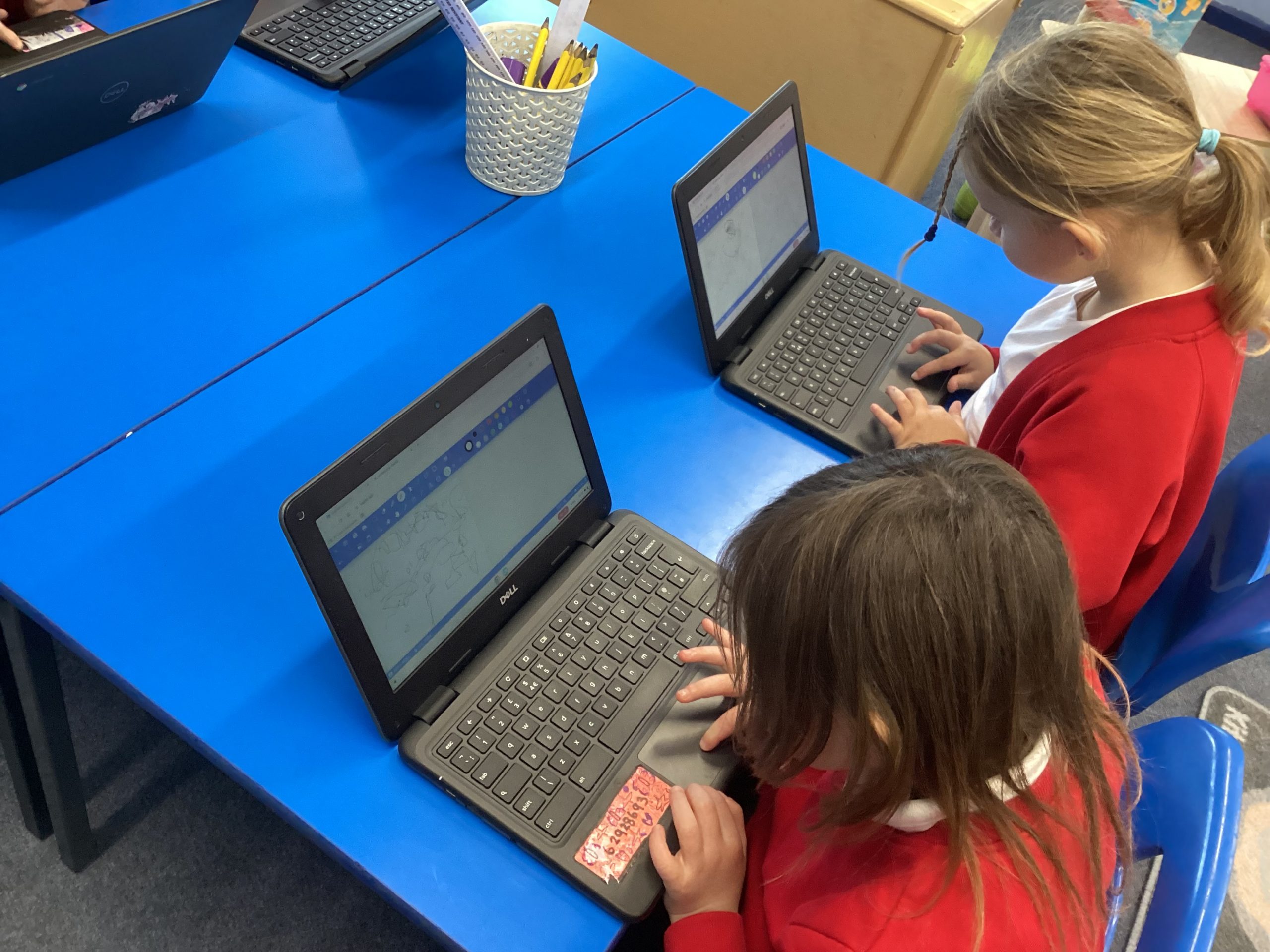
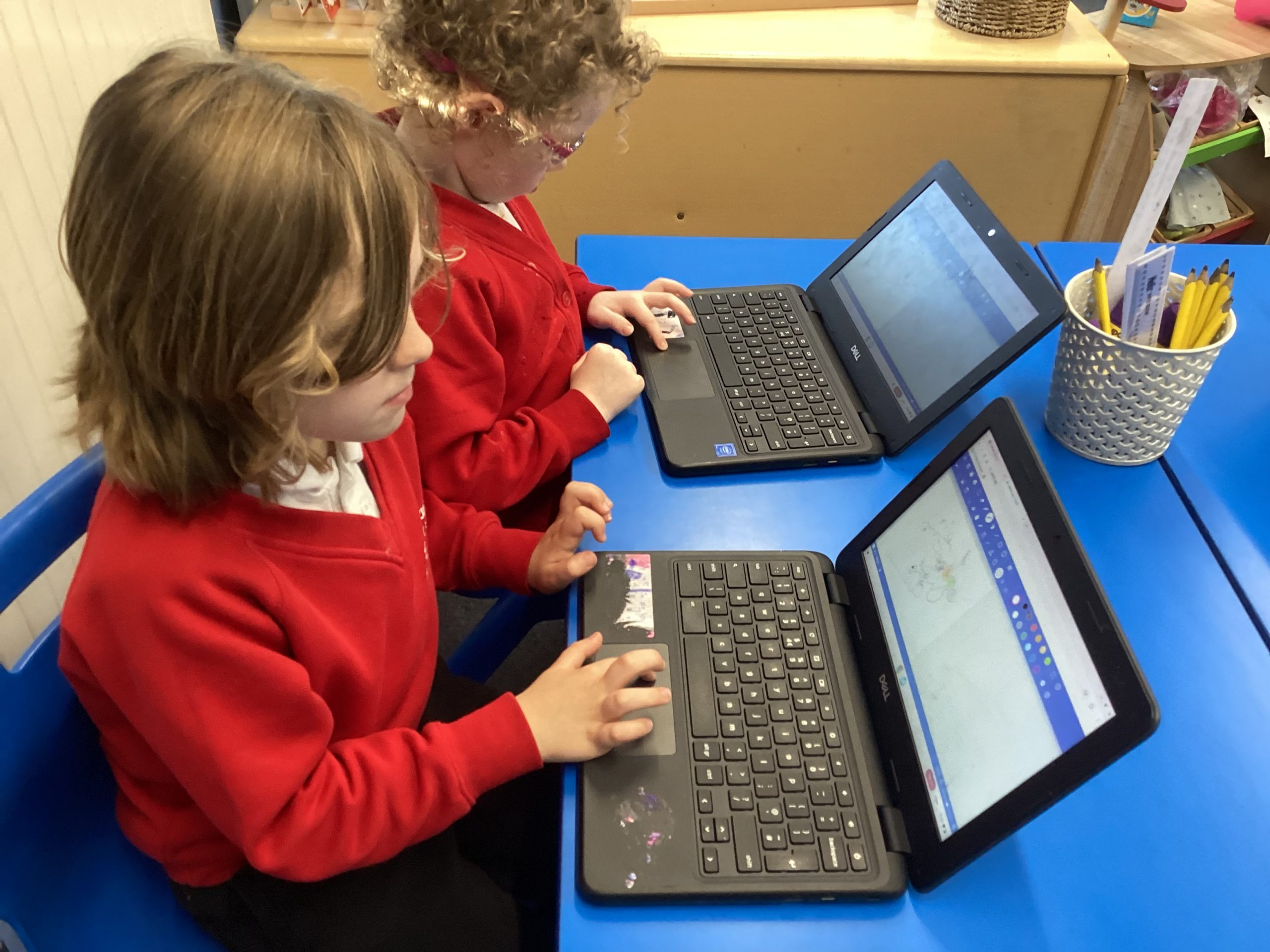
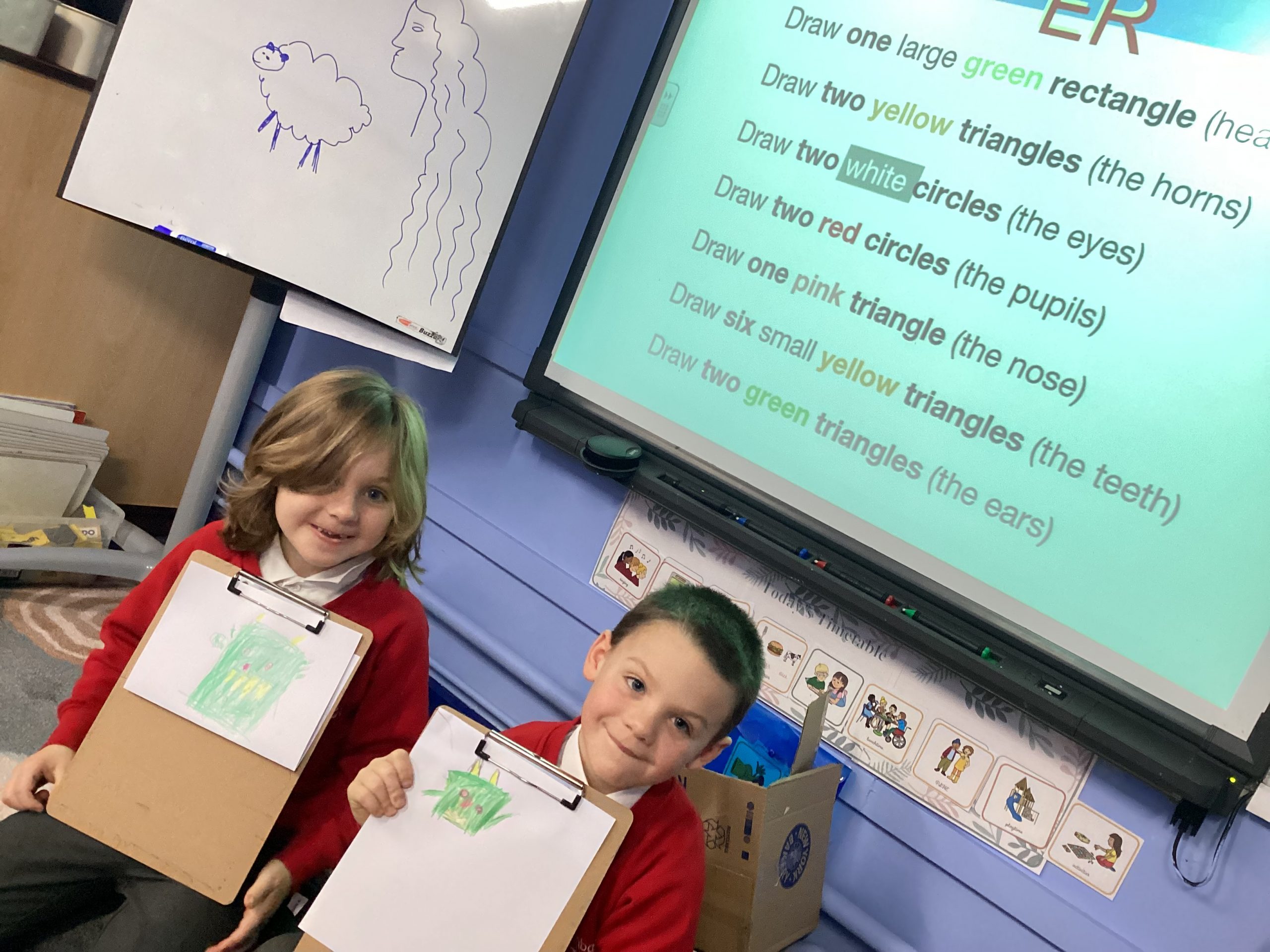
Daffodil class have been practising their shape drawing skills on our Chrome Books. We have been using our imagination to create different images using shapes and colours. Our fabulous learners continued to access the challenge and drew their own shape monsters.
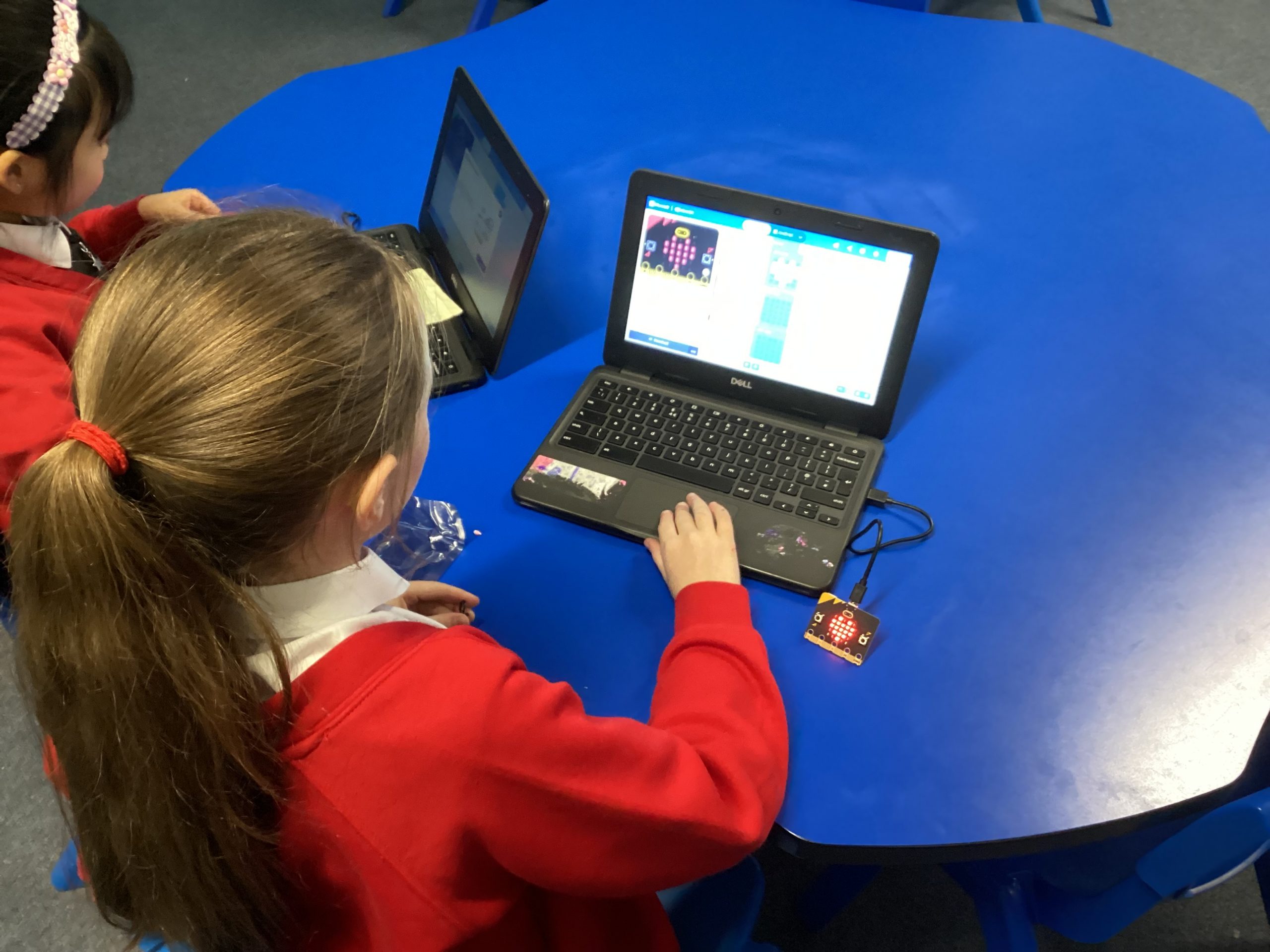
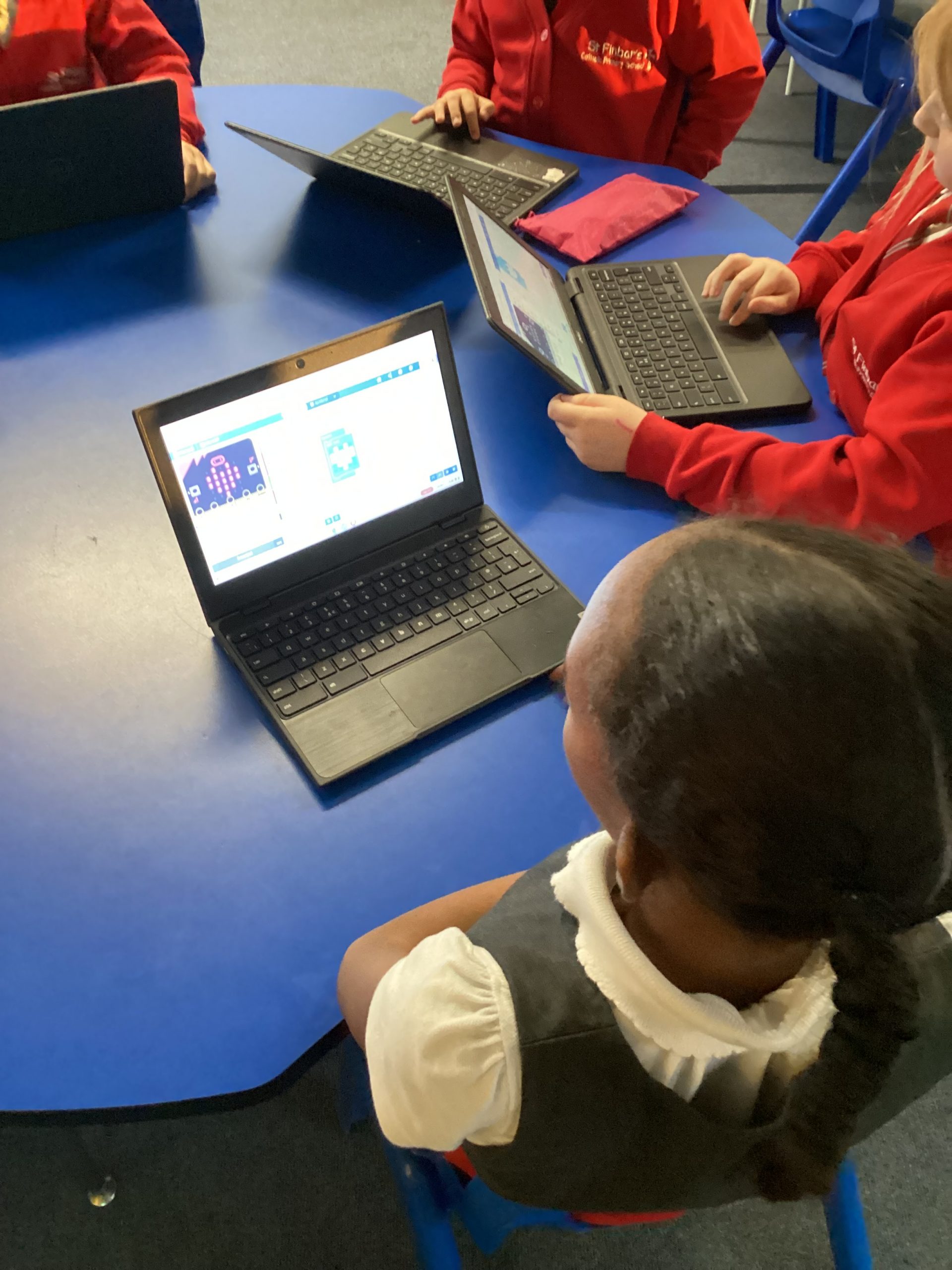
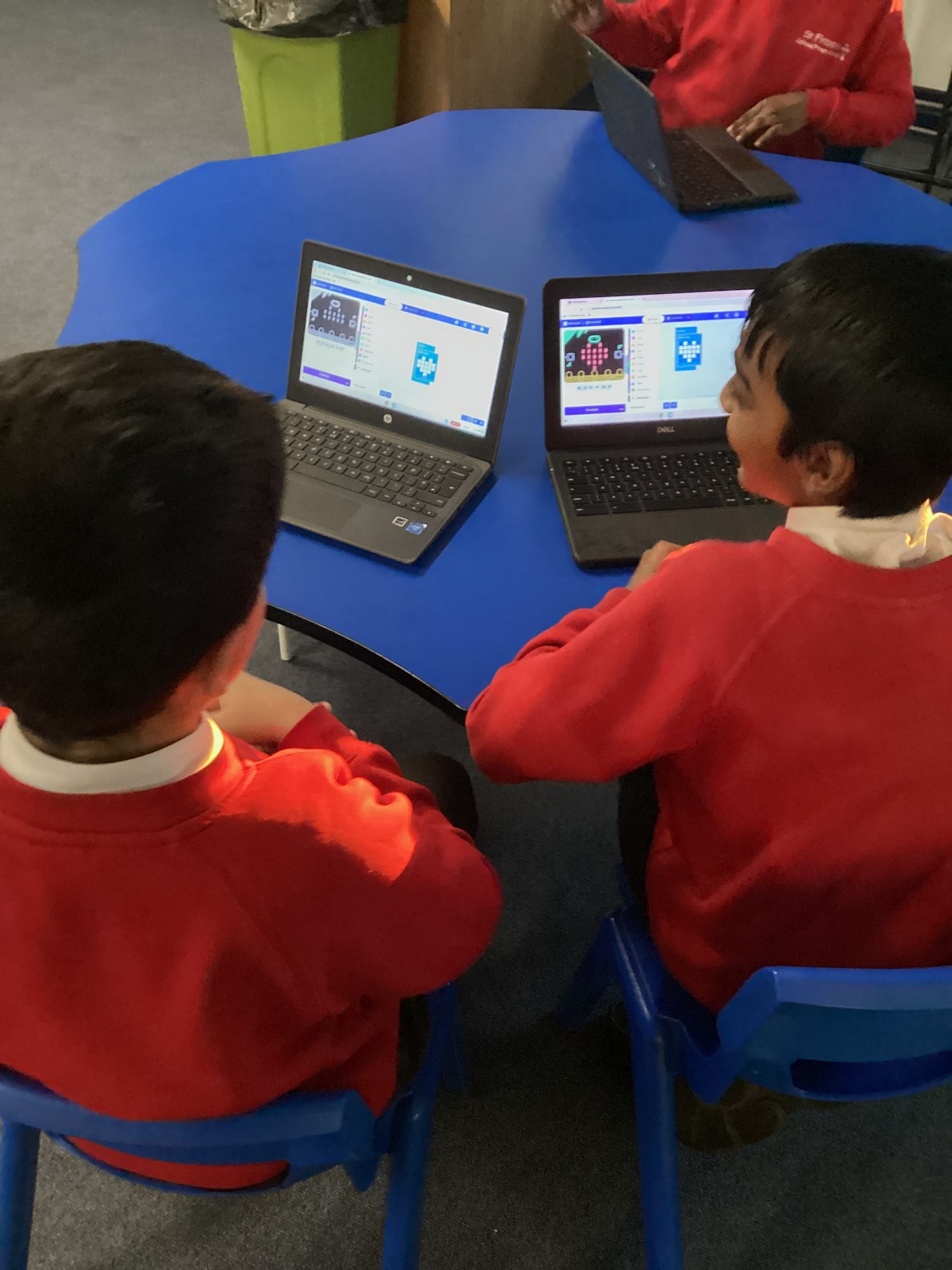
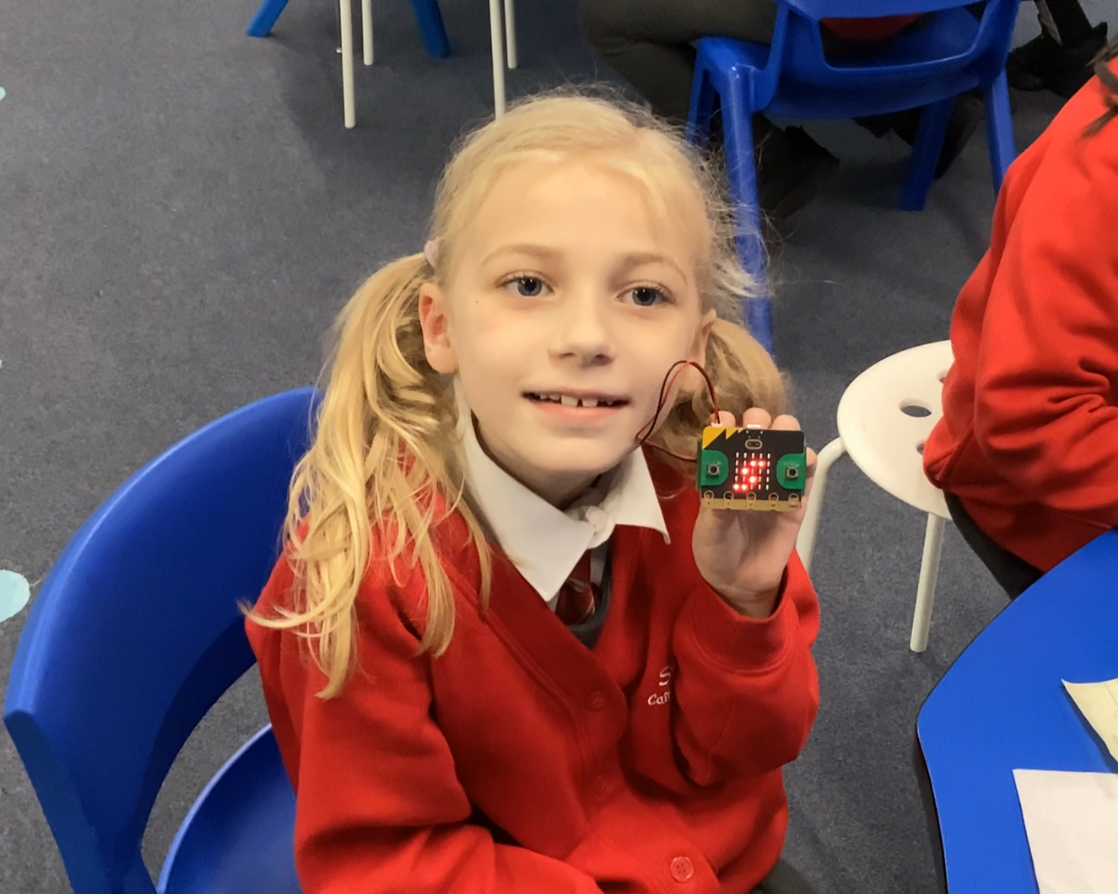
This week we coded the Micro:bits to begin to show flashing hearts. To do it we used the forever loop and added in the led heart and a blank one to make it flash between blank and heart. Once we had downloaded the code onto the device we then had beating hearts!
959
Today was our first computing after-school club and we were very excited to use the Micro:bits for the first time. We began by learning about how coding is needed to program a device as it is a set of instructions for it to follow. Then we programmed the Micro:bit to turn into a name tag by displaying our names repeatedly.
965
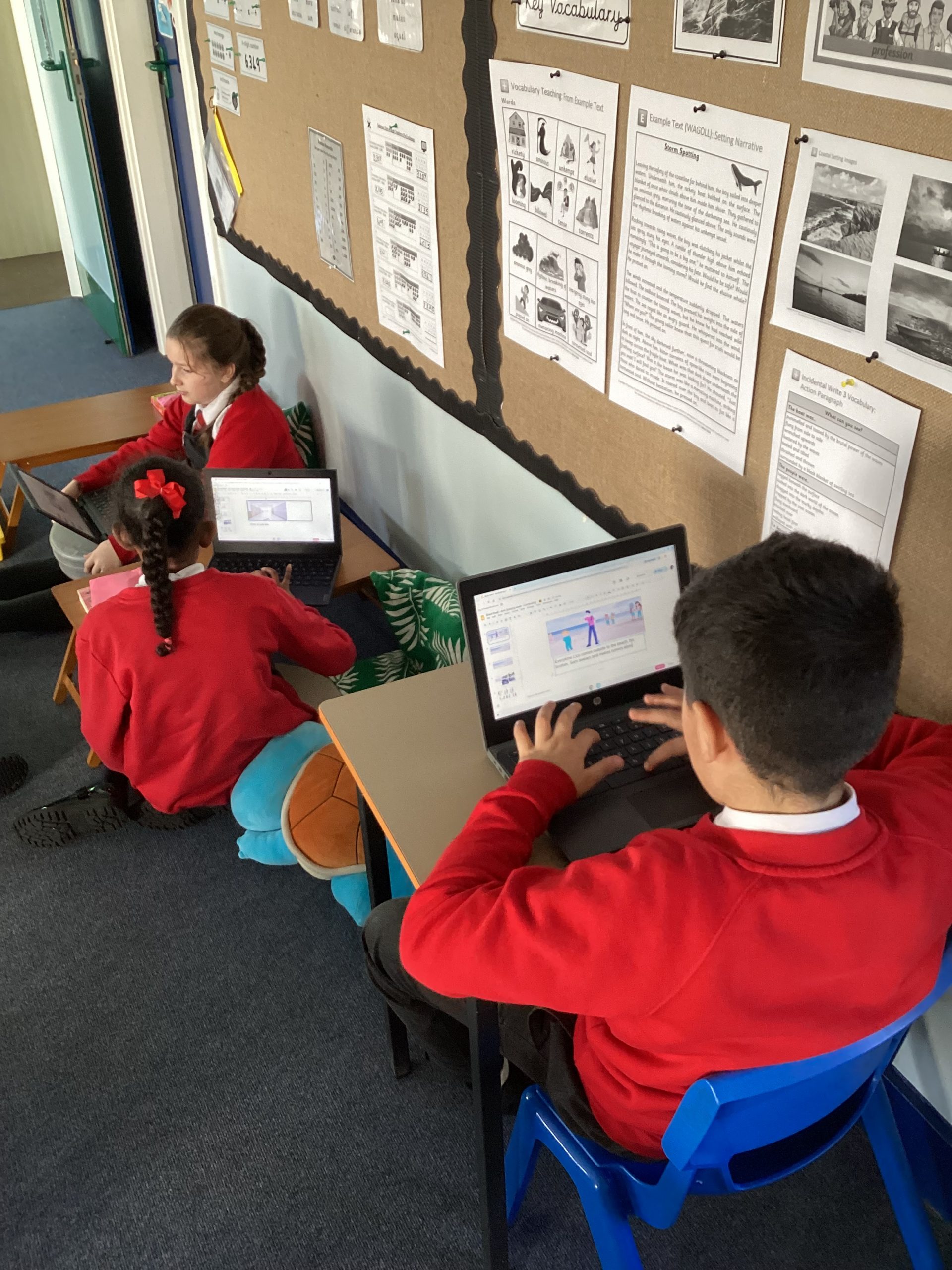
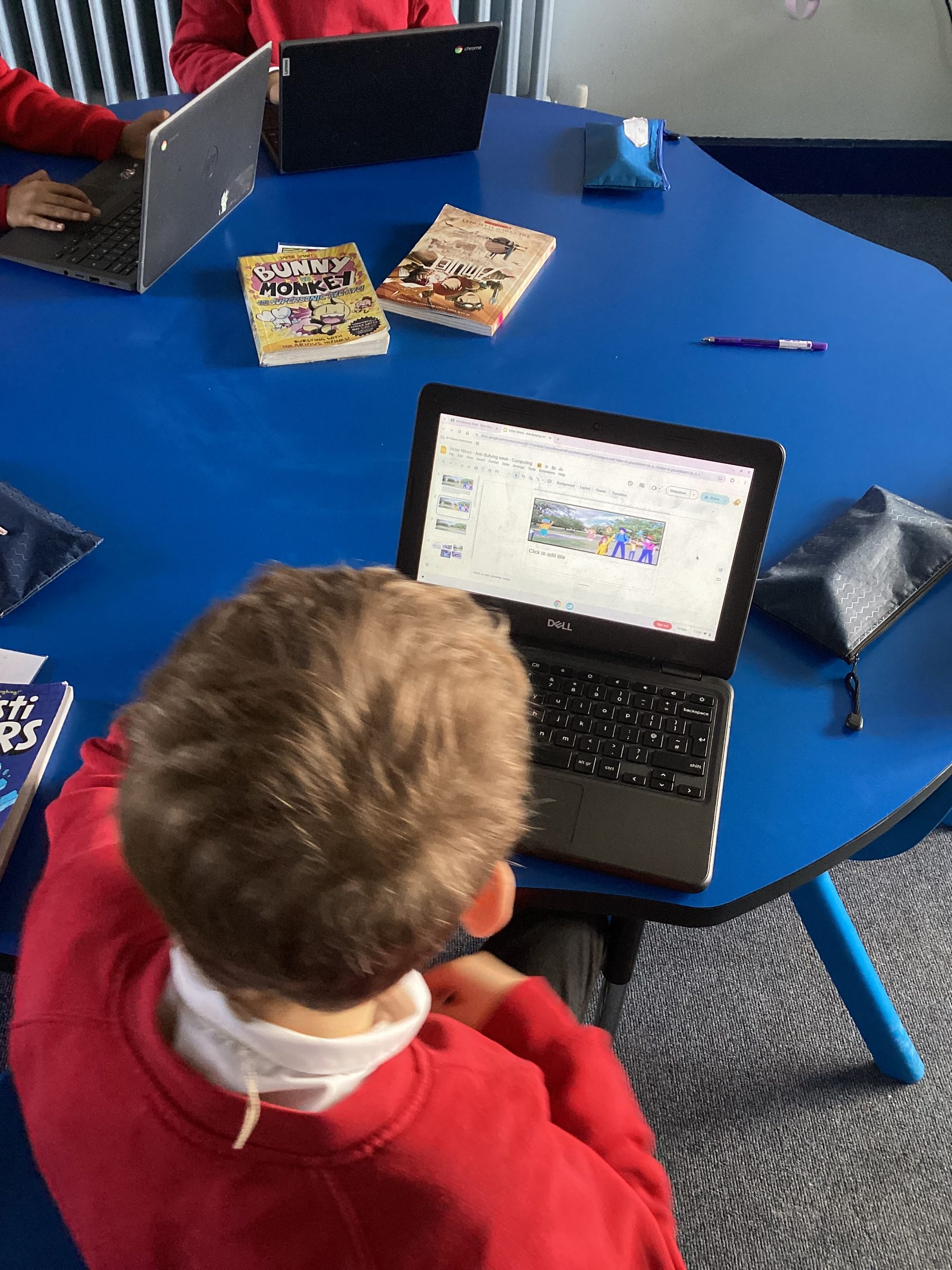
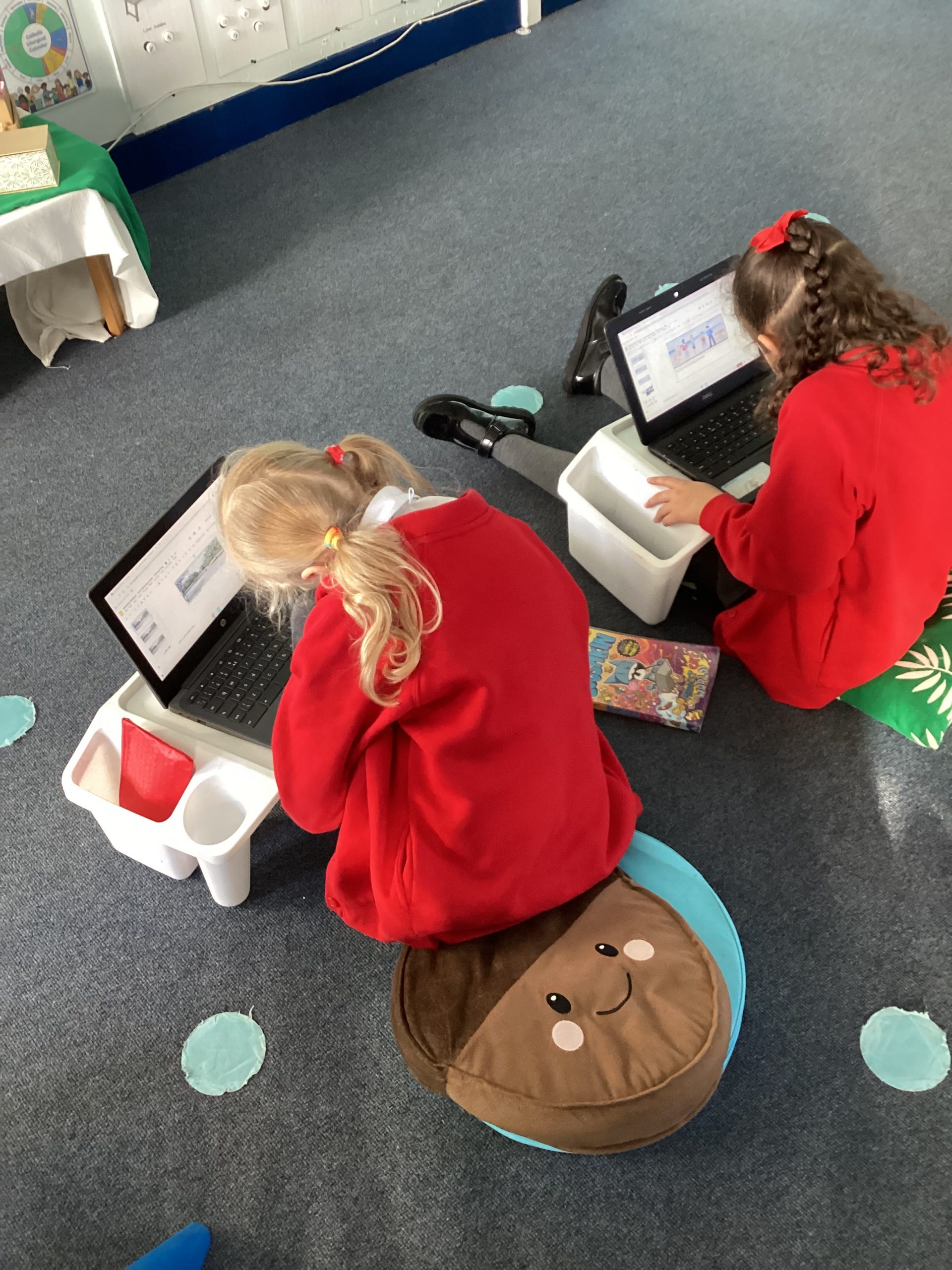
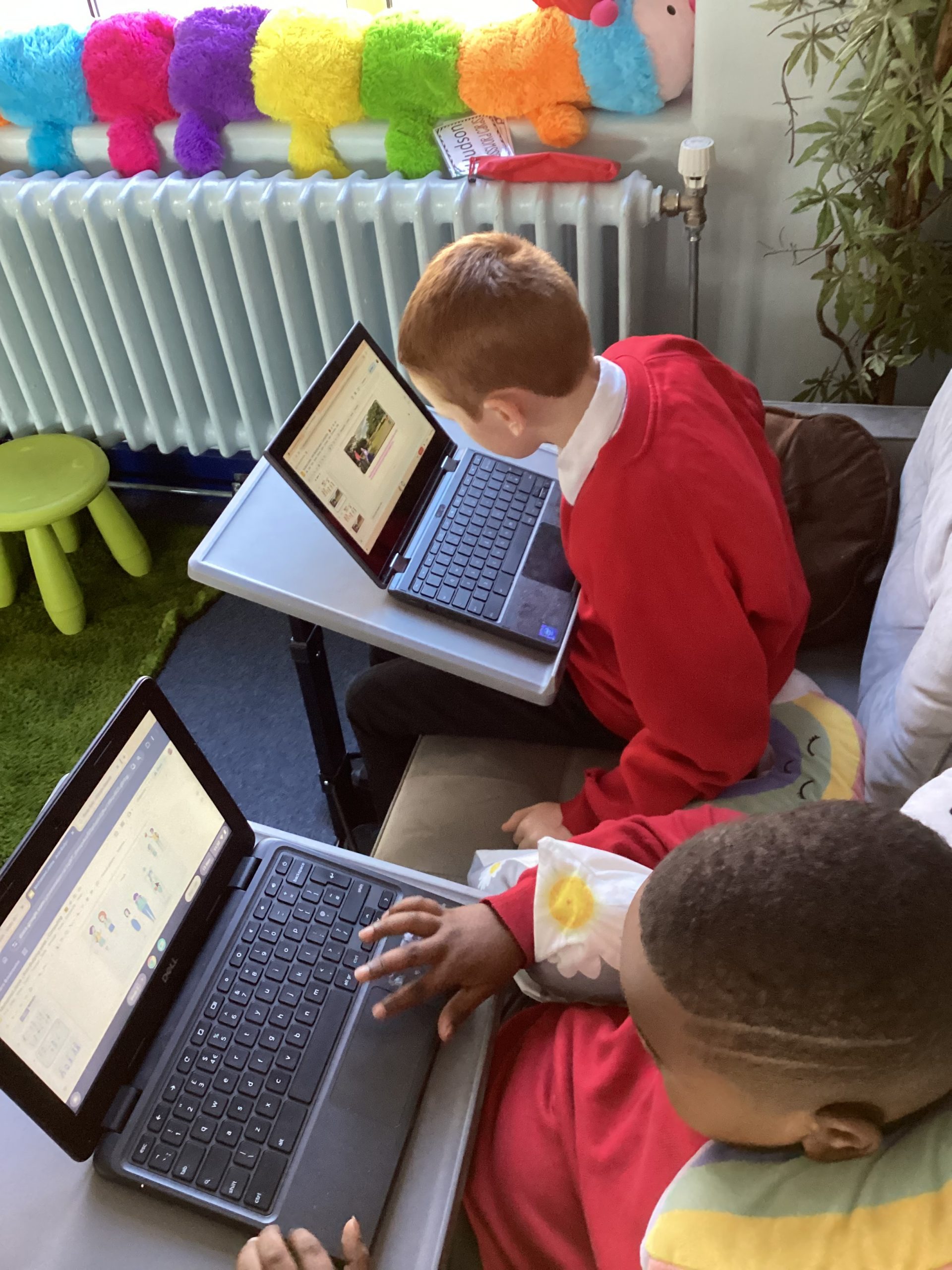
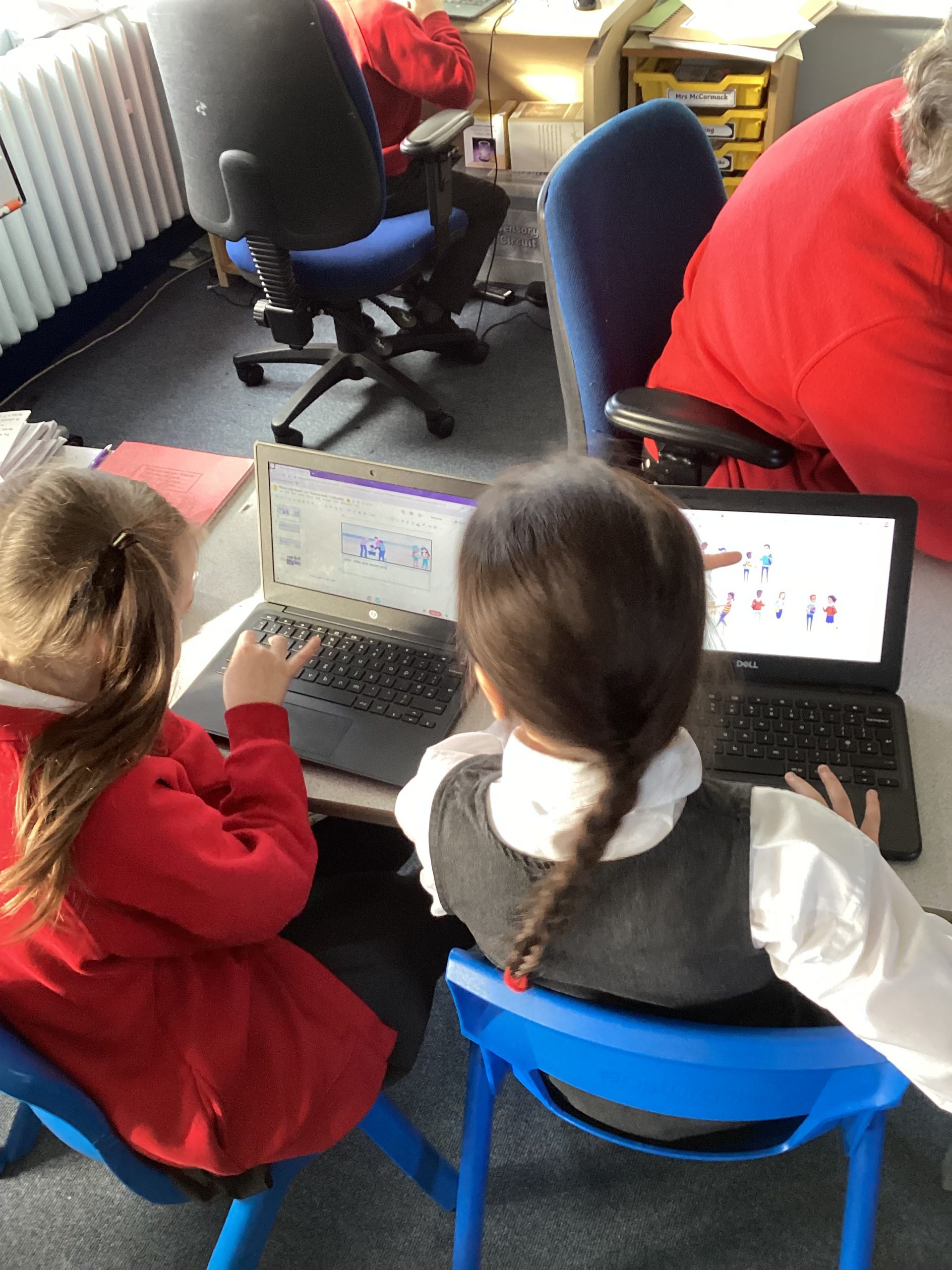
For our second lesson we recapped the roles in bullying and acted out different scenarios. We then discussed as a class how we could solve each situation and take the power away from the ringleader and assistant. To link our work to computing we the designed storyboard creating our own bullying situation and showing how to solve it.